Timeline — Ohio State App
Features arranged by the year they shipped in the Ohio State app.
2026
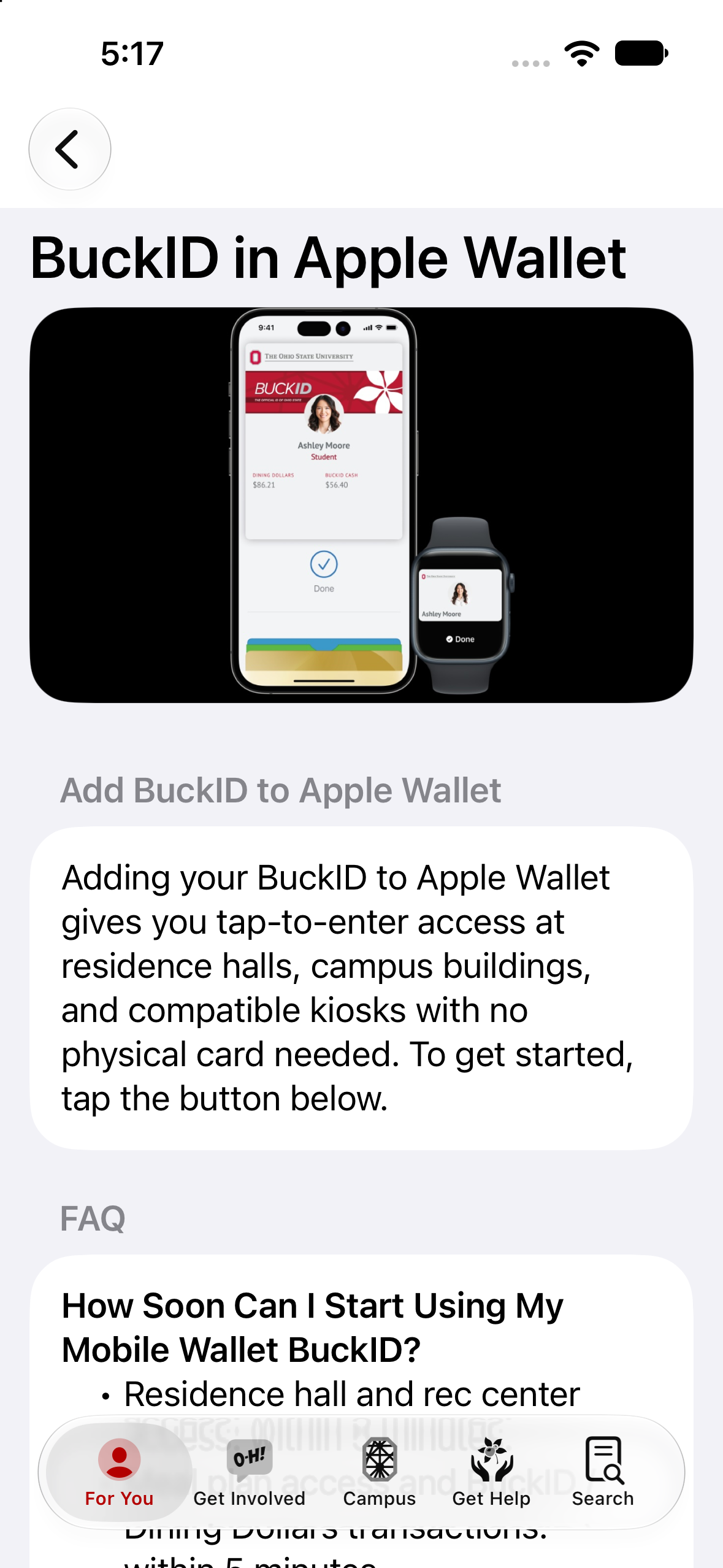
BuckID: Wallet Provisioning
Replacing physical cards.
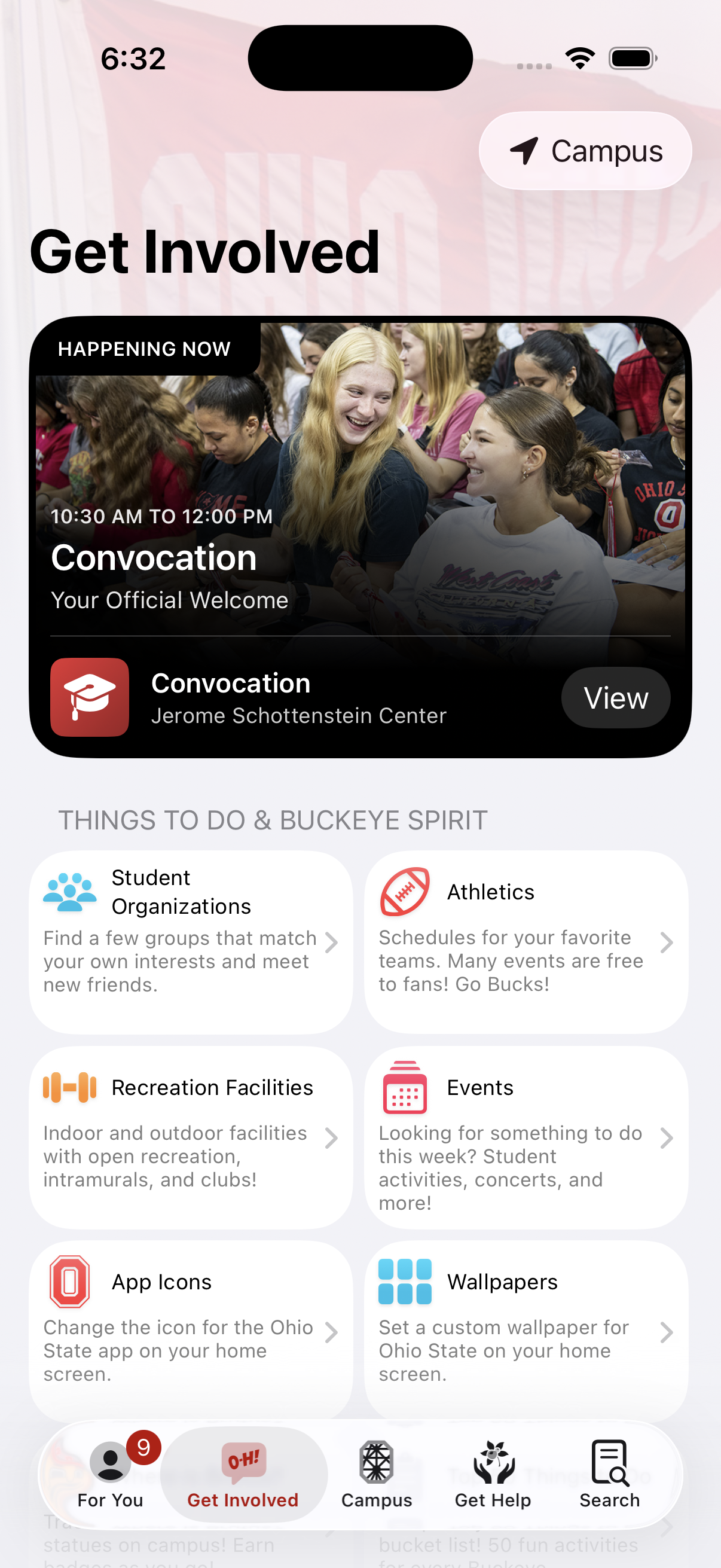
Convocation
Your official welcome.
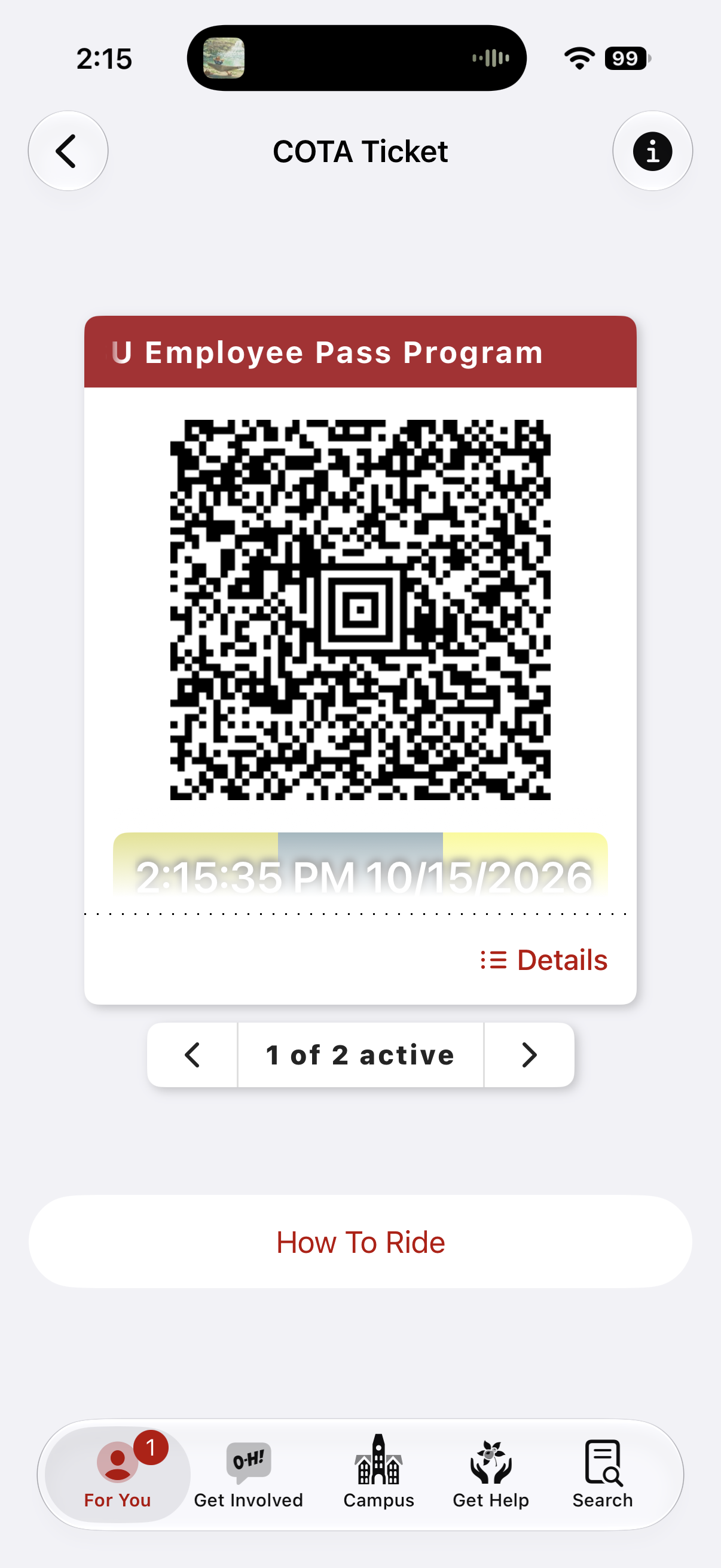
COTA Ticket
Scan your COTA bus pass right from the app.
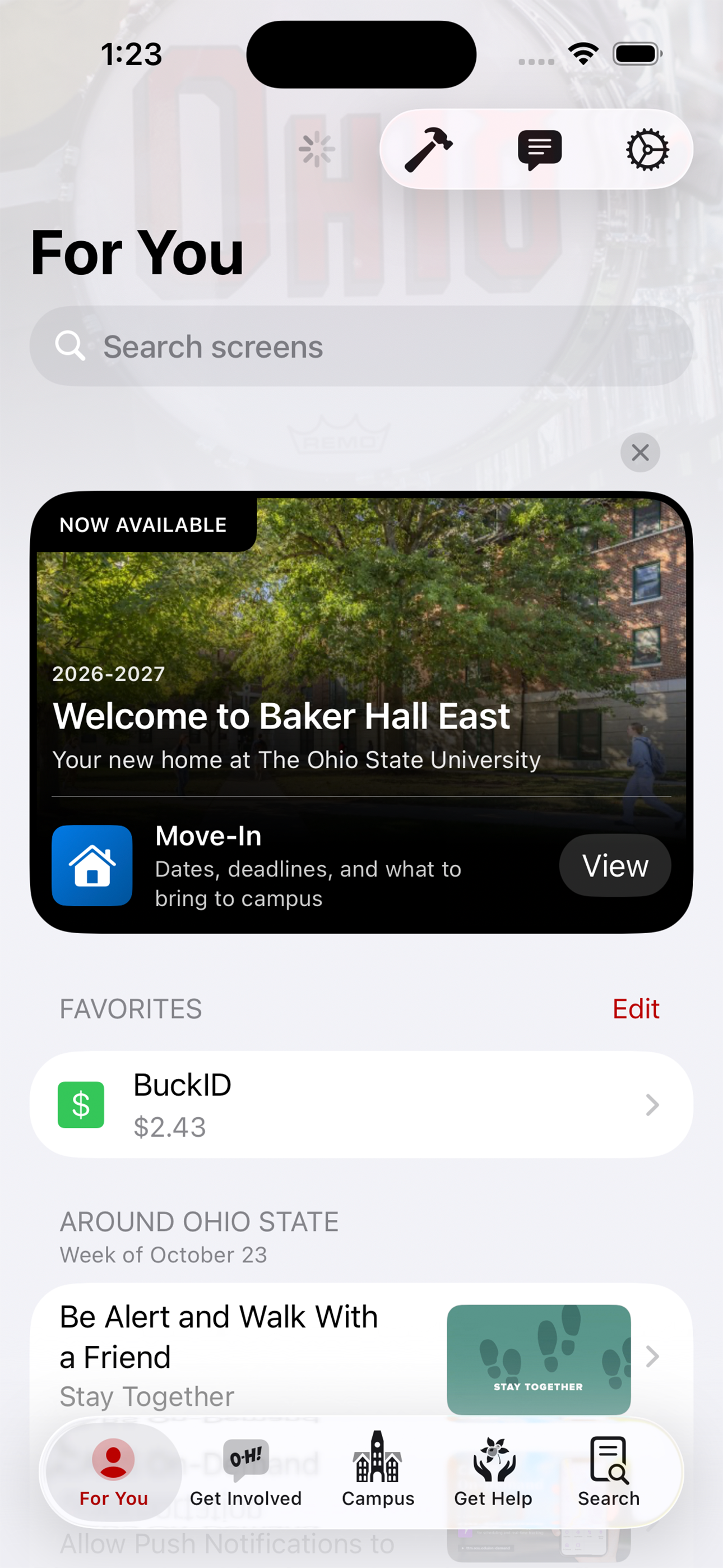
Move-In
Helping students move into their home away from home.
2025
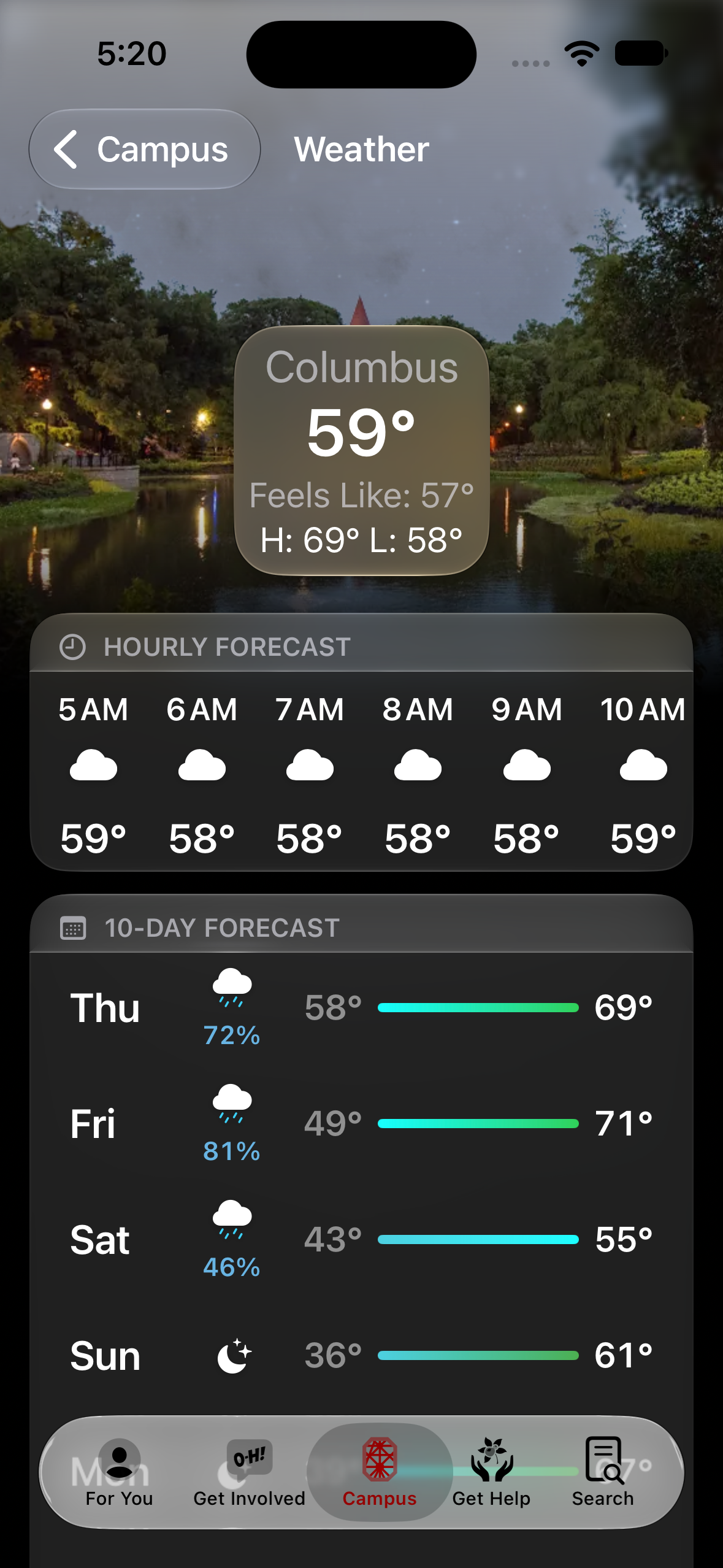
Campus Weather
Current conditions and forecasts.
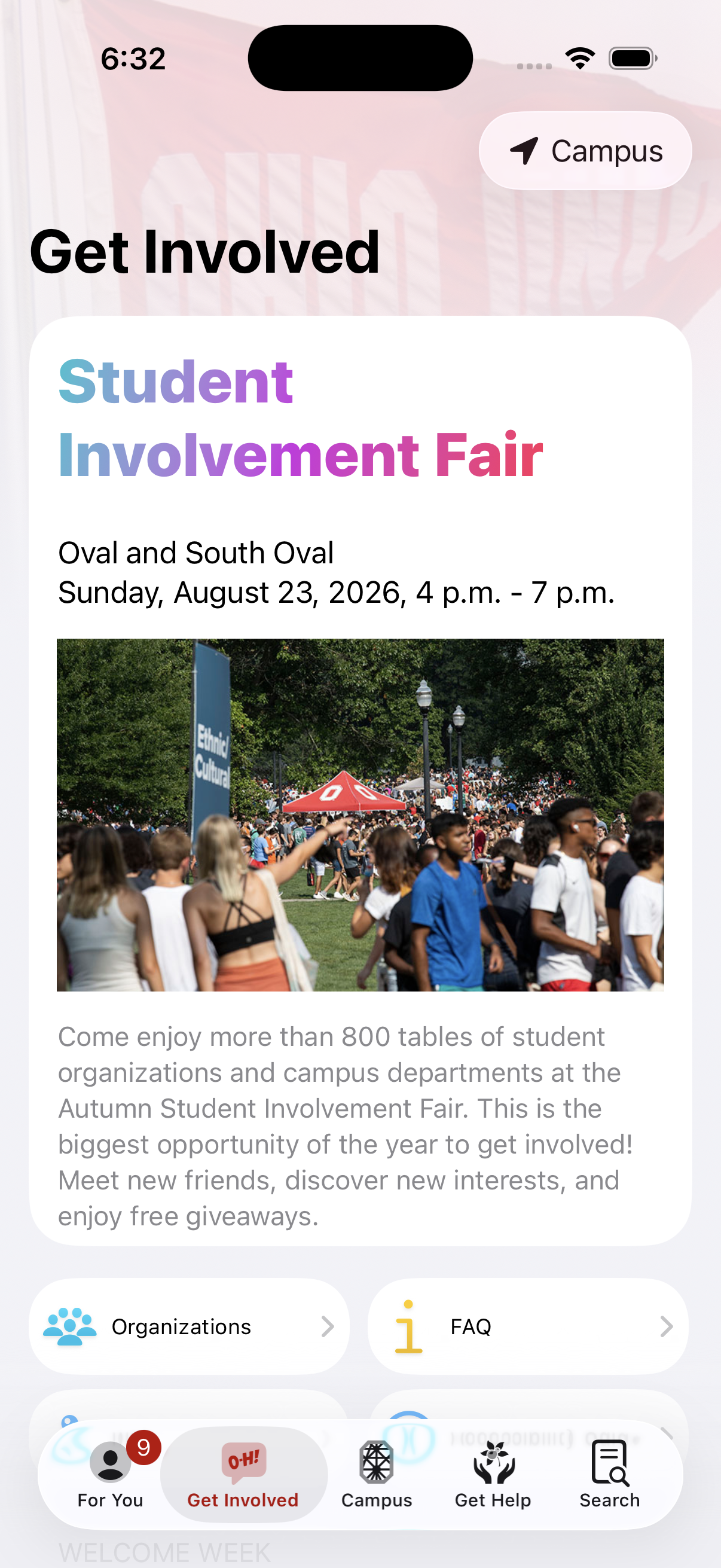
Student Involvement Fair
Helping thousands of students find new friends twice a year.
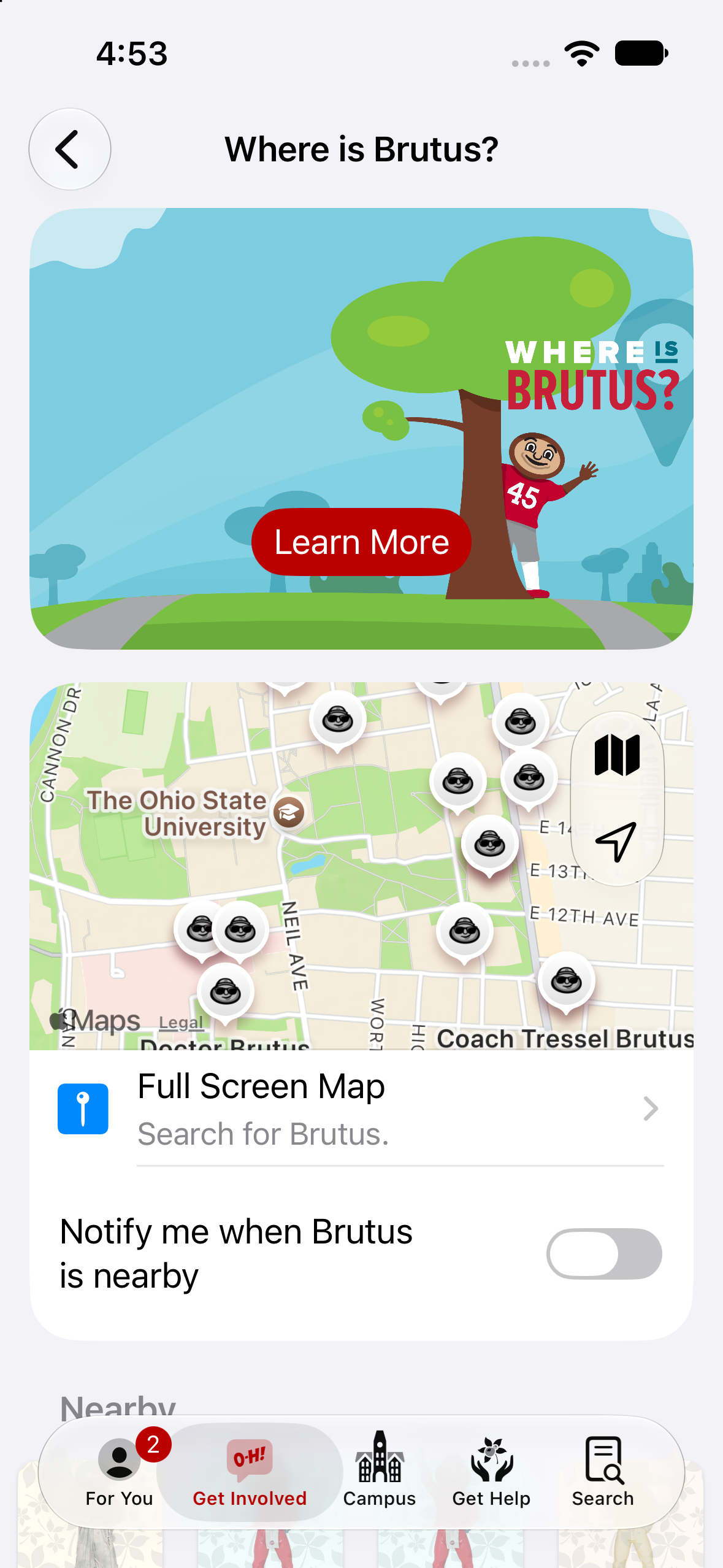
Where's Brutus
Find them all!
2024
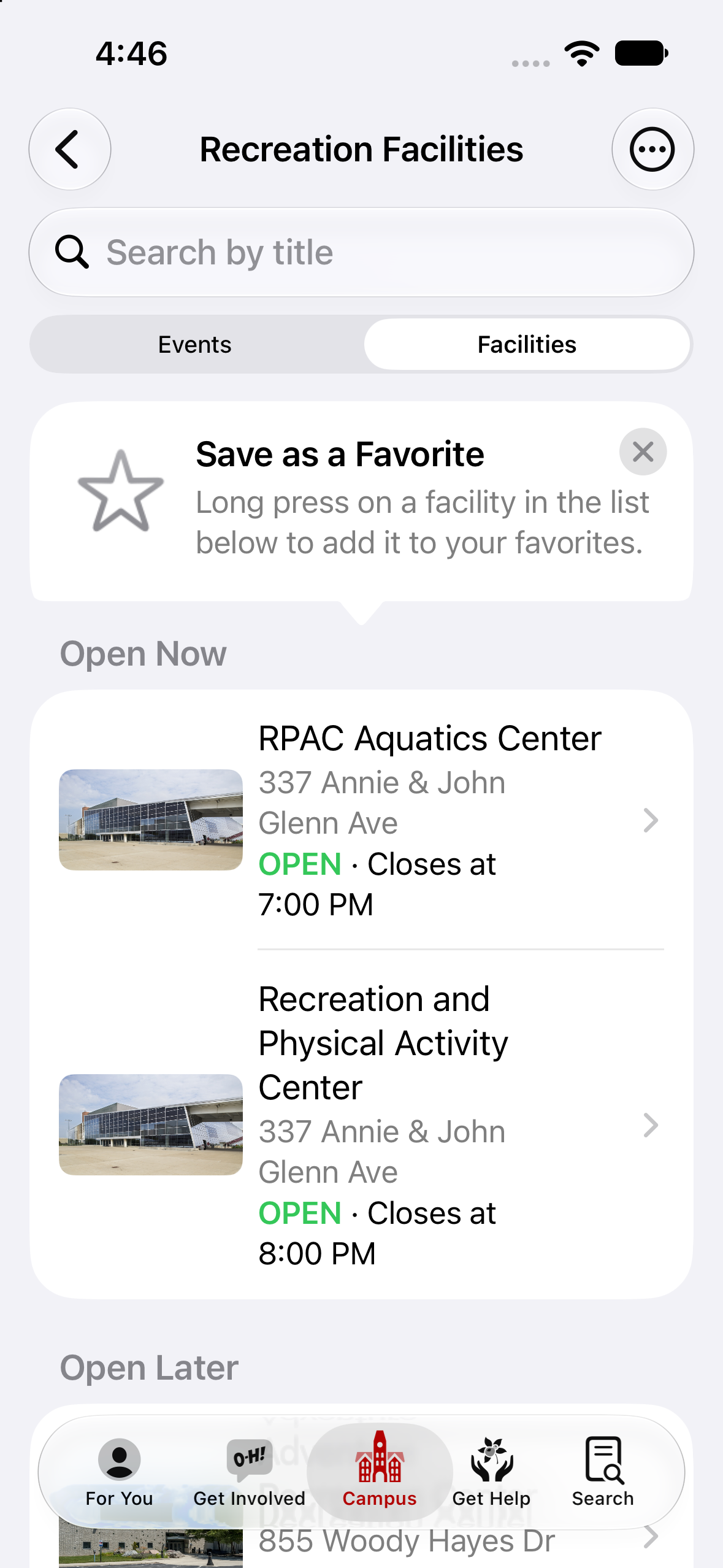
Recreation Facilities
Locations and occupancy.
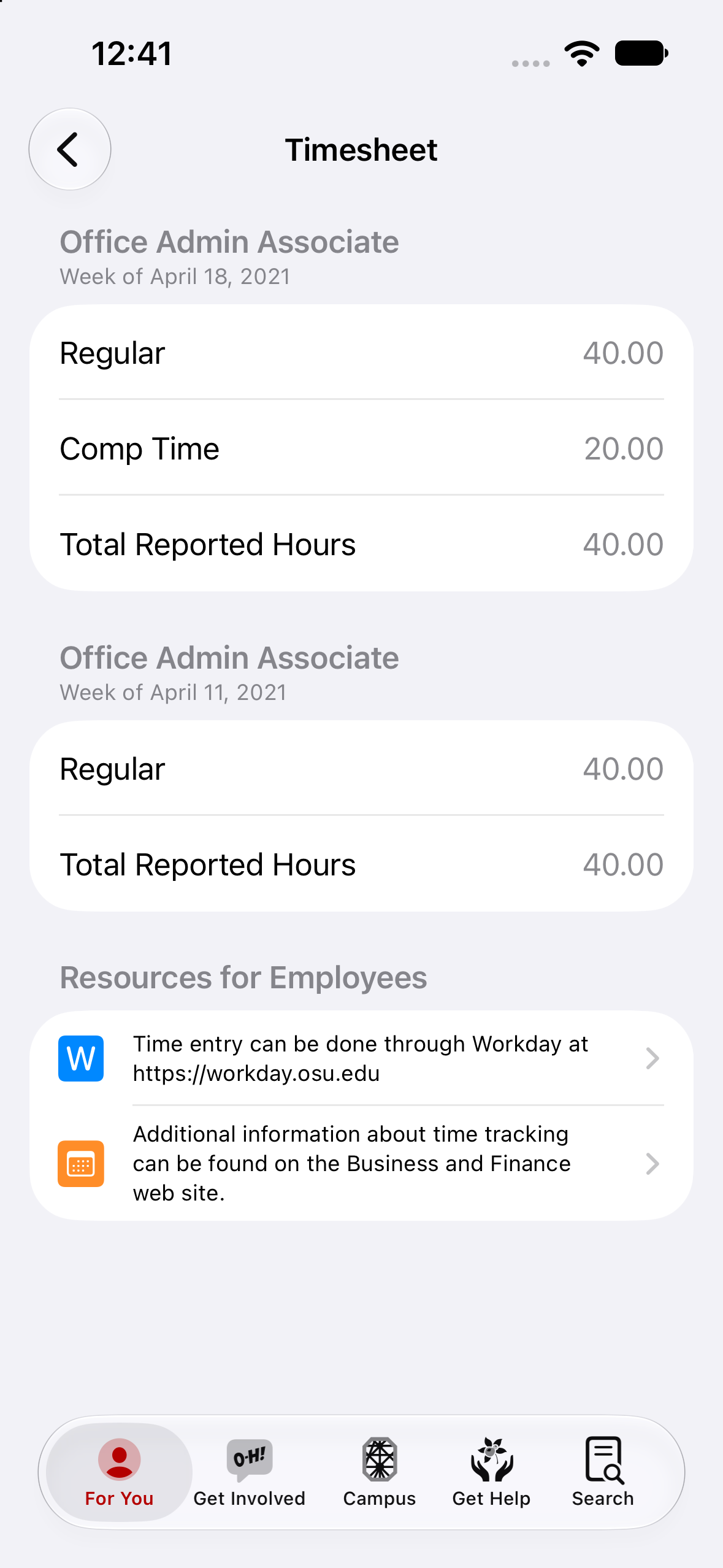
Timesheets
Number of hours worked per pay period.
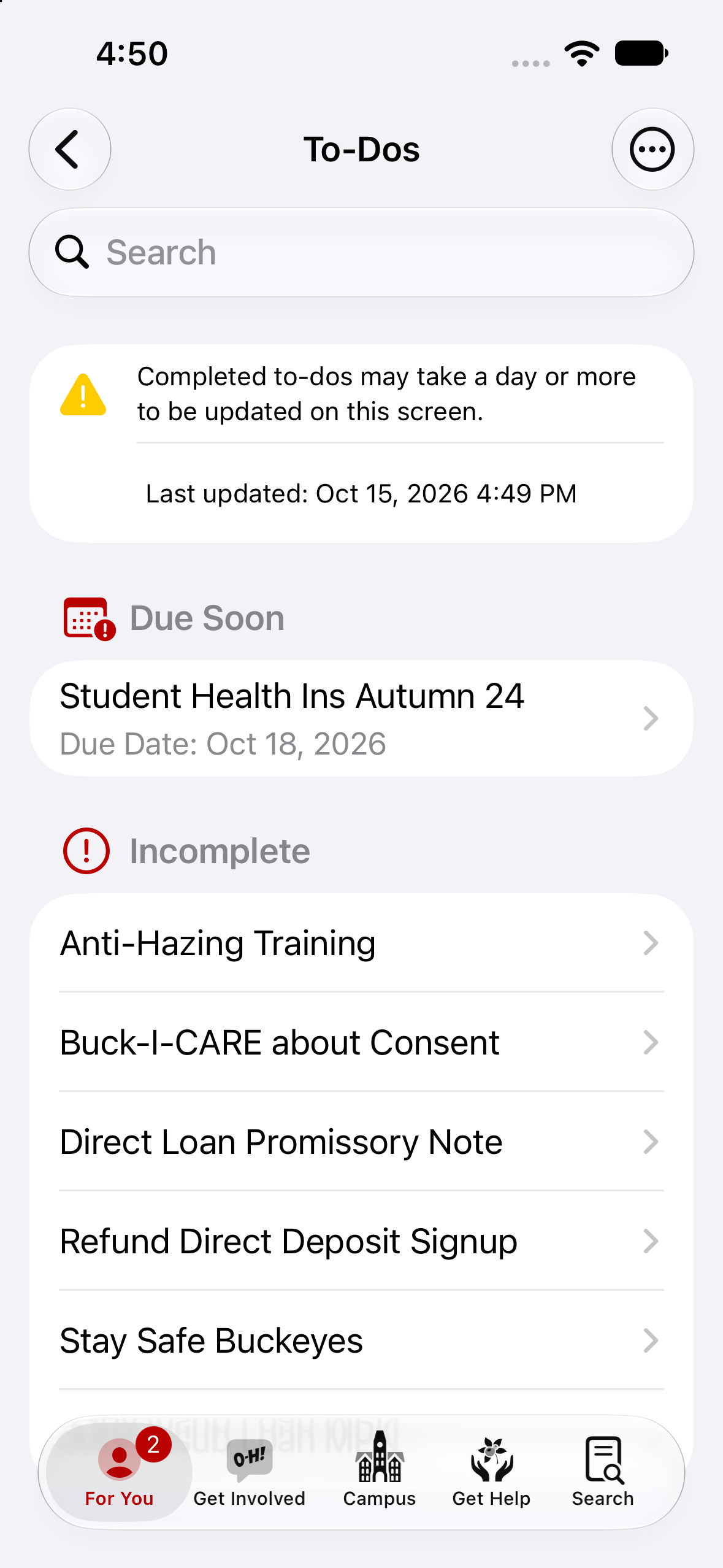
To-Dos
Work through checklist items every term.
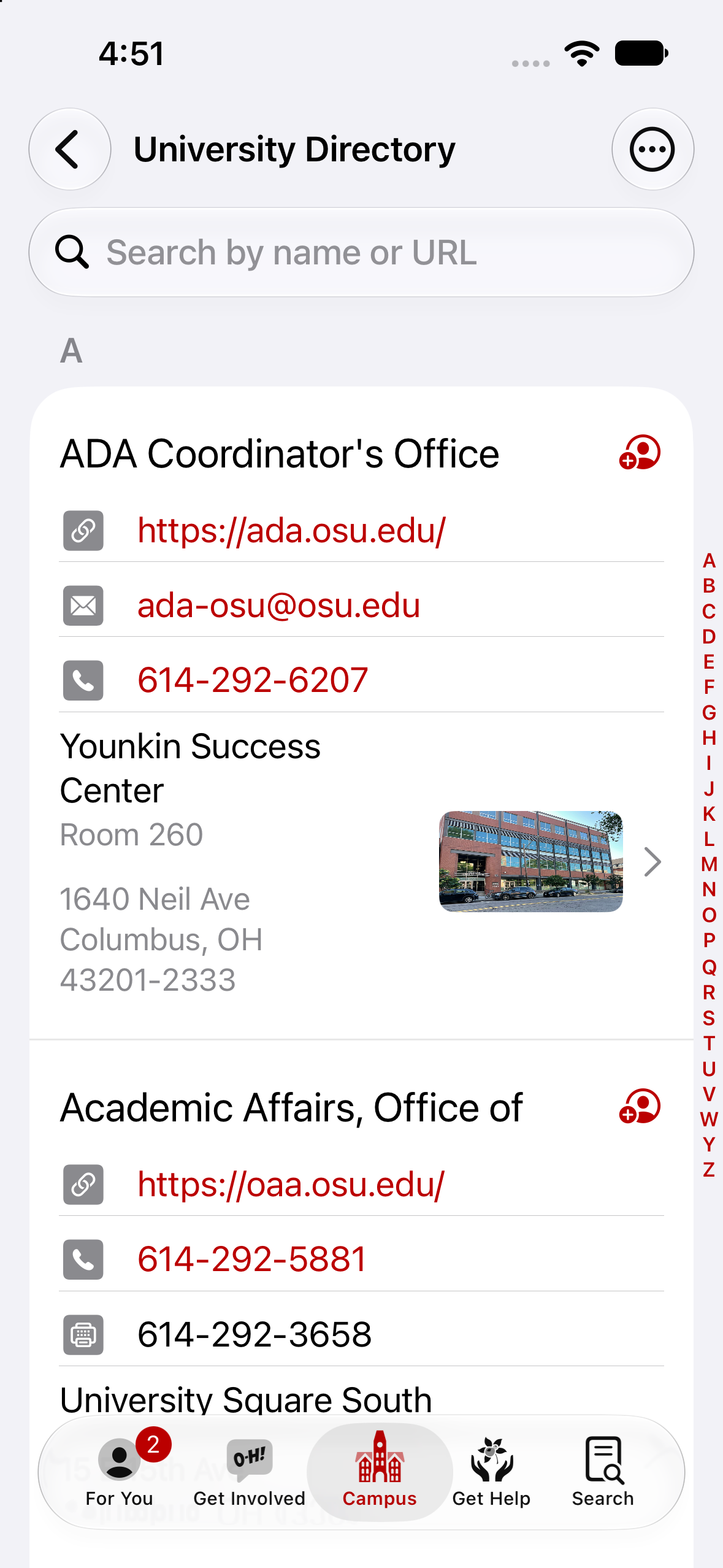
University Directory
A to Z listing.
2023
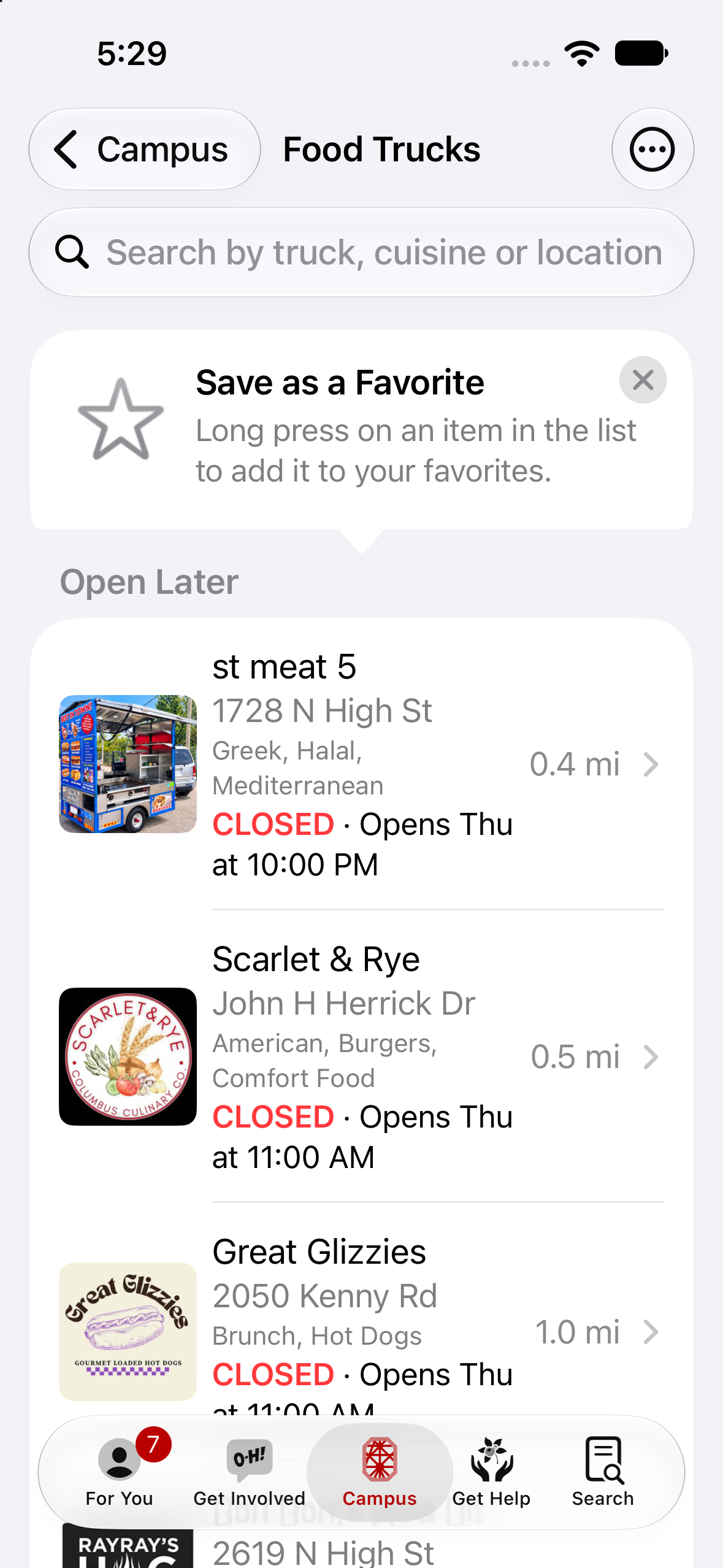
Food Trucks
Schedules and menus of trucks that visit campus.
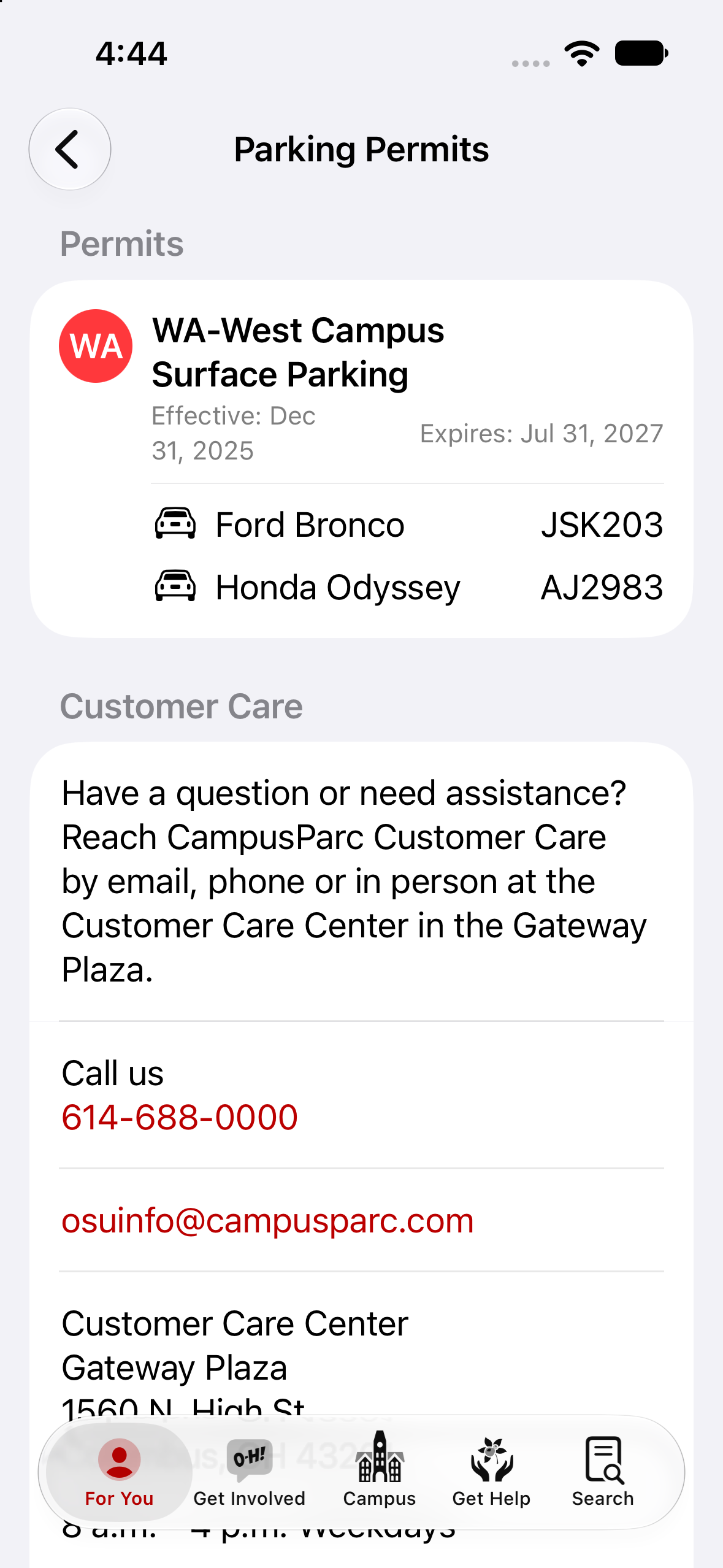
Parking Permits
Scan in at garages across campus.
2022
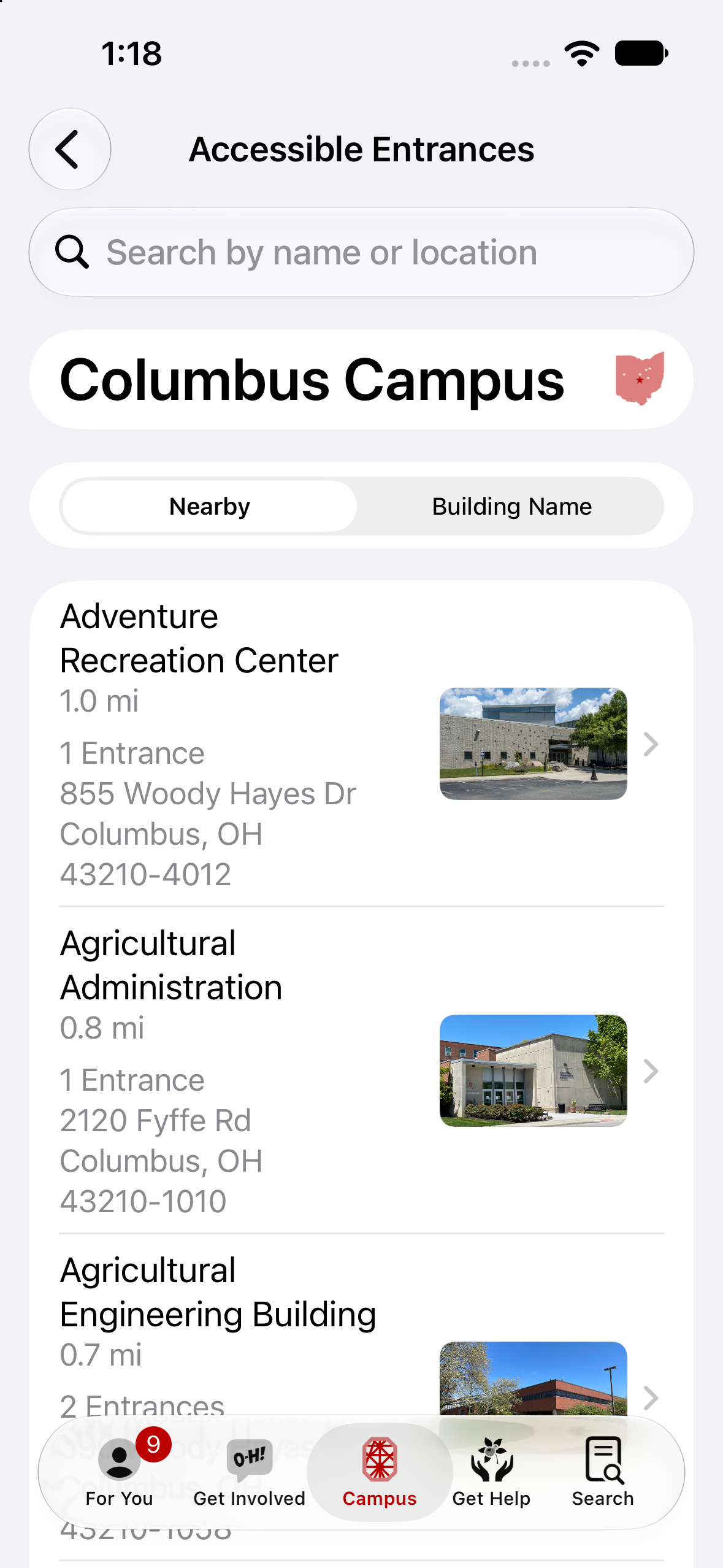
Accessible Entrances
ADA building entrances across campus.
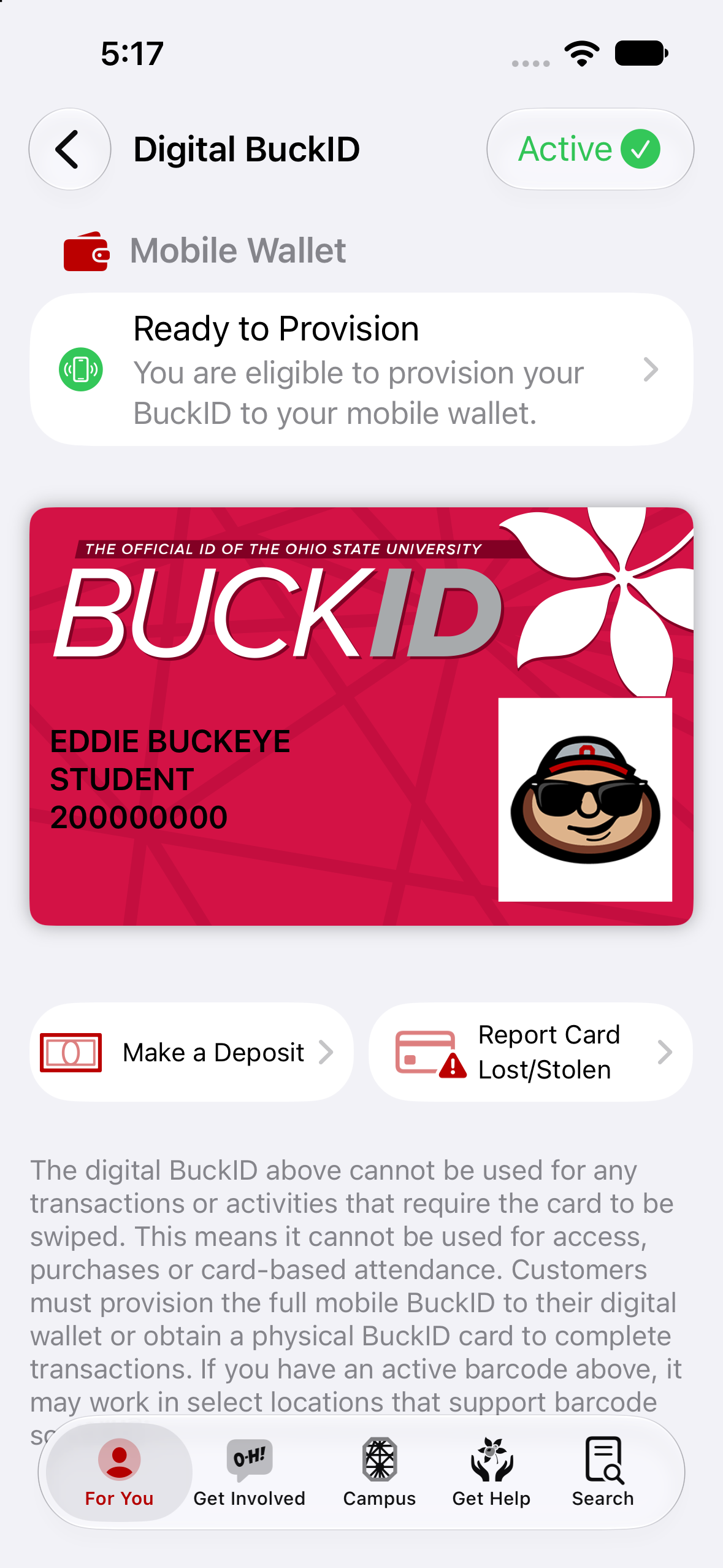
BuckID: Digital BuckID
In-app virtual card.
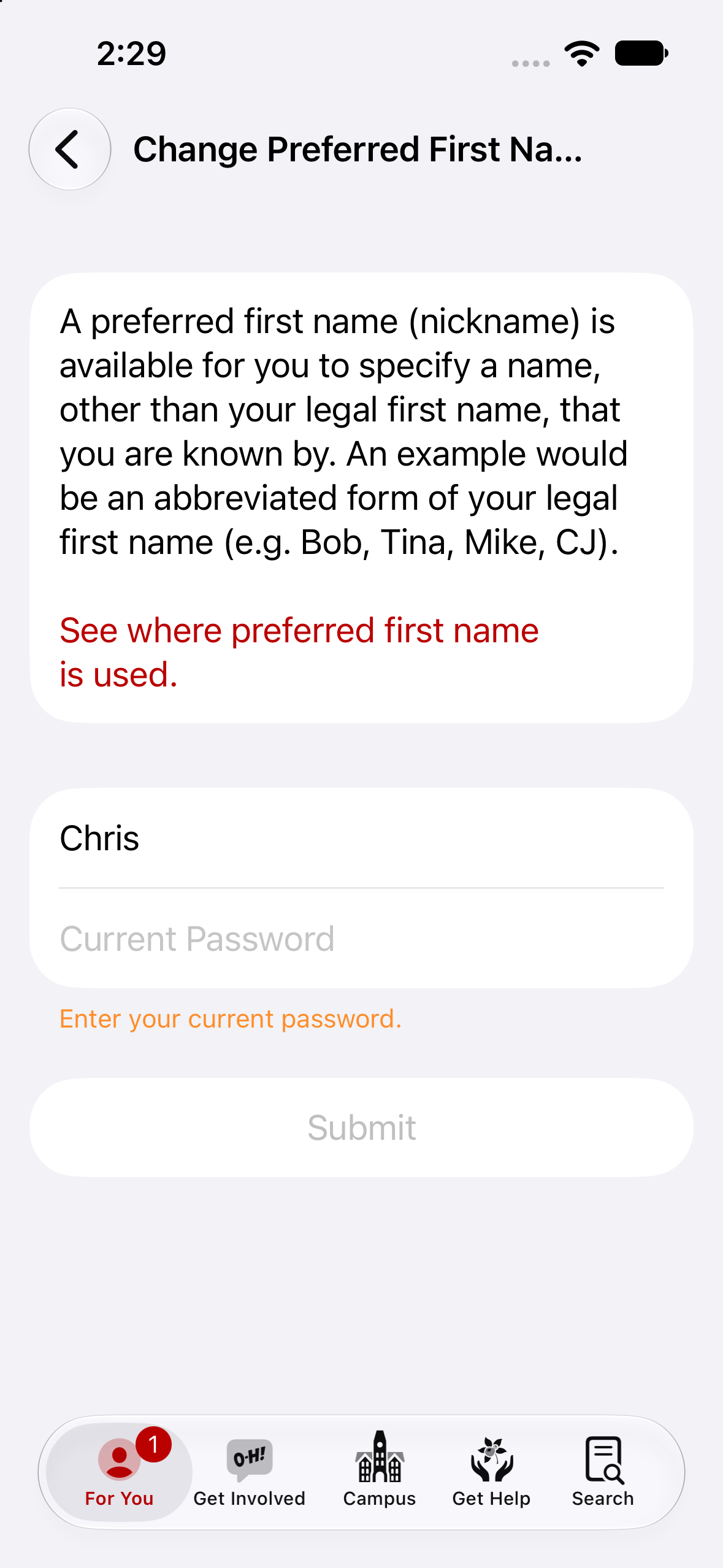
Change Preferred Name
Secure identity management.
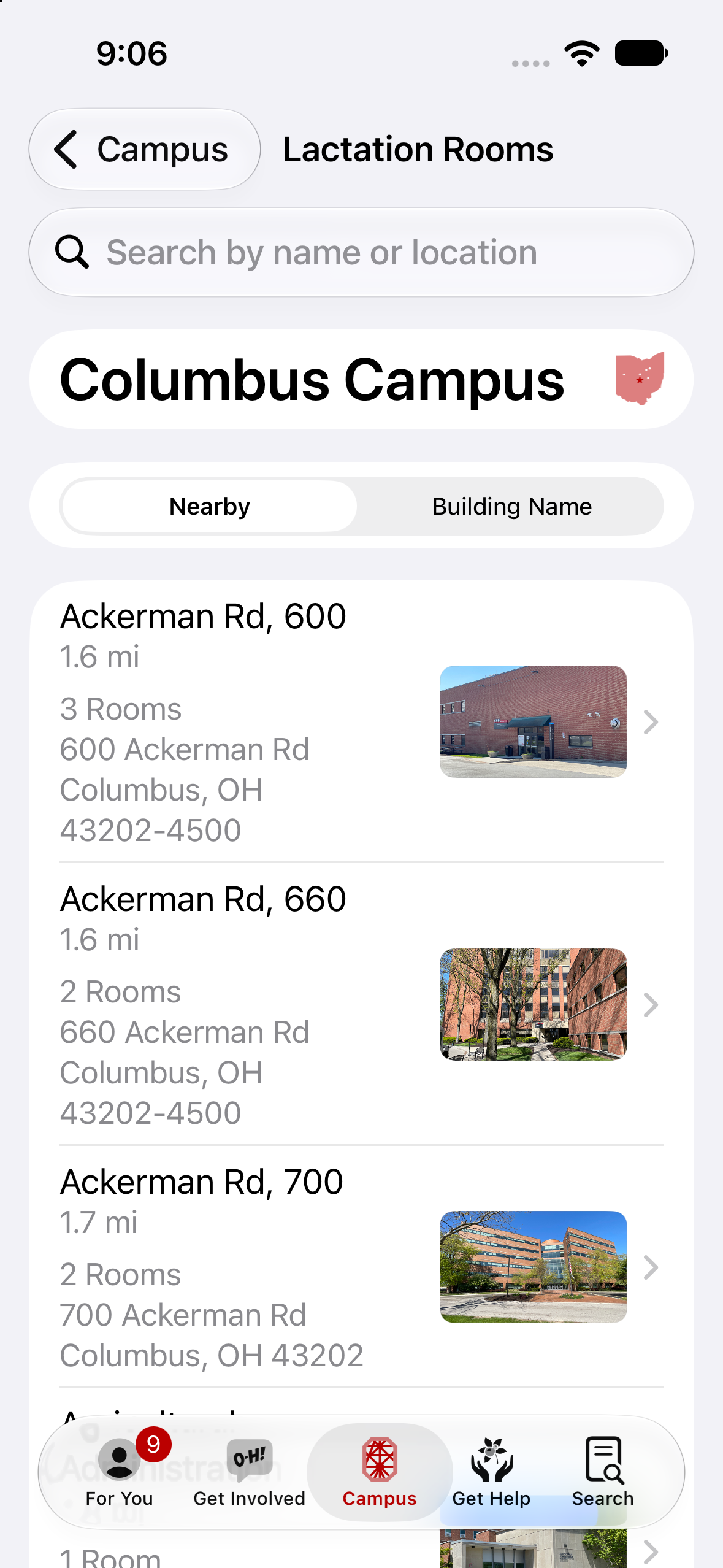
Lactation Rooms
Find private rooms.
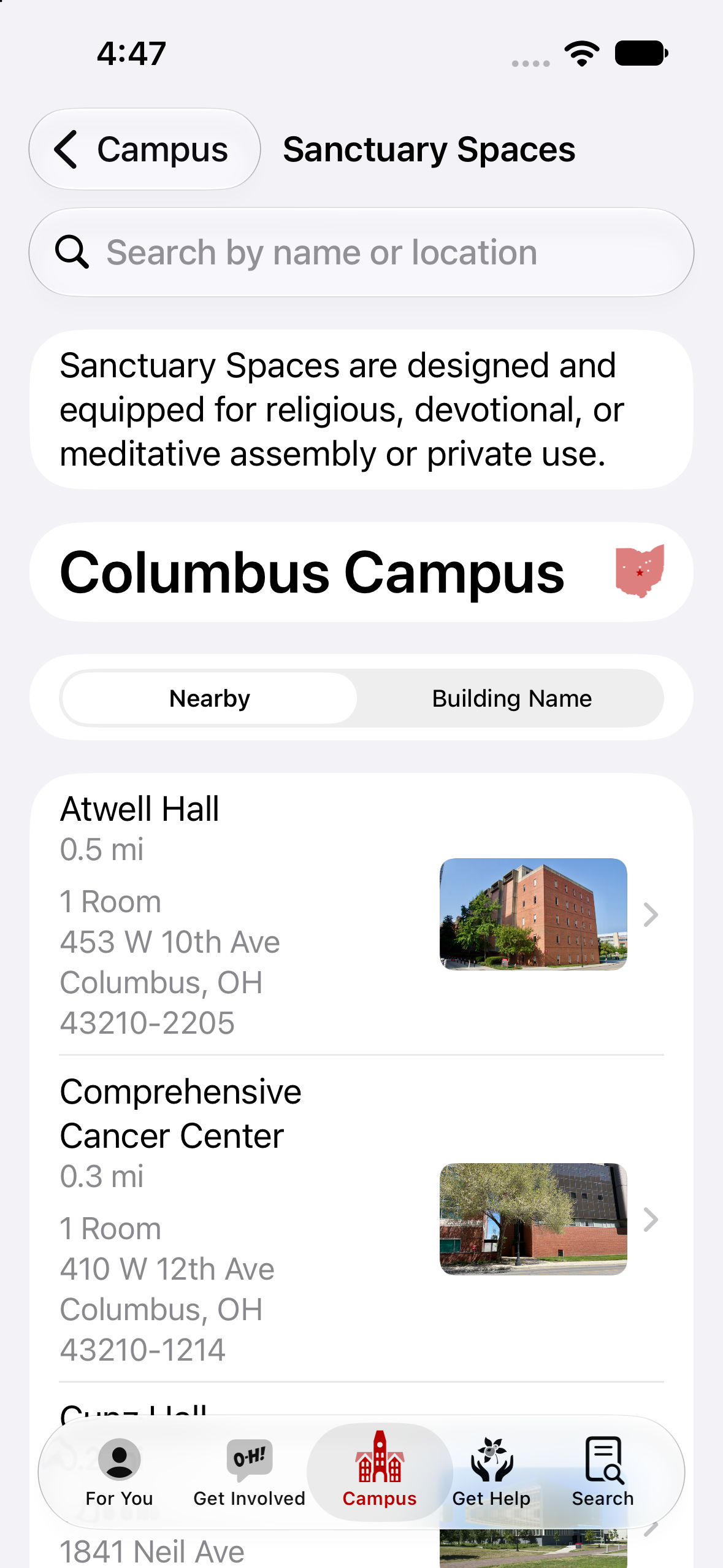
Sanctuary Spaces
Find quiet spaces for meditation and reflection.
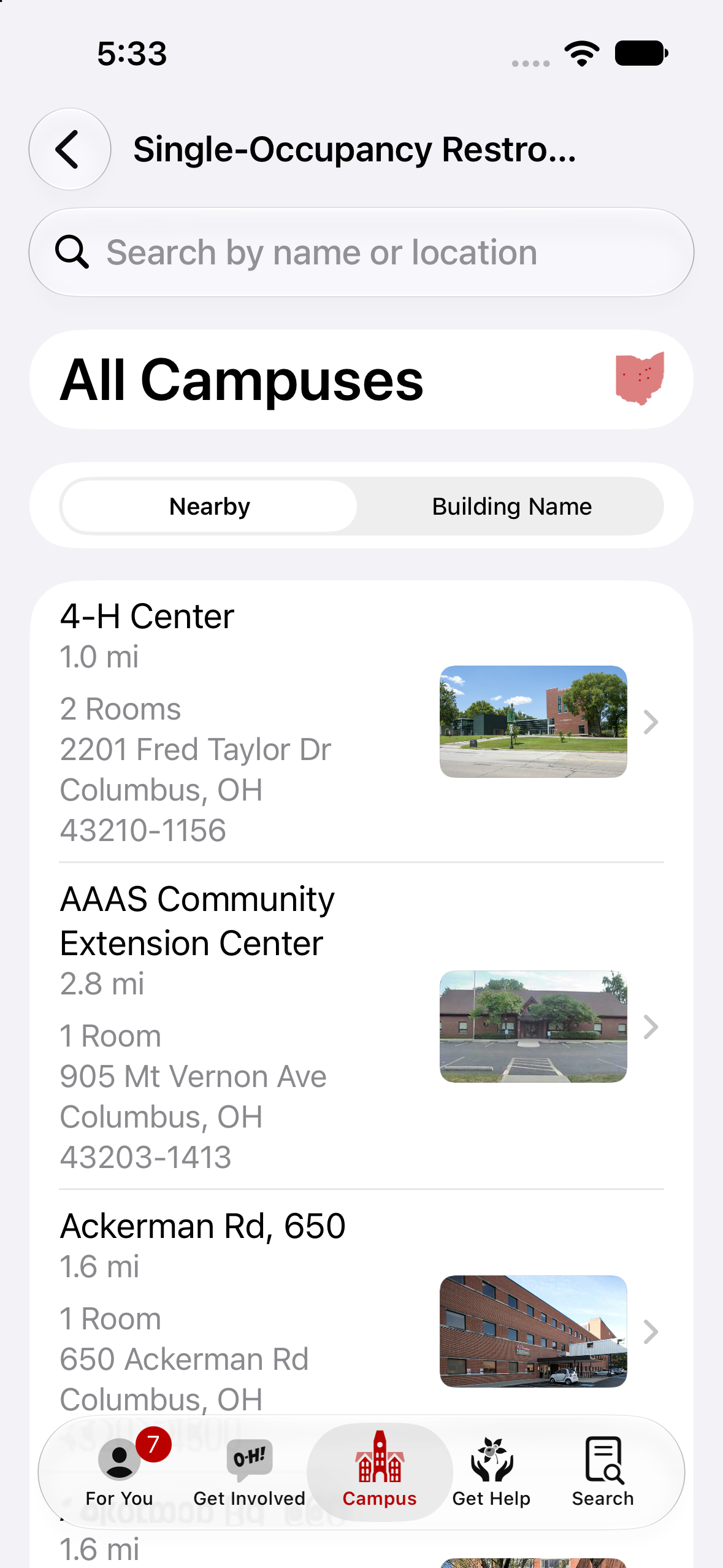
Single Occupancy Restrooms
Available to all Buckeyes.
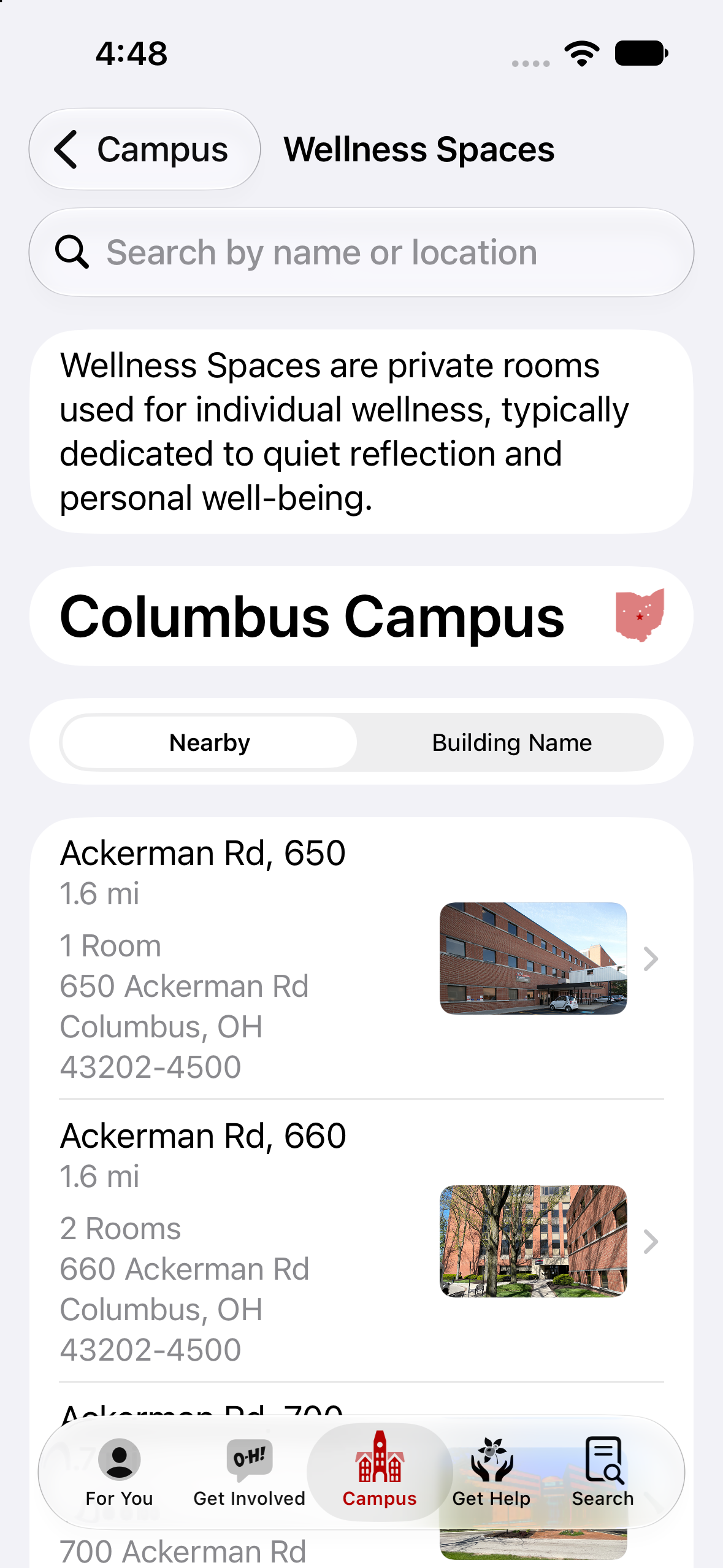
Wellness Spaces
Find private rooms for reflection and personal well-being.
2021
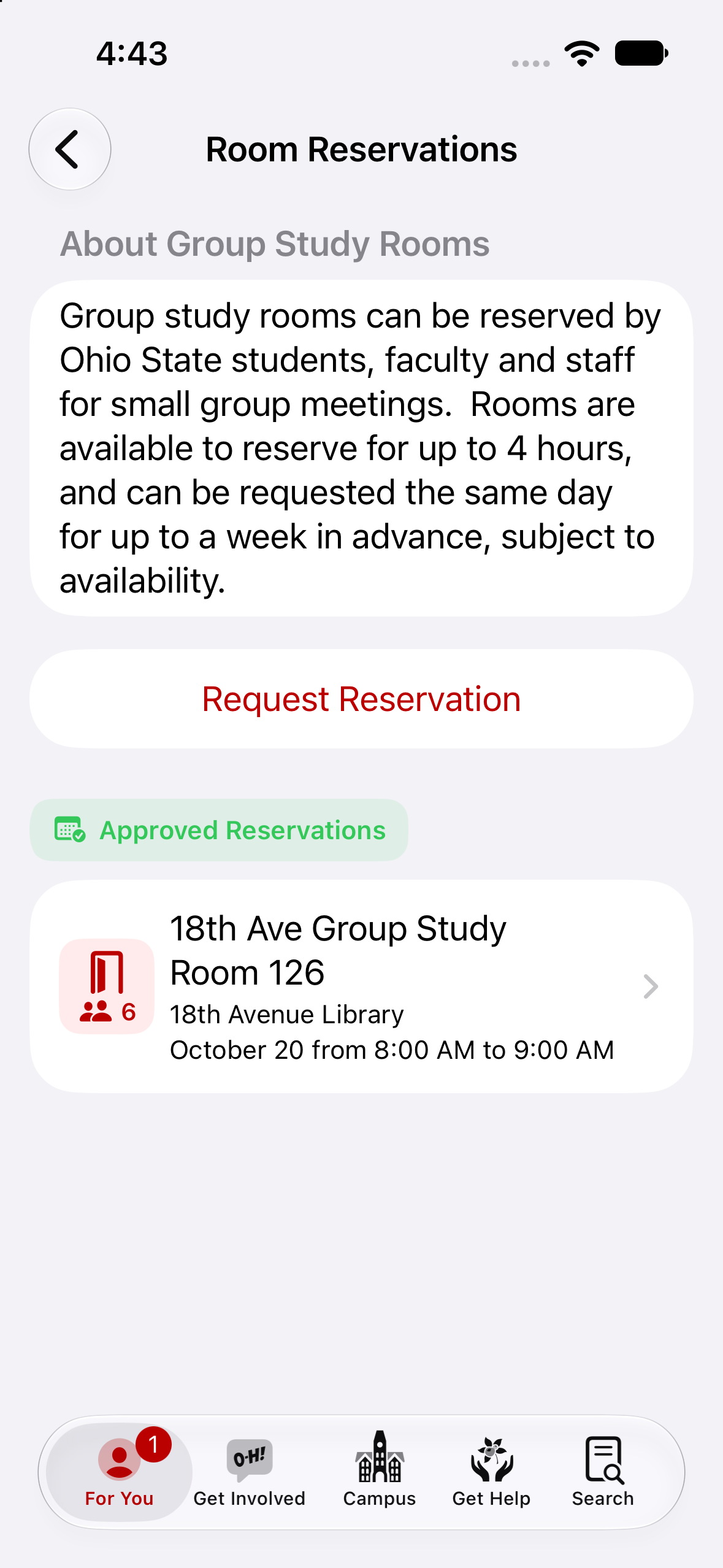
Library Room Reservations
Study spaces all around campus.
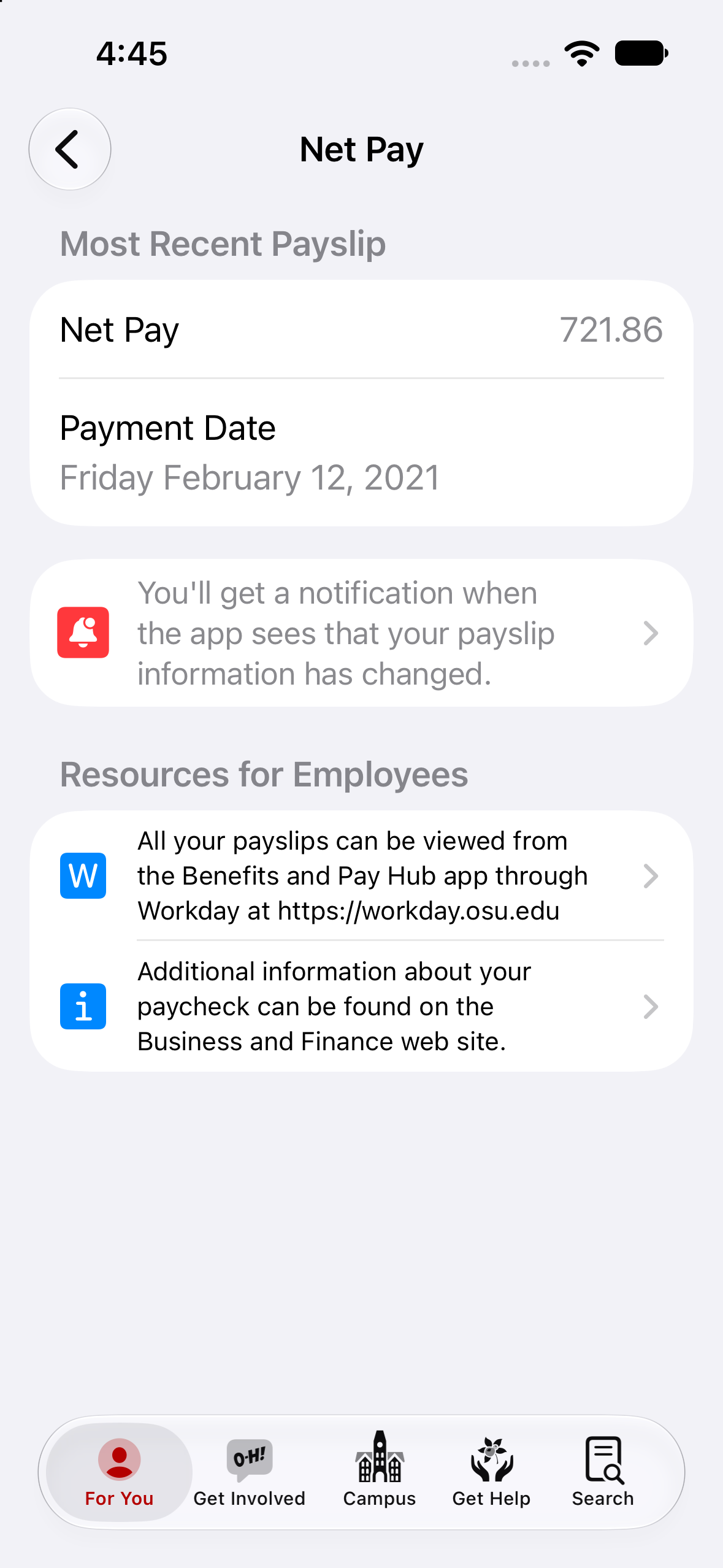
Payslips
Paychecks for all employees.
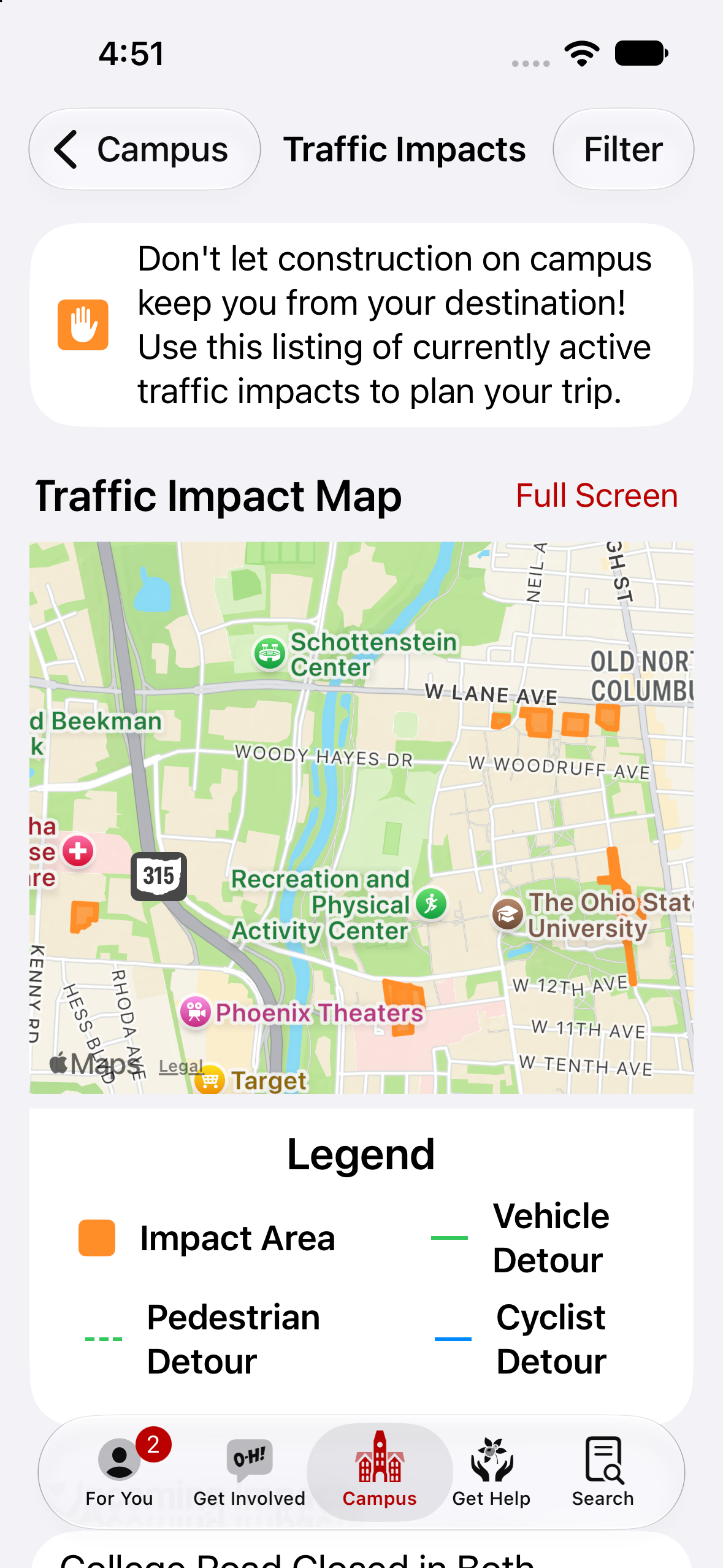
Traffic
Road closures, construction and event traffic affecting campus.
2020
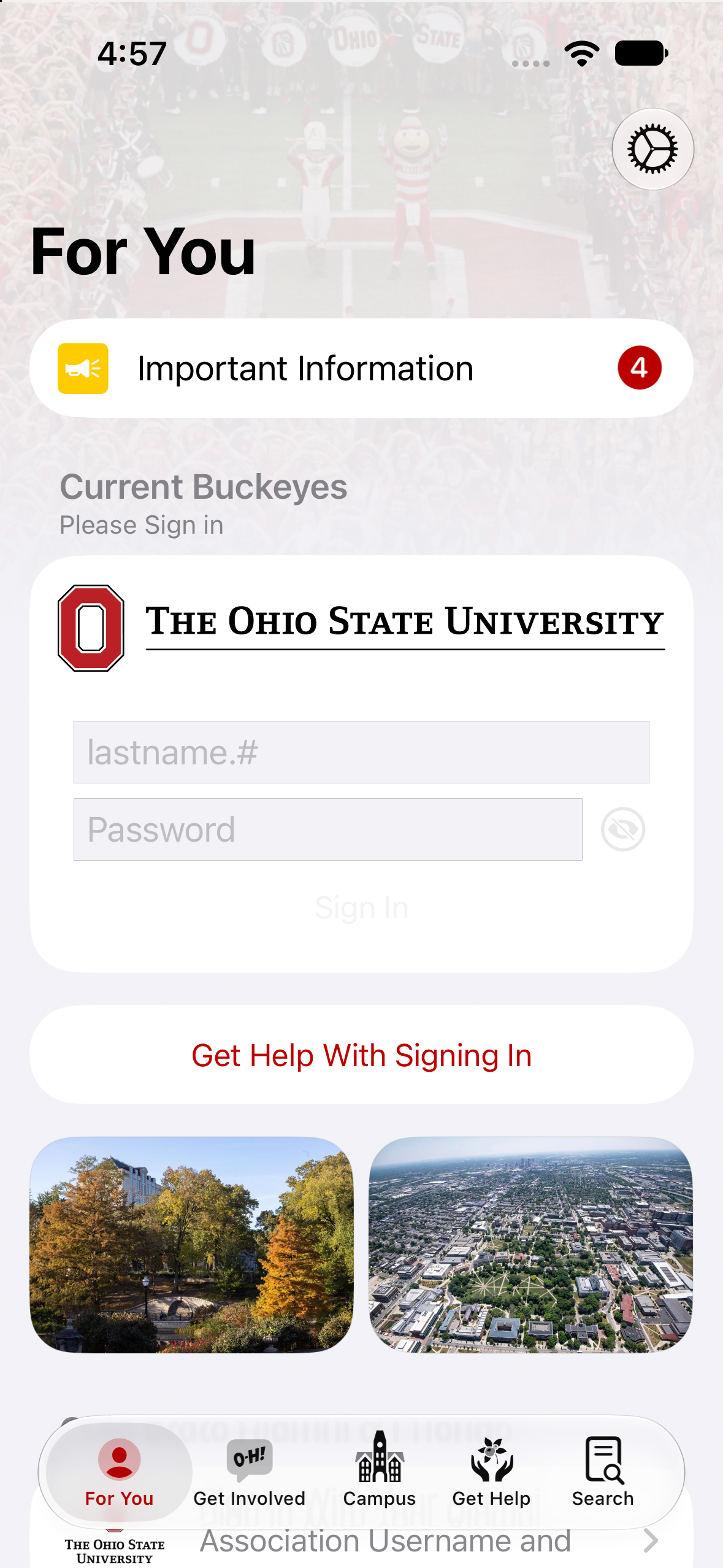
Announcements
Targeted messaging.
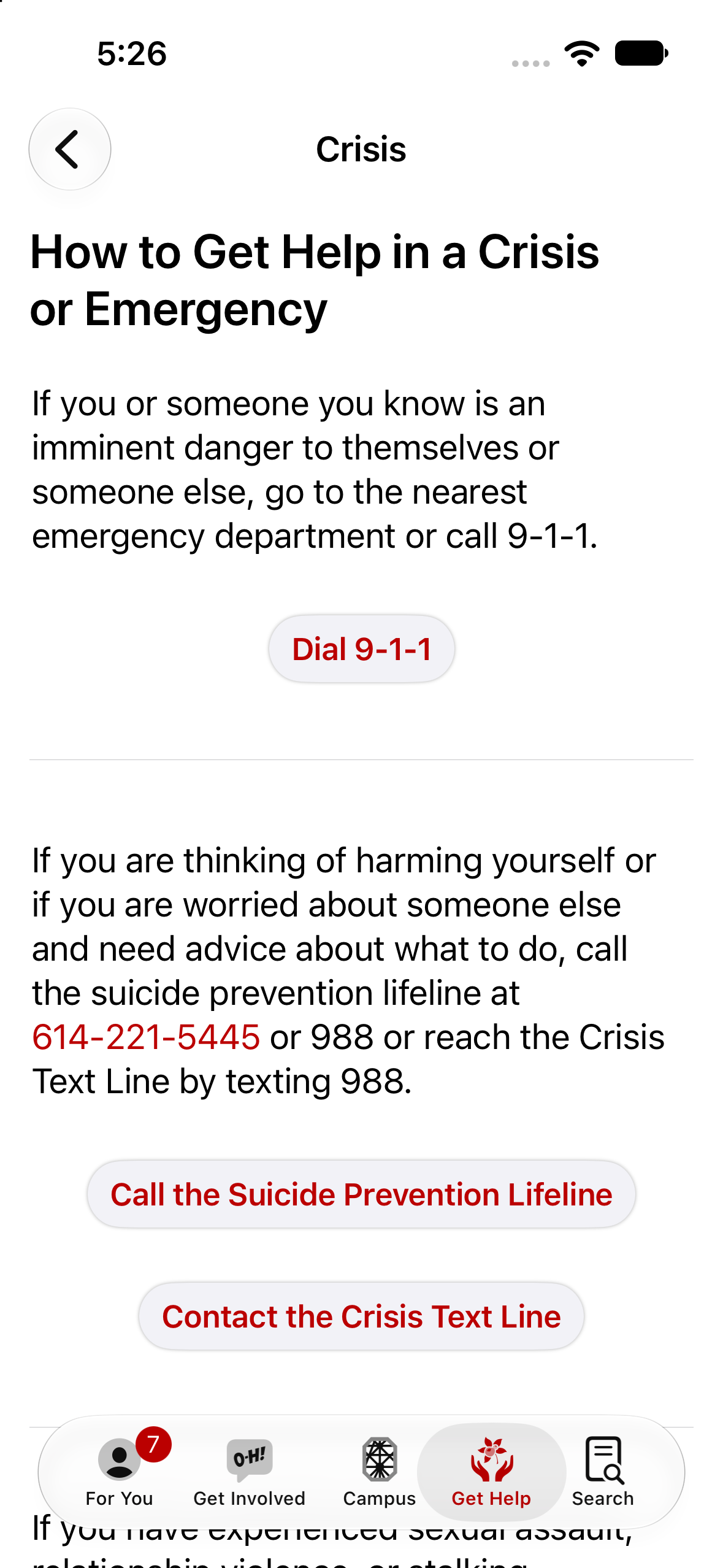
Crisis Resources
Get help fast.
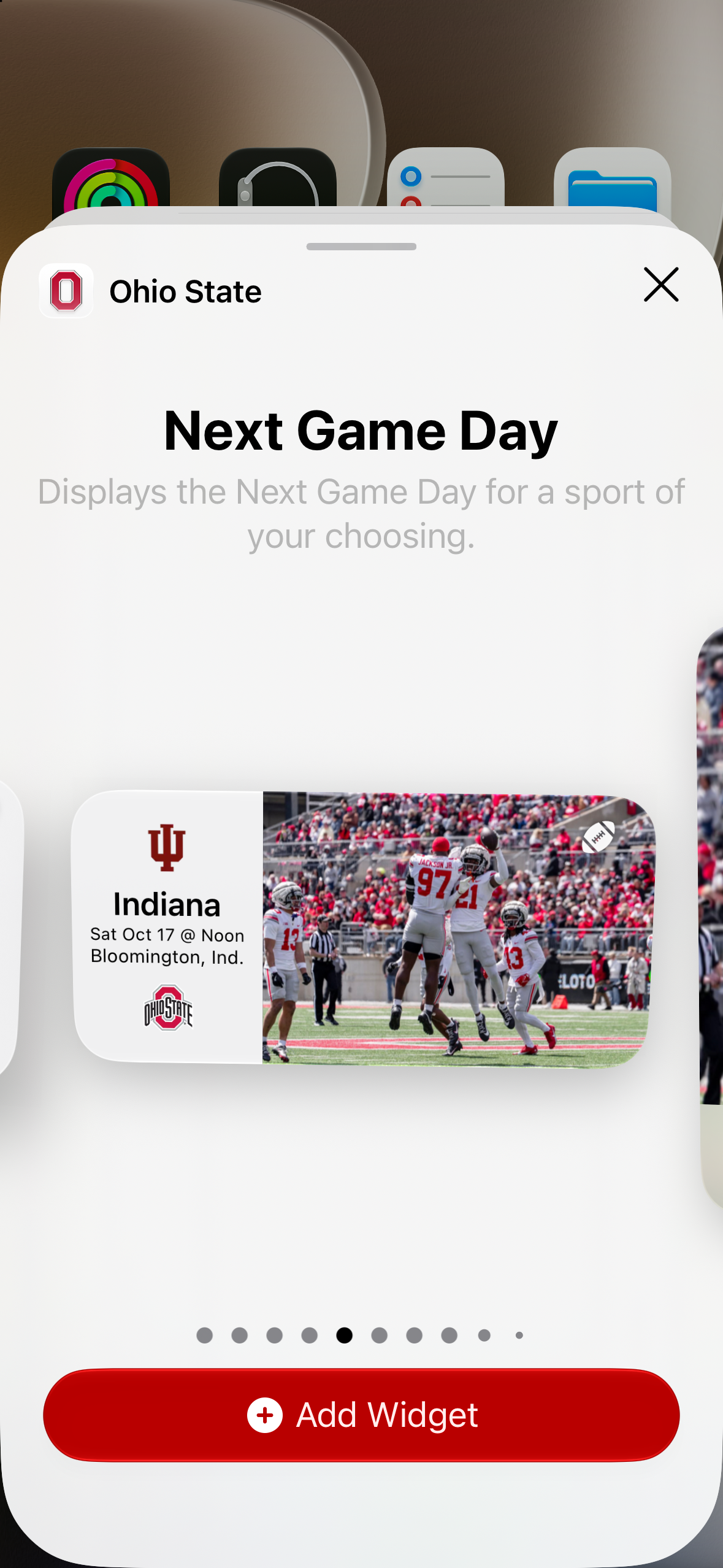
Game Day Widget
The next Buckeyes kickoff - on your home screen all week.
- Legacy2020–2022
Goals
A lightweight goal-tracking tool for students — set an academic, wellness, or personal goal, check in weekly, and watch streaks build.
- Legacy2020–2023
Symptom Tracking
A daily COVID-19 symptom check-in that walked students, faculty, and staff through a short screening and surfaced the current campus guidance based on their response.
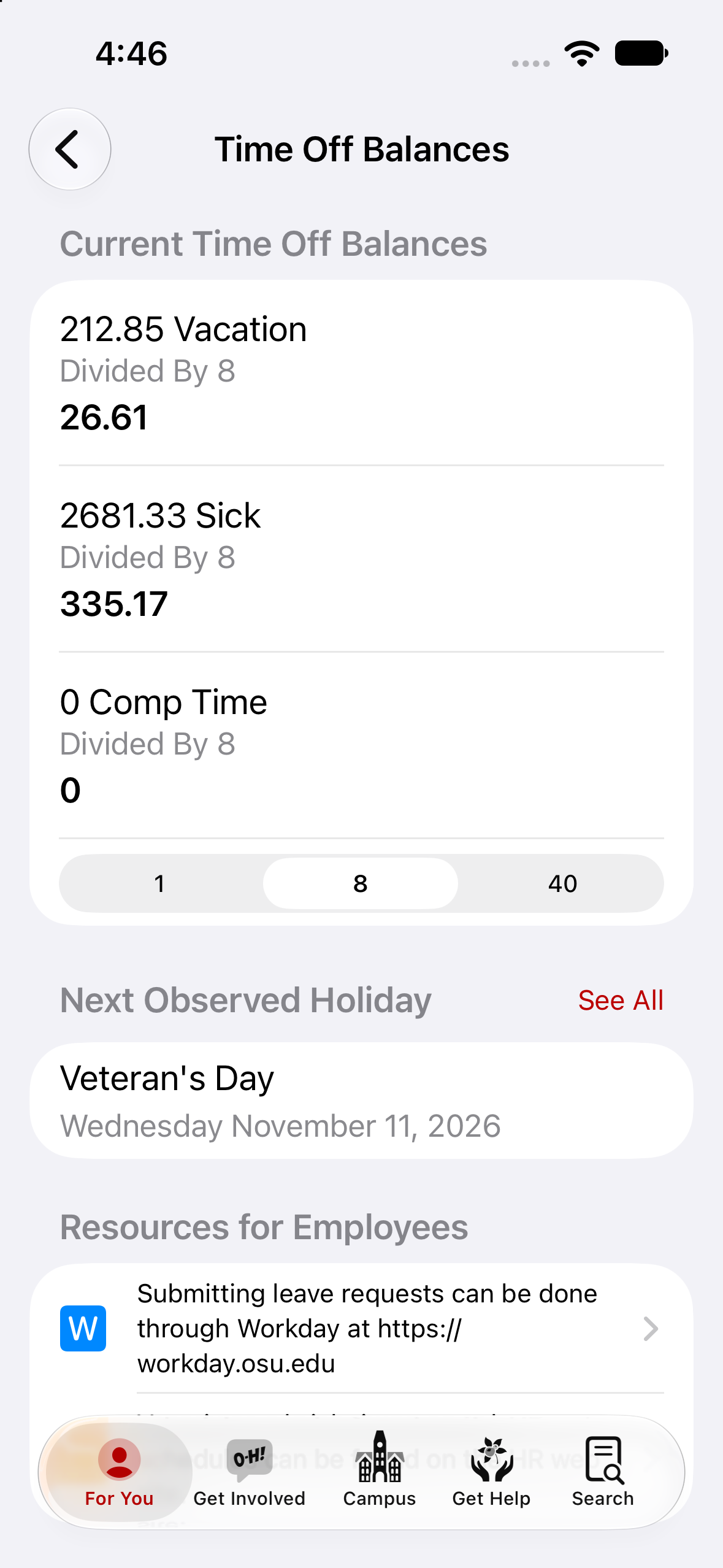
Time Off Balances
Vacation and sick time off for faculty and staff.
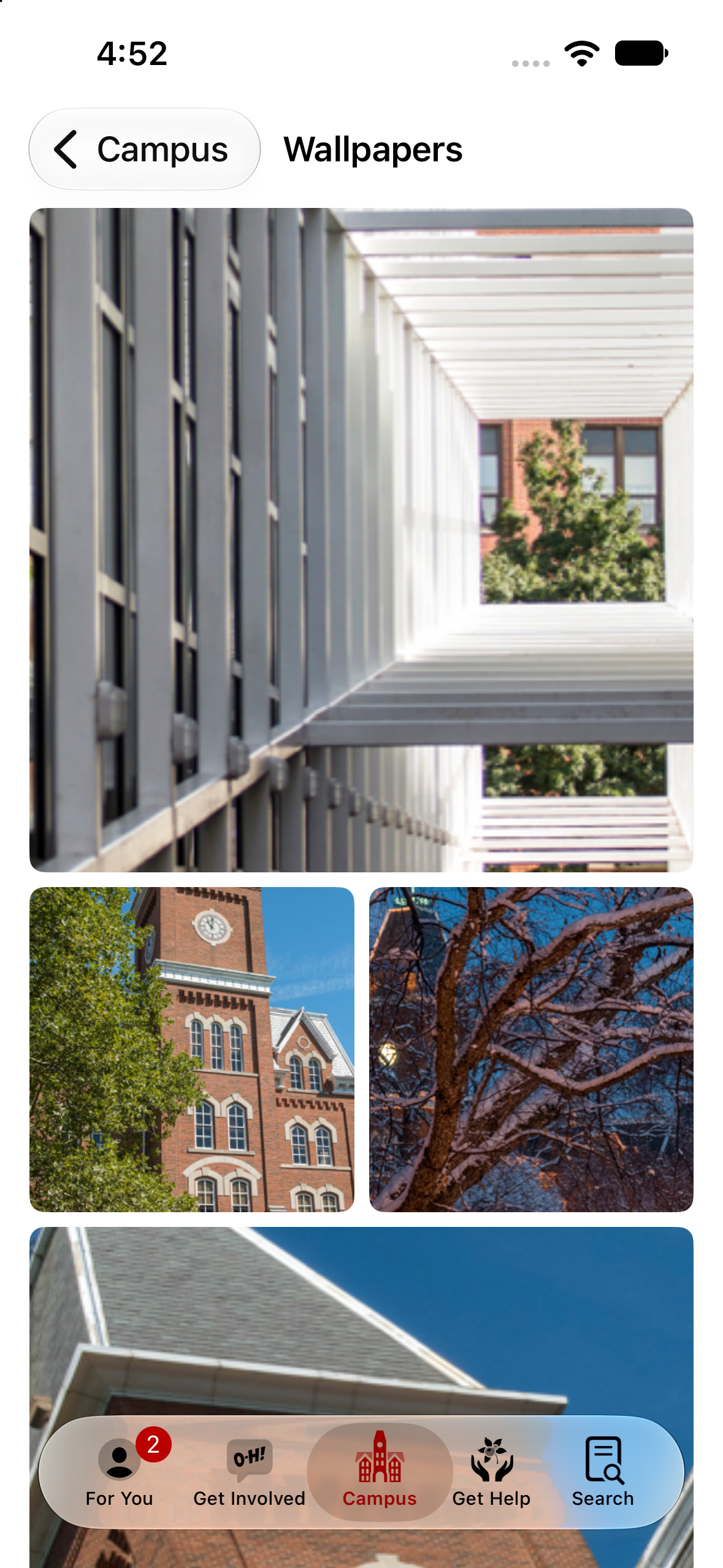
Wallpapers
Buckeye spirit on your phone.
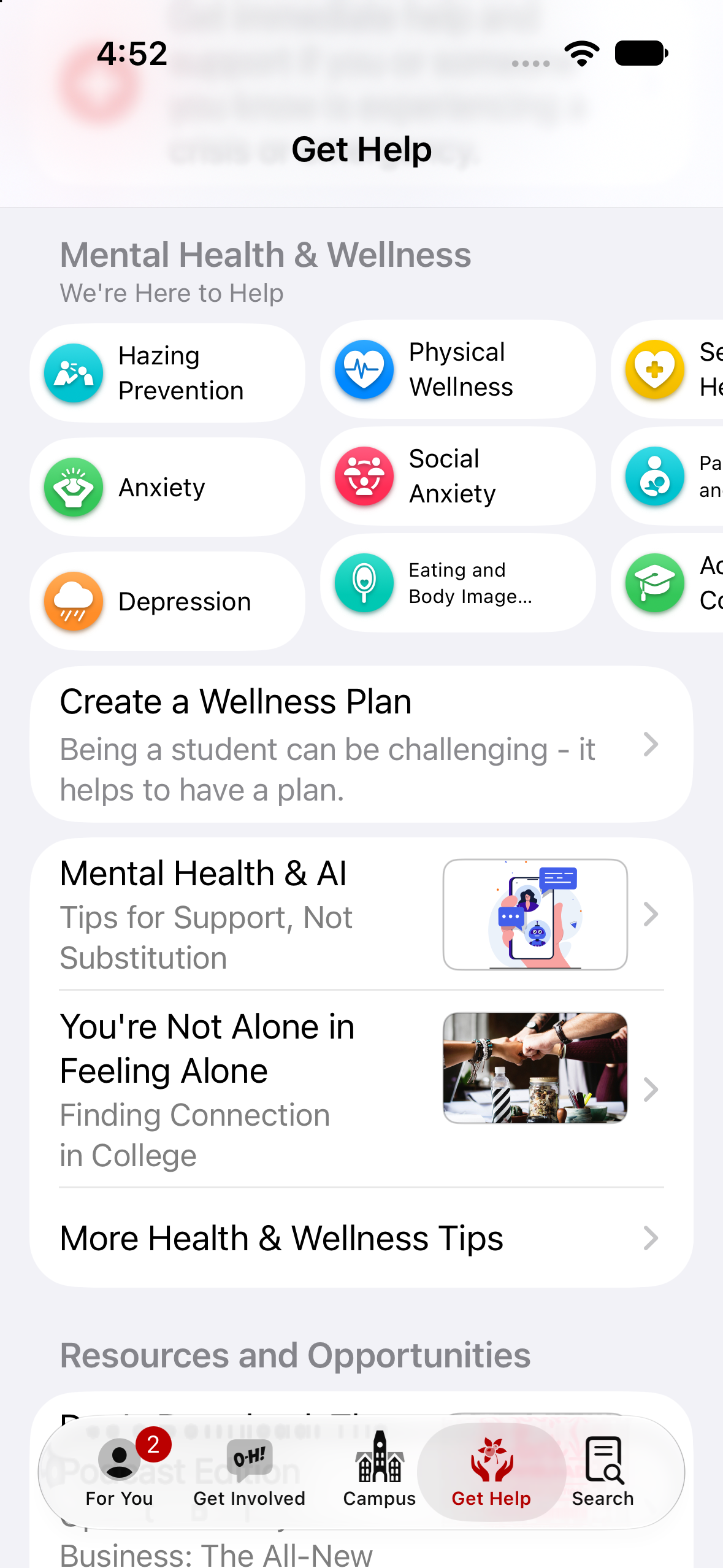
Wellness & Mental Health Resources
Supporing our community.
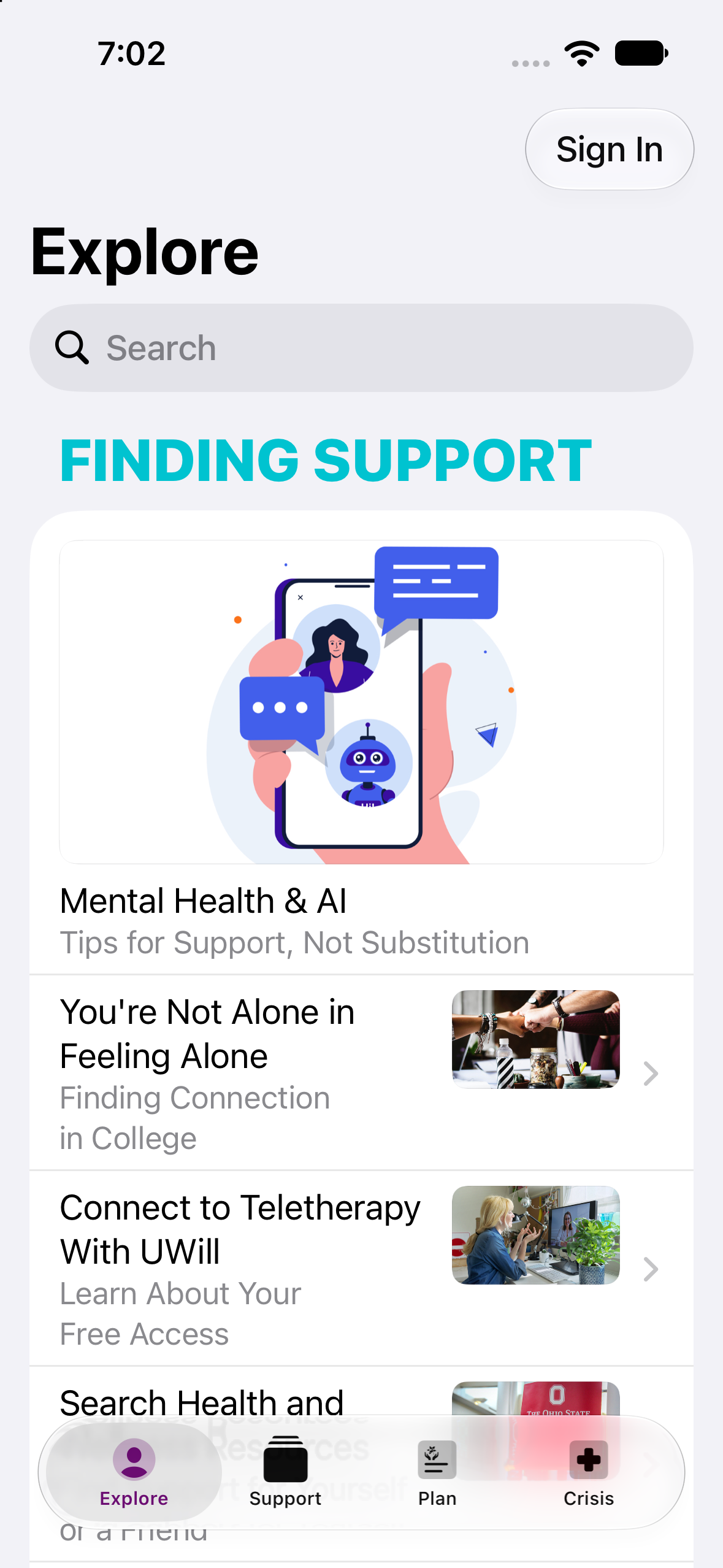
Wellness App
Standalone app with health and wellness content.
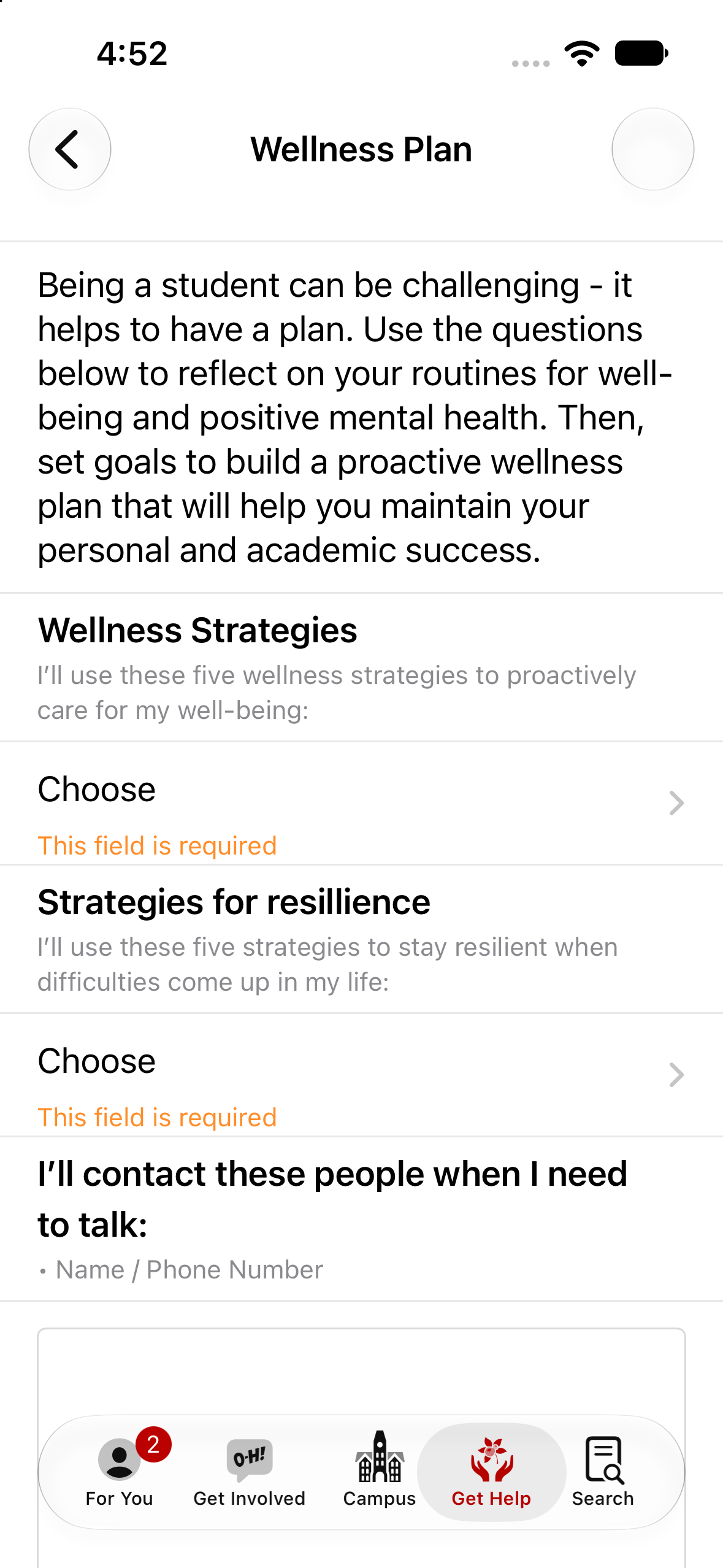
Wellness Plan
Prepare now for challenges later.
2019
- Legacy2019–2023
Alumni App
The official Ohio State Alumni app provided a seamless experience for graduates young and old. When the app moved to legacy status many of those features moved into the Ohio State app.
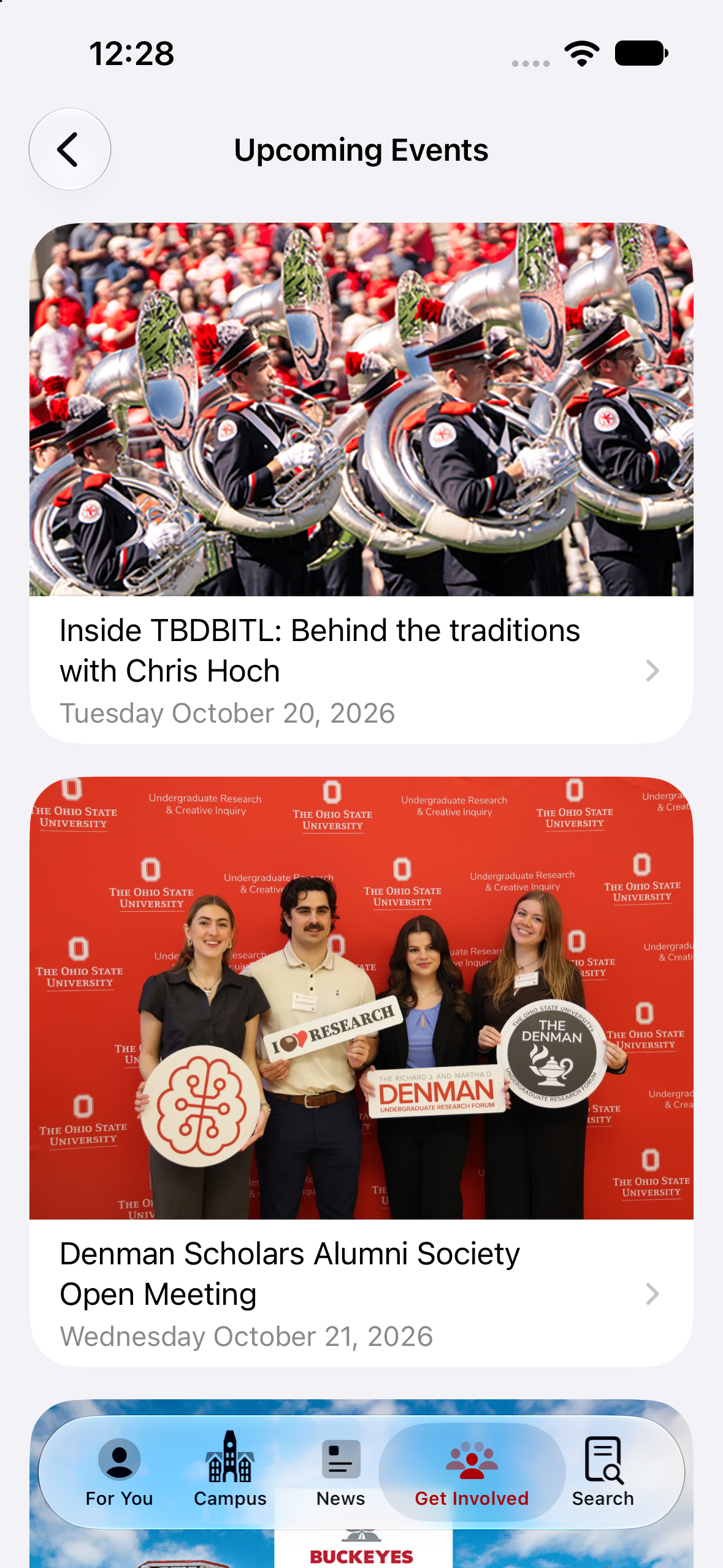
Alumni Events
Connect with Buckeyes around the world.
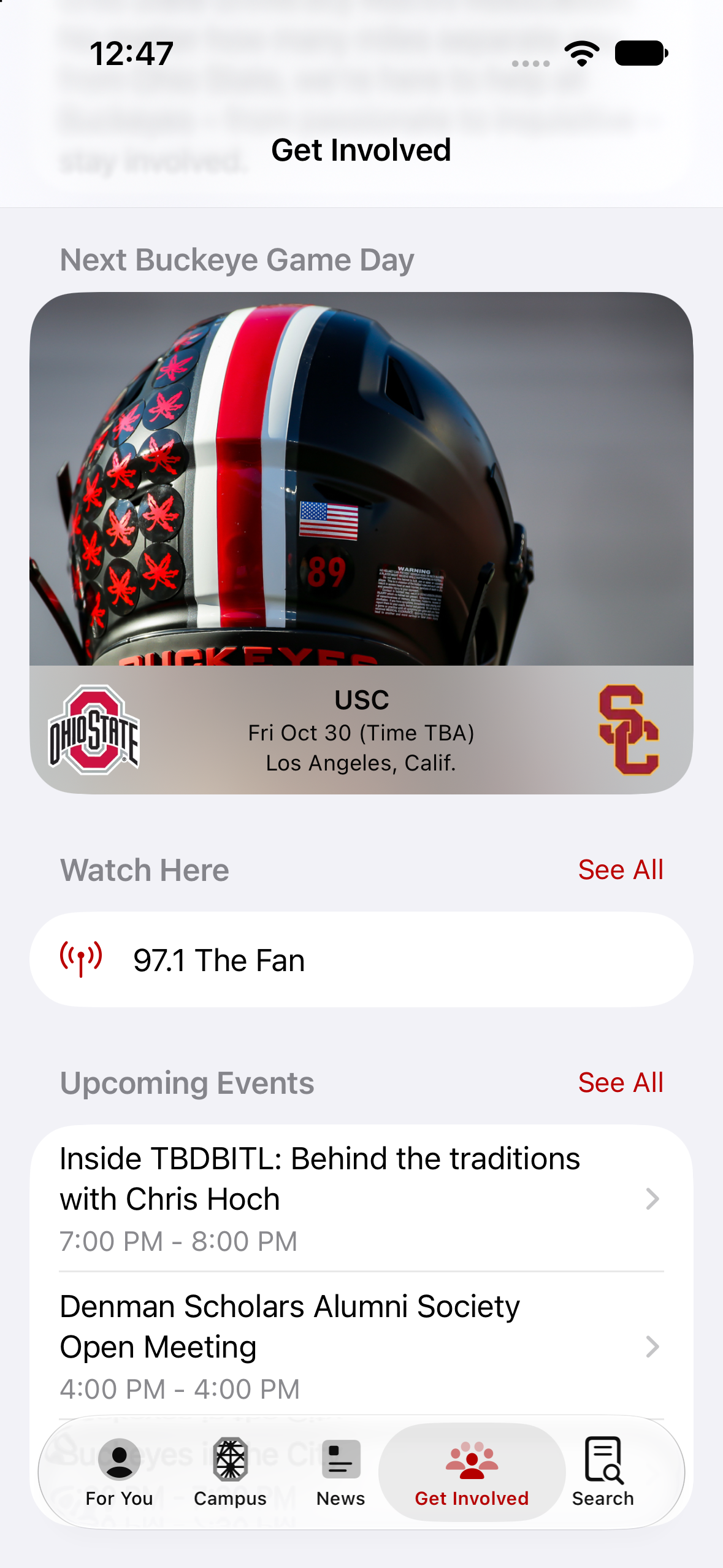
Alumni Game Watch Locations
Find a place to watch the game no matter where you are.
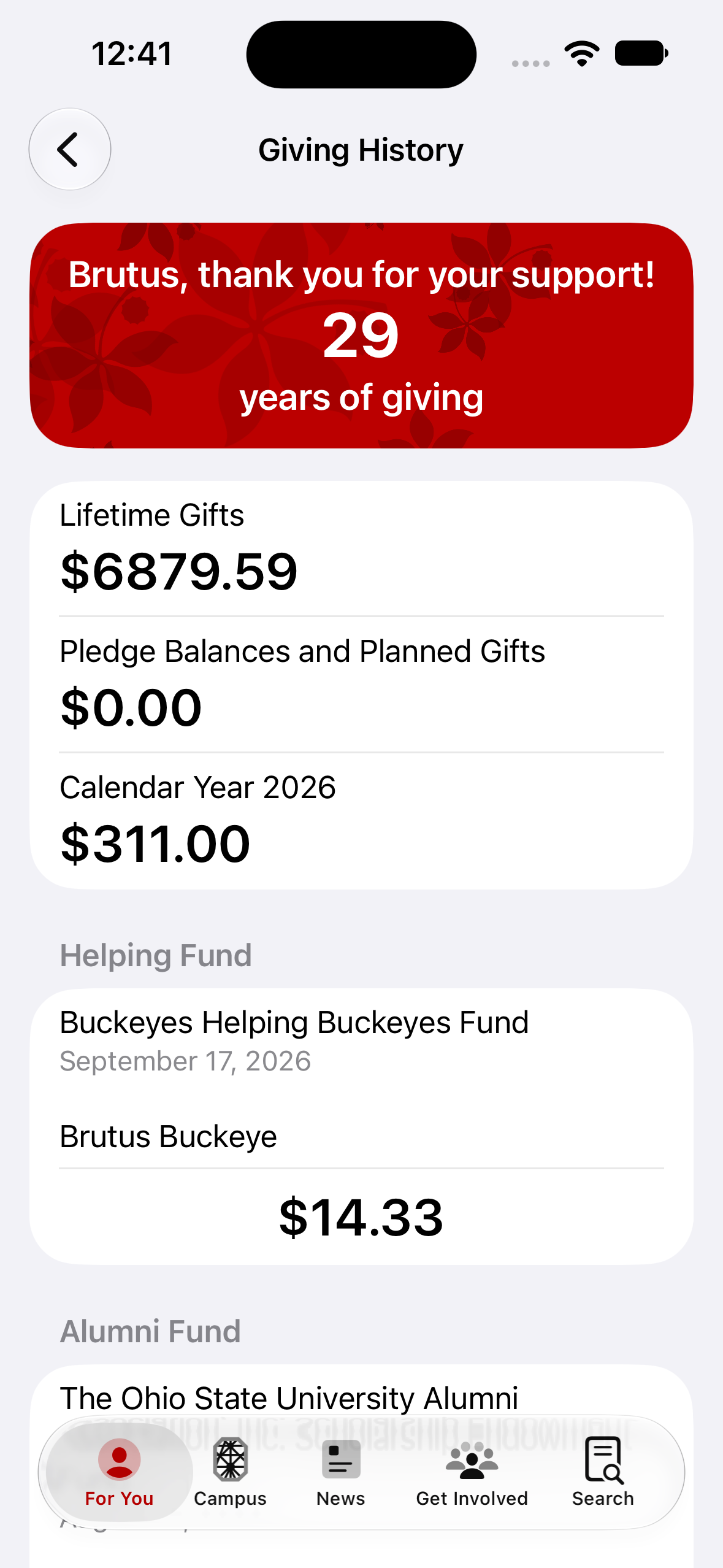
Alumni Giving History
See your giving history in one place.
- Legacy2019–2023
Alumni Information Update
Keep your mailing address and email preferences current.
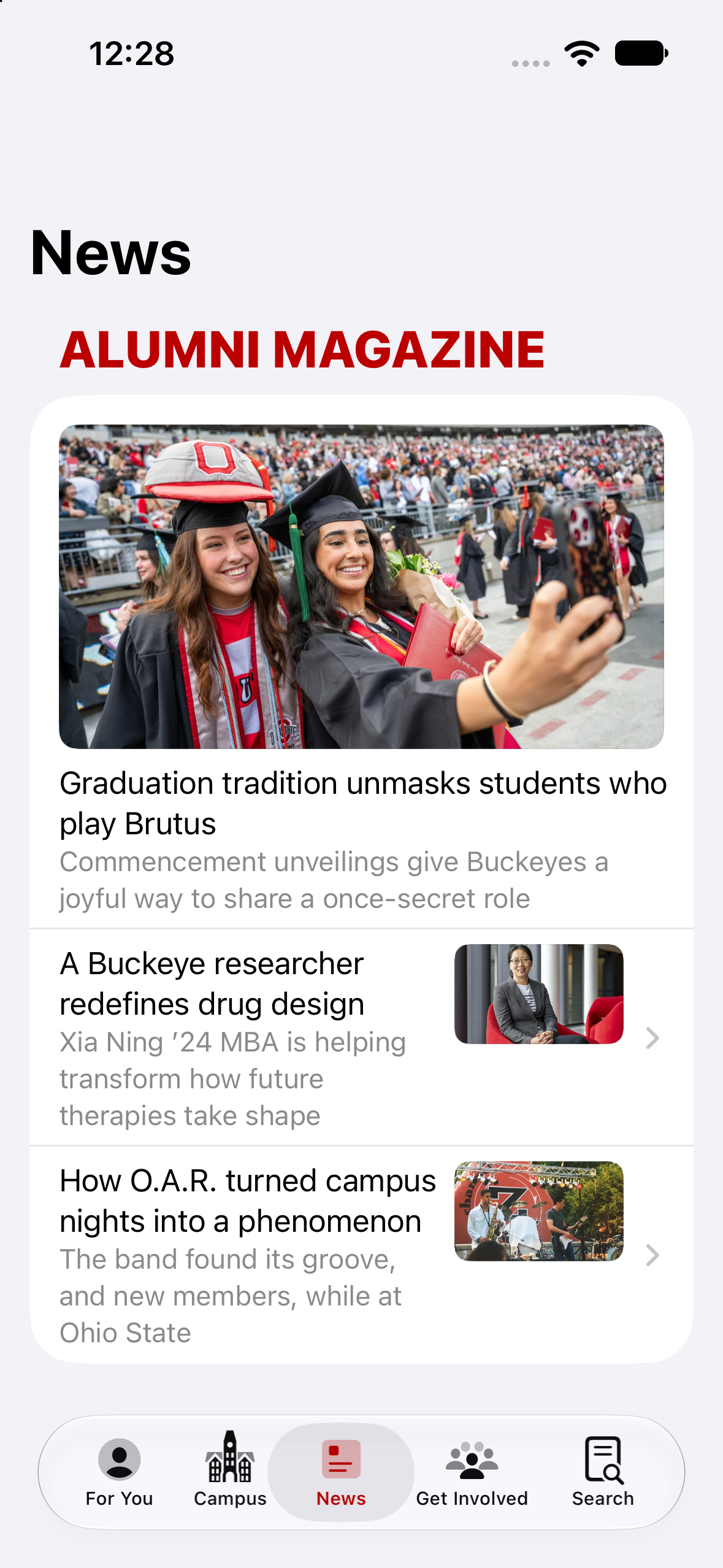
Alumni News
Get Alumni News right in the Ohio State app.
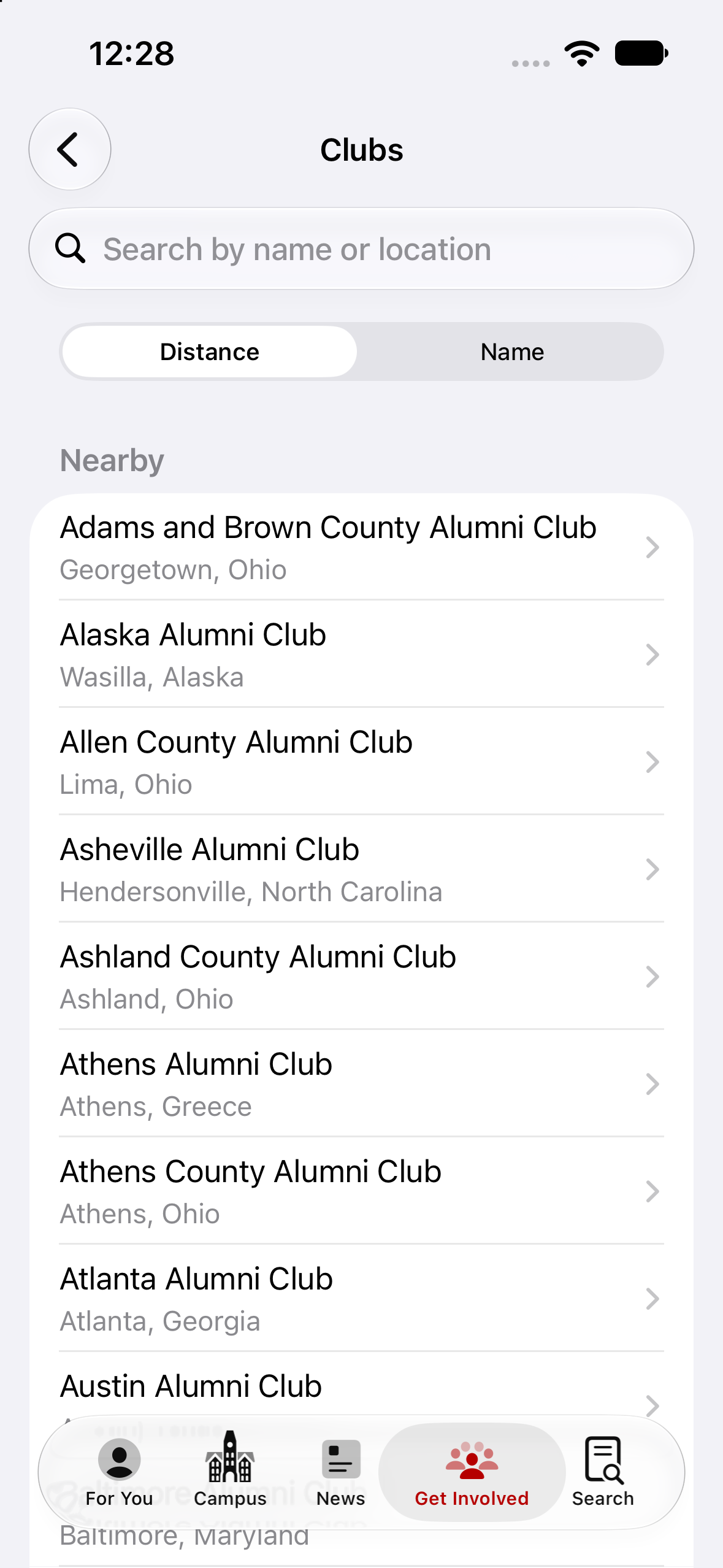
Alumni Organizations
Find Alumni Association societies by city or interest.
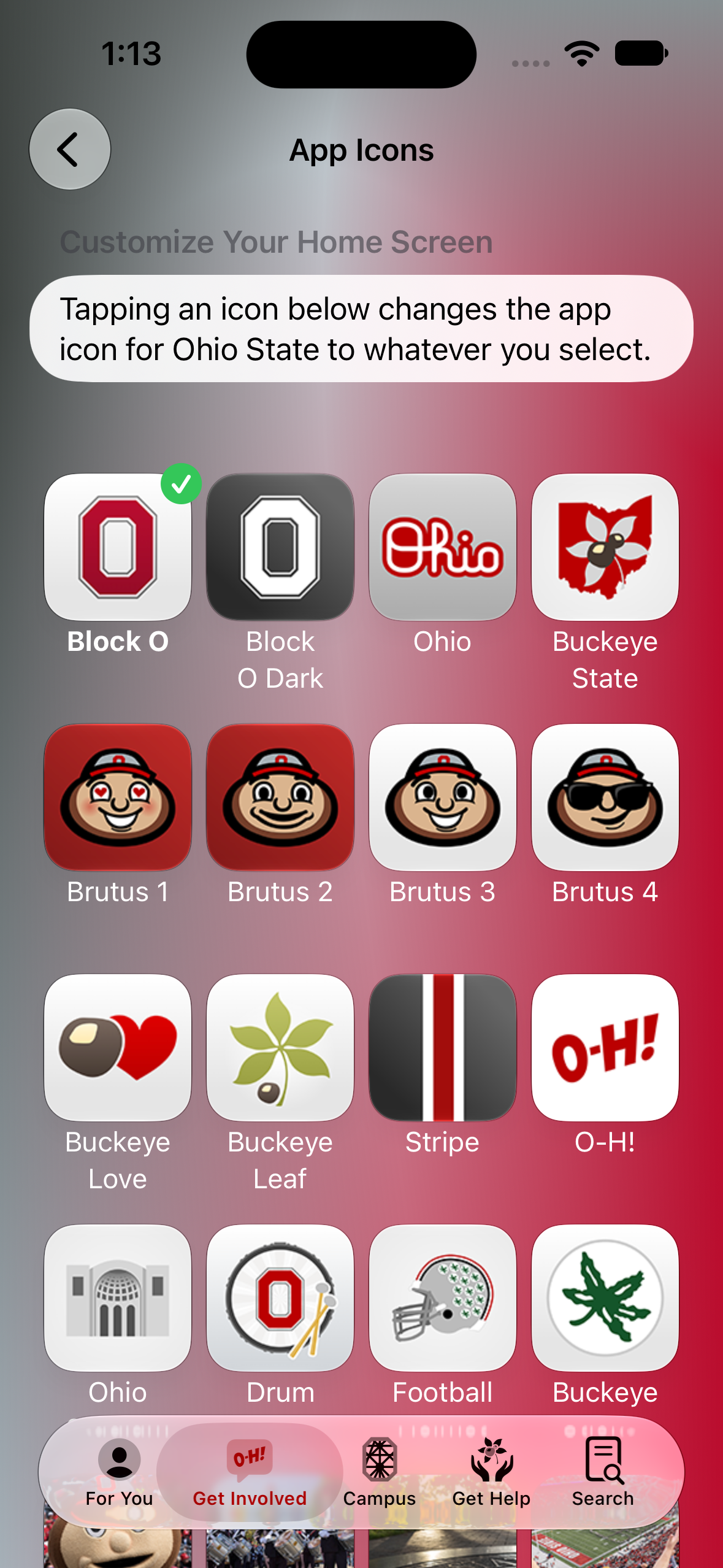
App Icons
Pick your favorite OSU themed app icon.
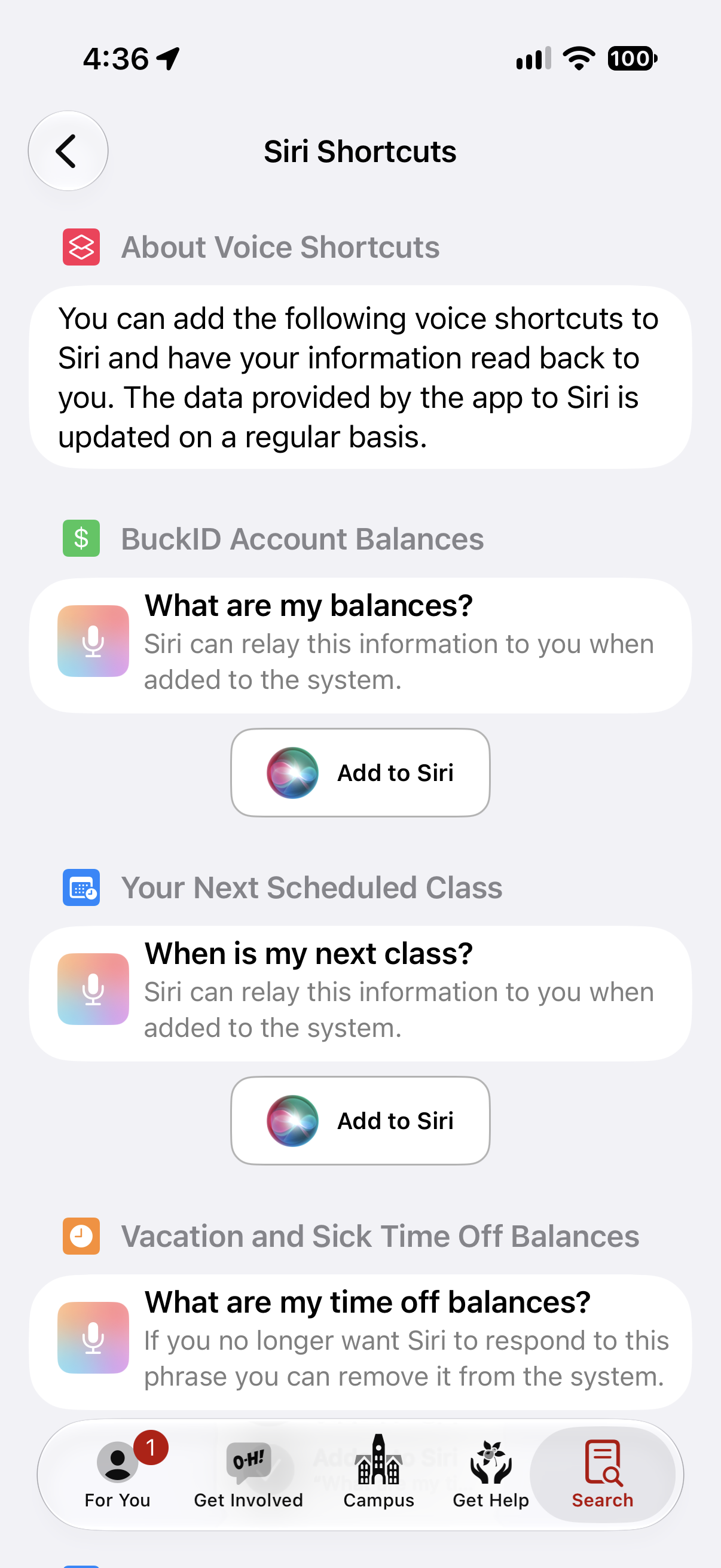
Siri Support
Ask Siri for your next class, your BuckID balance, or when the next game will be.
- Legacy2019–2023
2018
- Legacy2018–2022
Course Planner
An app built for the Ohio State: Discover app to help students plan out their academic journey. Had Apple Pencil support so students could write notes along with their preferred plans.
- Legacy2018–2021
Discover App
The Discover app was installed on every managed iPad when Ohio State distributed them to incoming freshman. It helped students understand their orientation schedule and find ways to get involved.
- Legacy2018–2022
2017
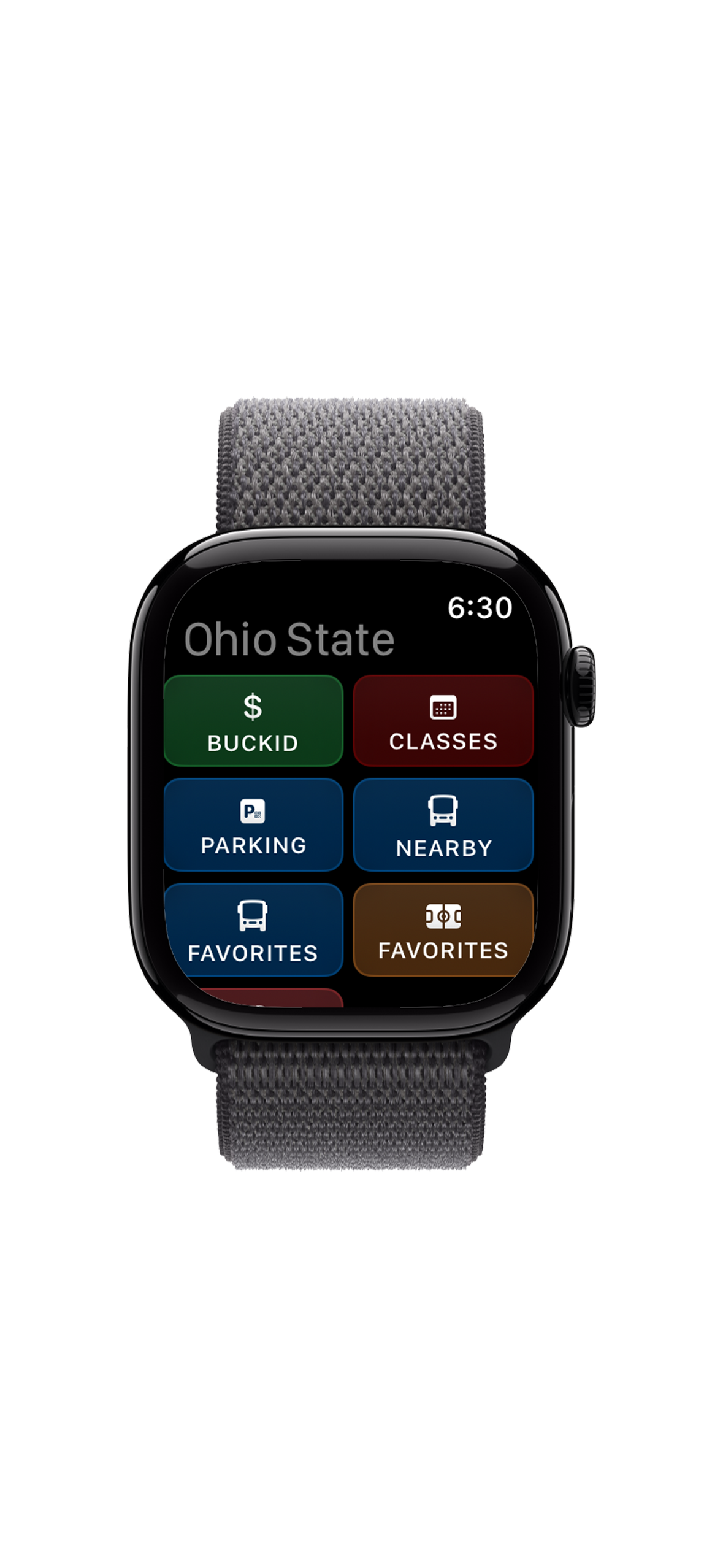
Apple Watch App
The tiniest Ohio State app.
- Legacy2017–2021
Bike Sharing
Integration with the original bike sharing service at Ohio State.
2016
- Legacy2016–2020
Campus Tours
Described and linked to the official Virtual Campus Tour app.
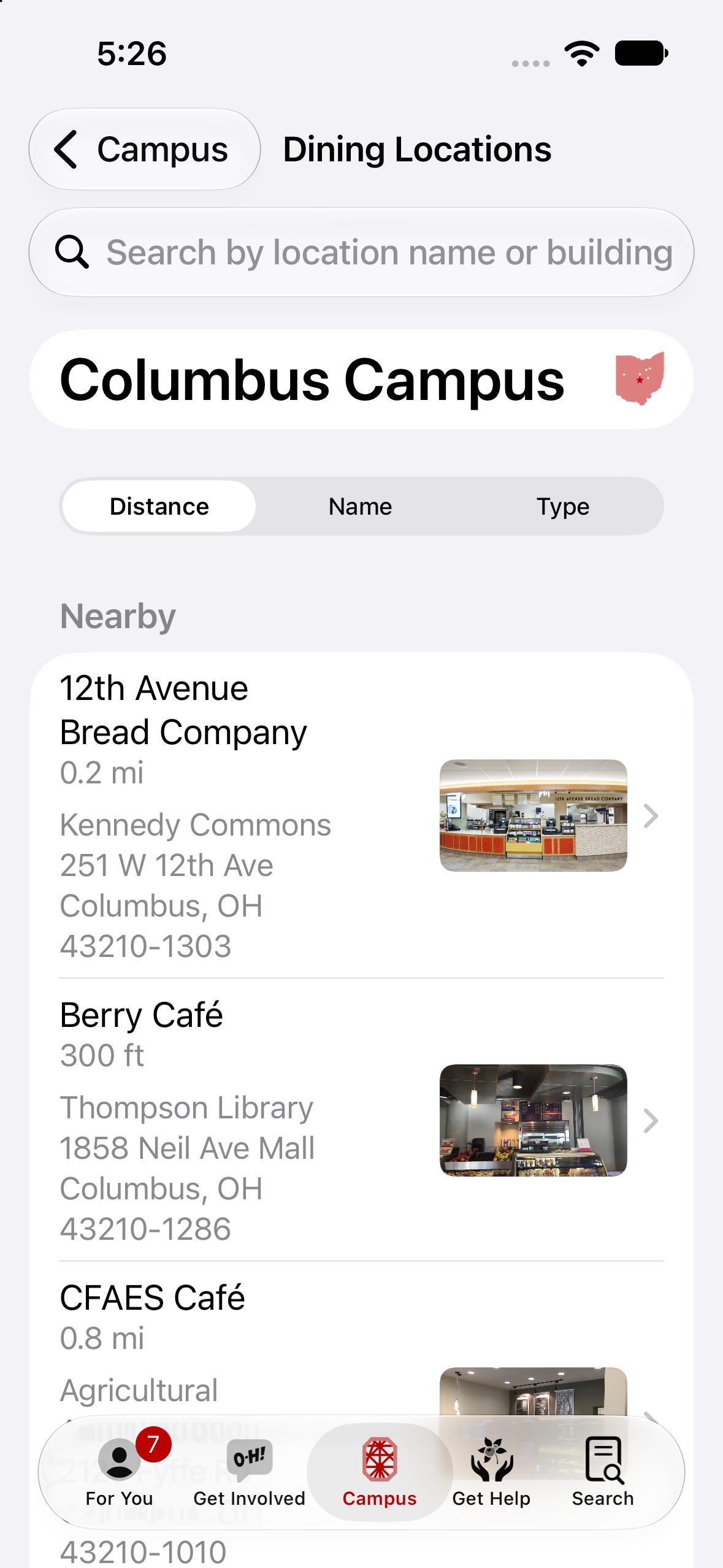
Dining Locations
Find places to eat.
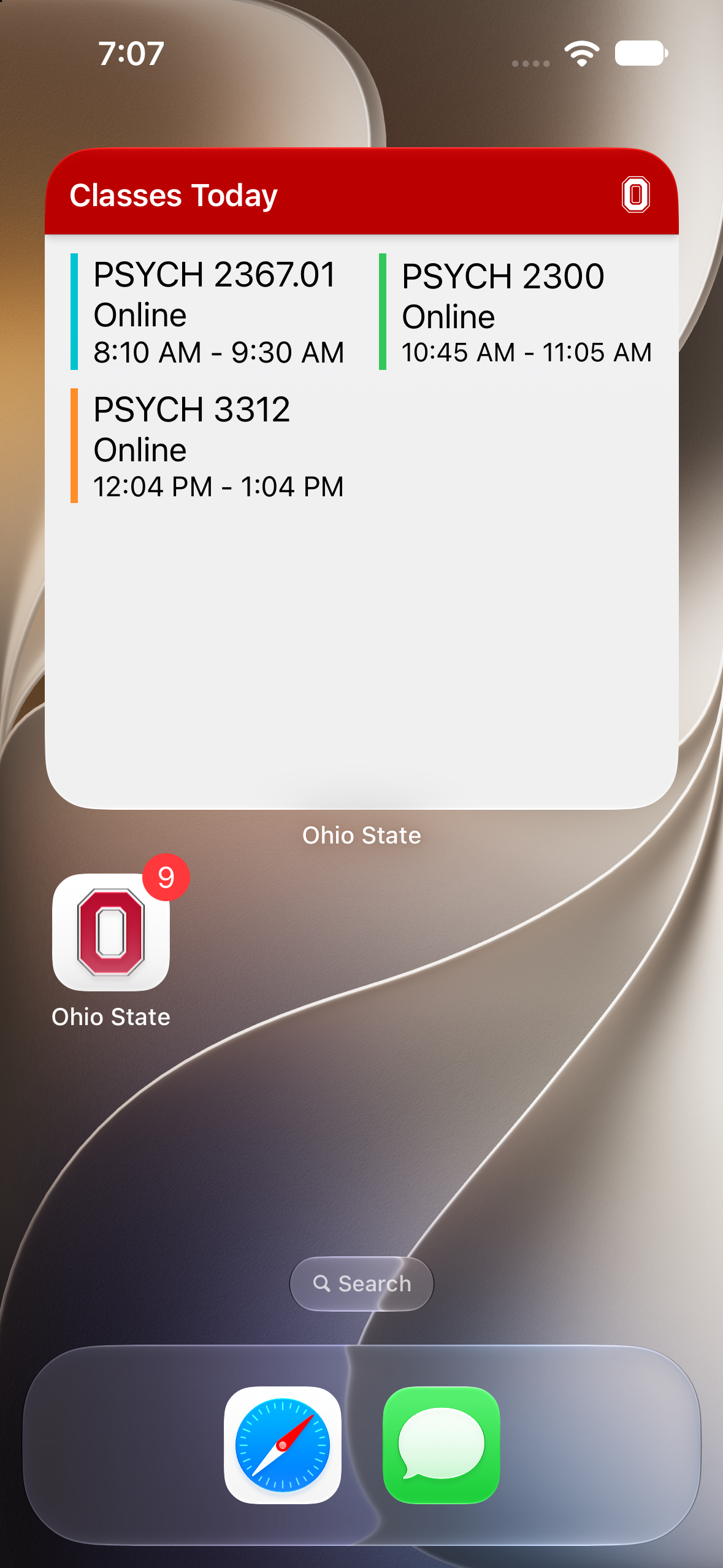
Home Screen Widgets
Quick-glance views of your day without opening the app.
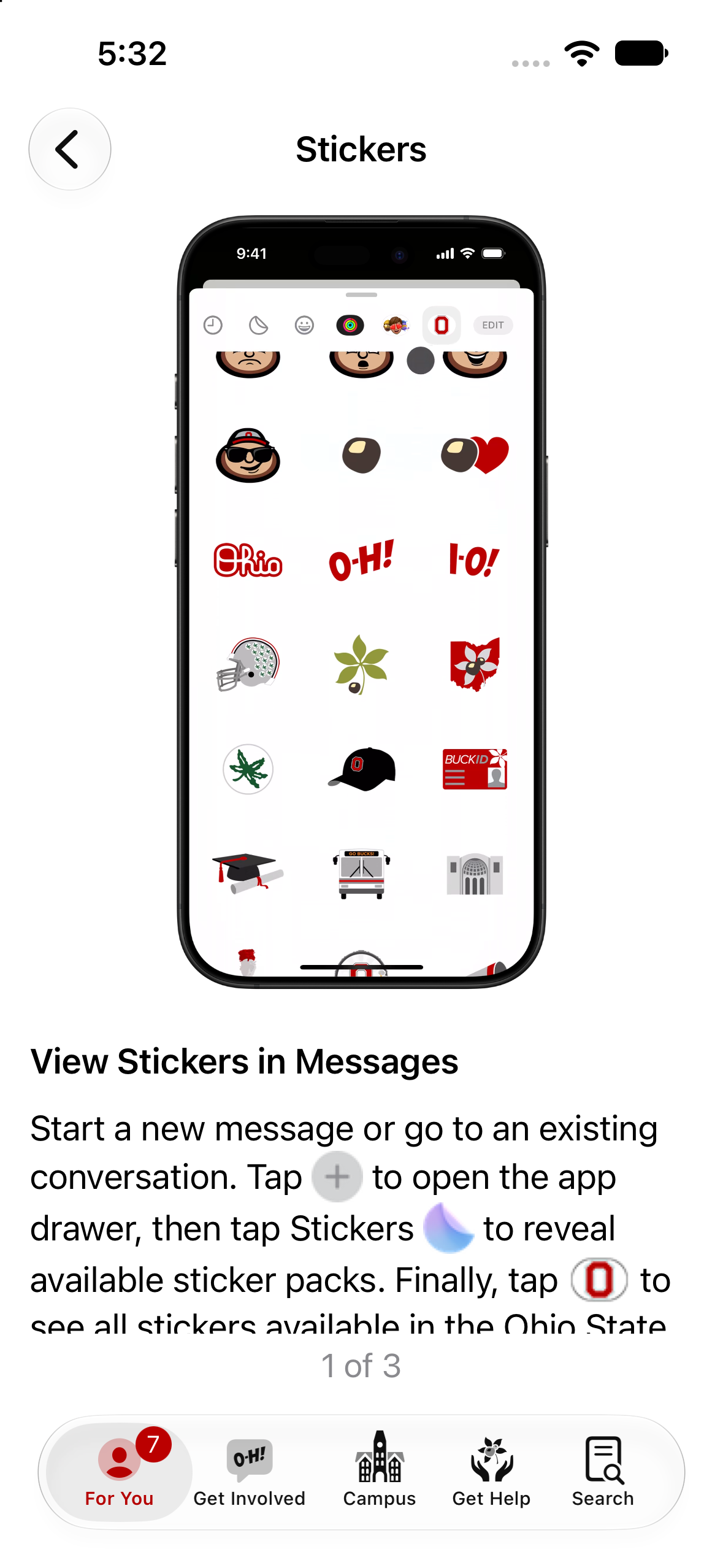
iMessage Stickers
Send Brutus via text messages.
- Legacy2016–2020
Parking Surface Lots
A map of all open-air surface parking lots on the Columbus campus with real time occupancy information.
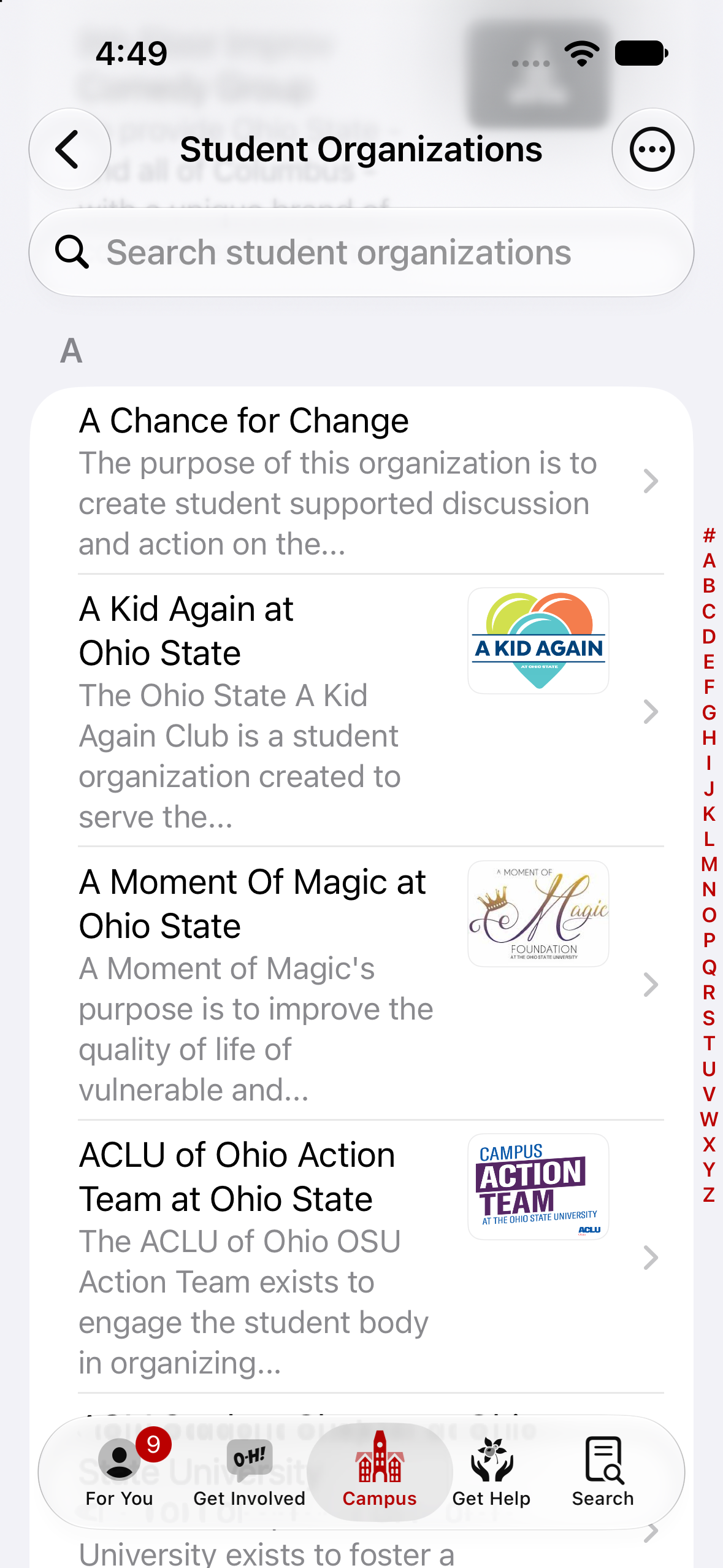
Student Organizations
Meet people with similar interests.
- Legacy2016–2020
2015
- Legacy2015–2019
ATMs
A map of the closest ATM locations on campus.
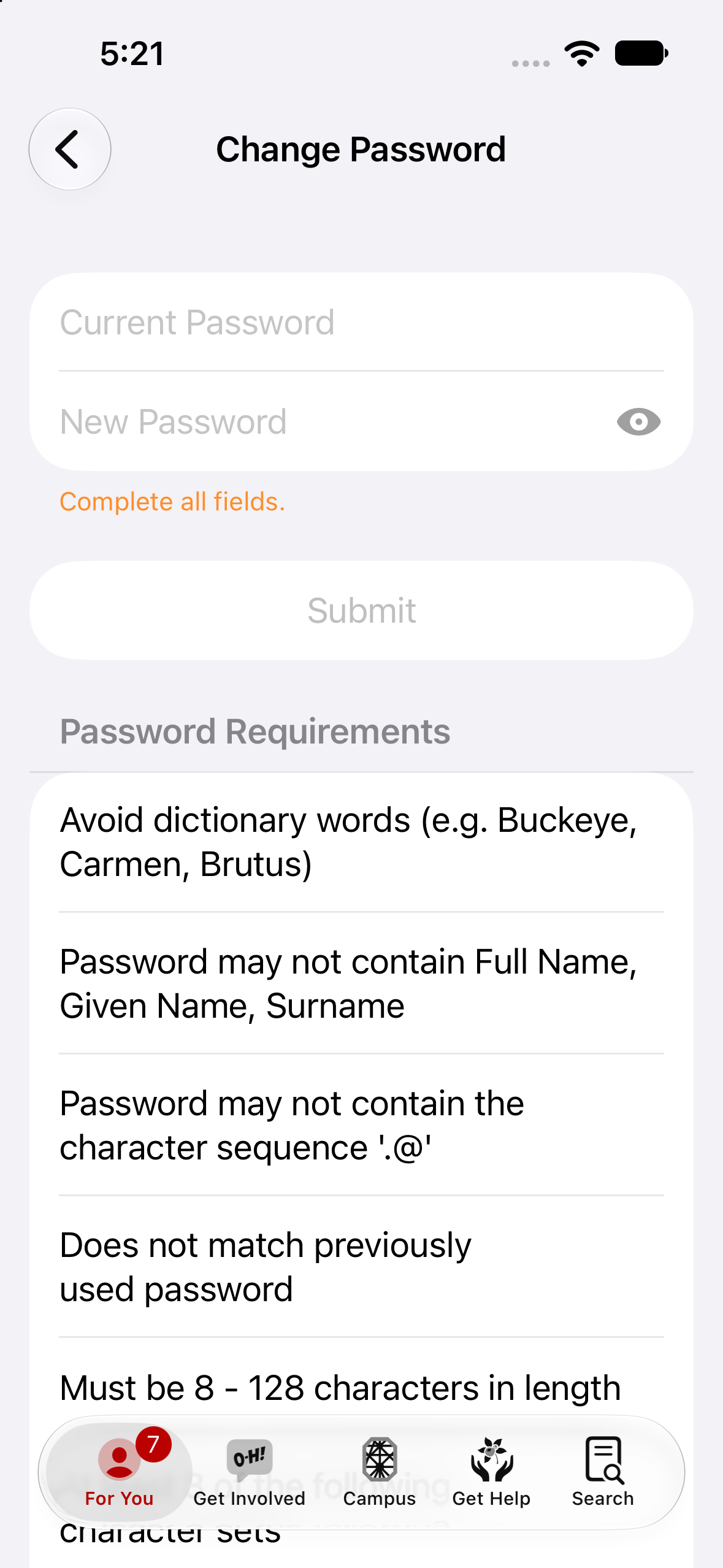
Change Password
Secure credential management.
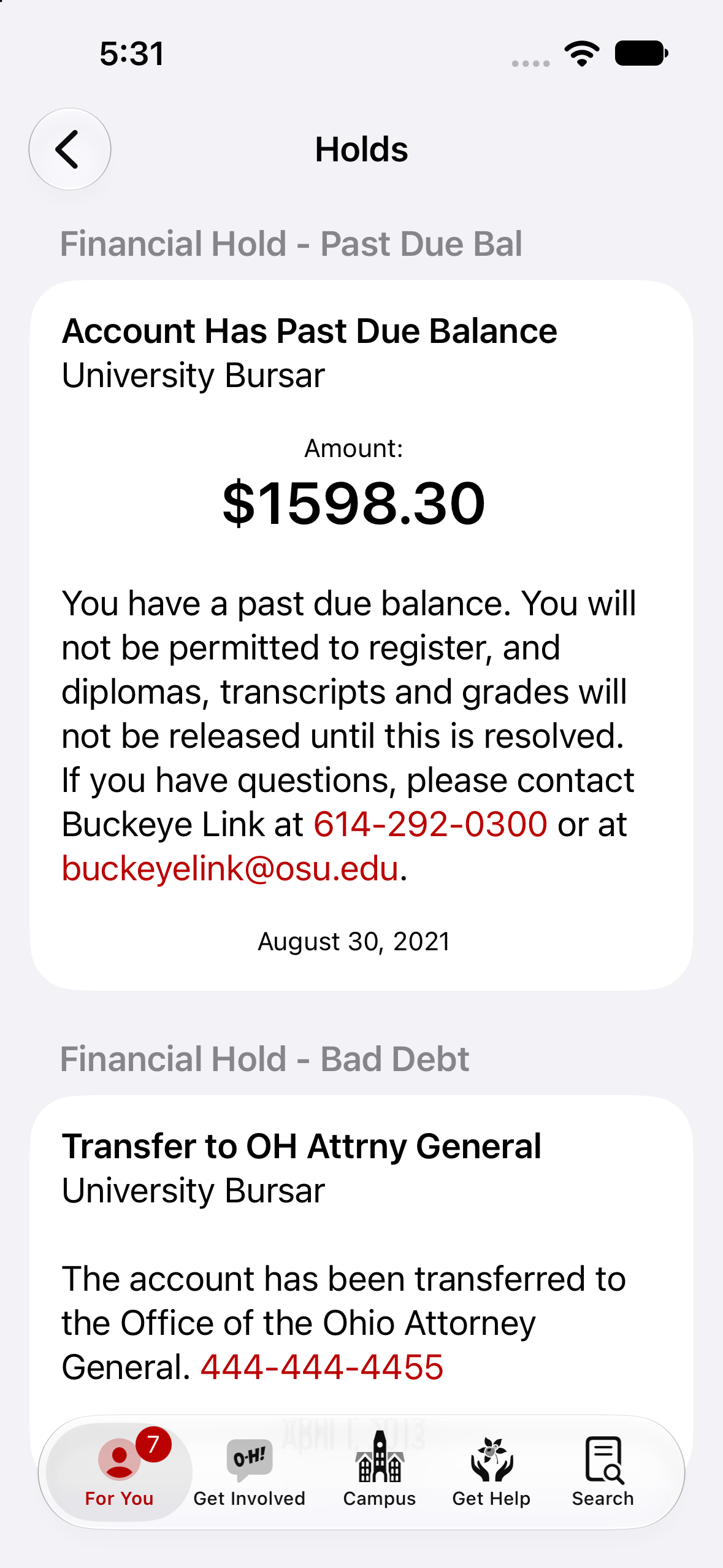
Holds
Important information about your account.
- Legacy2015–2019
2014
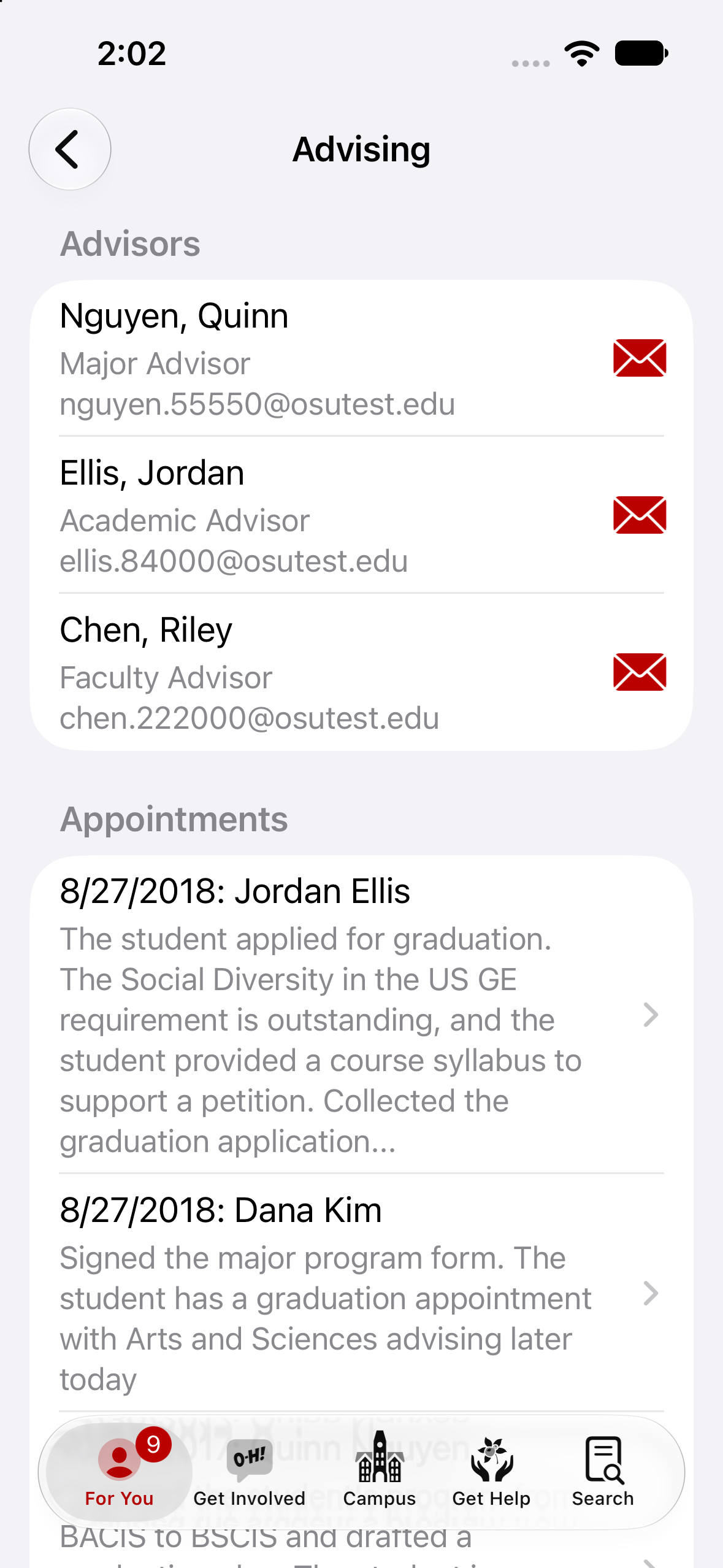
Advising
See who your advisors are, how to reach them, and notes from your appointments.
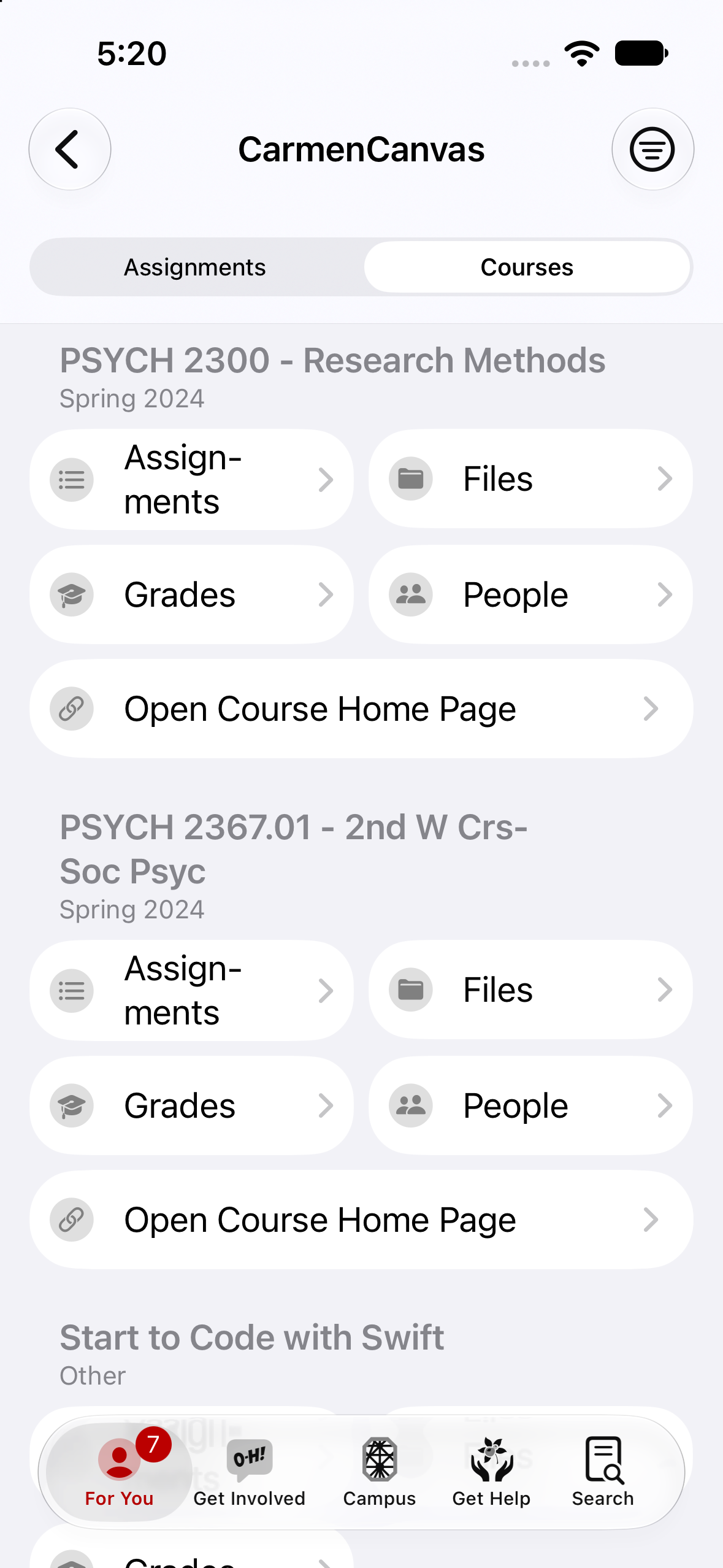
Carmen Canvas
View your courses, assignments, and more.
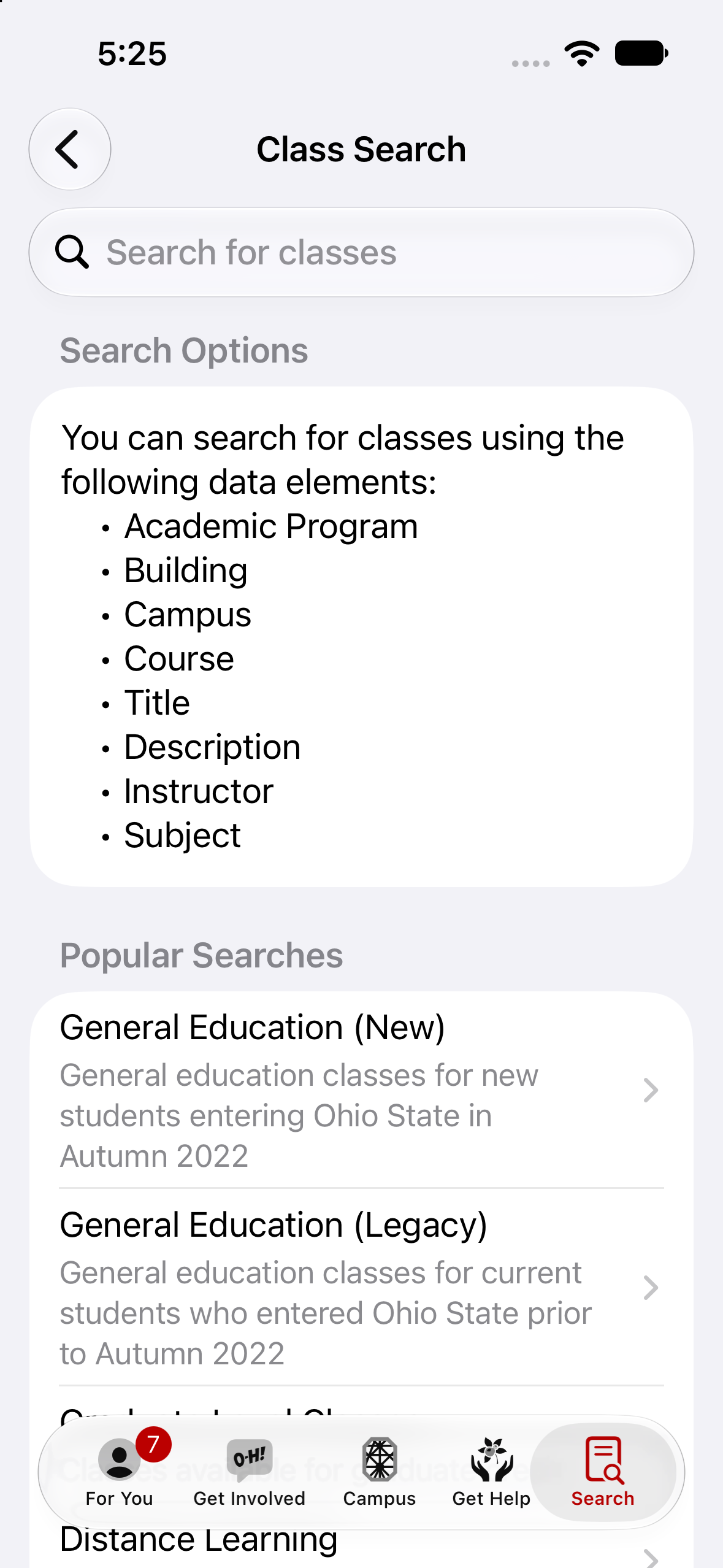
Class Search
Find course instances to plan out future term schedules.
- Legacy2014–2018
OSUWireless Setup
A one-tap profile installer that configured the OSUWireless Wi-Fi network on a student or employee's device.
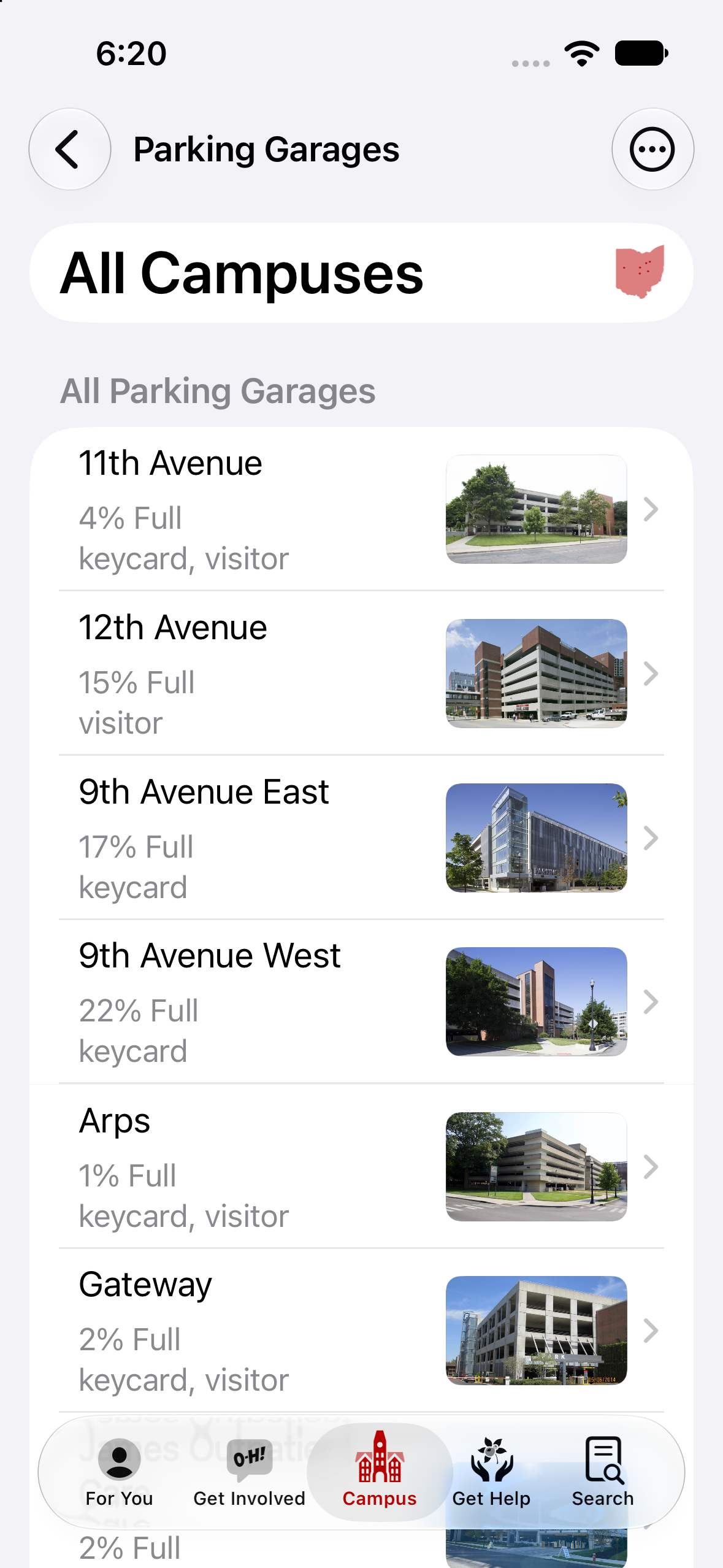
Parking Garages
Locations and occupancy.
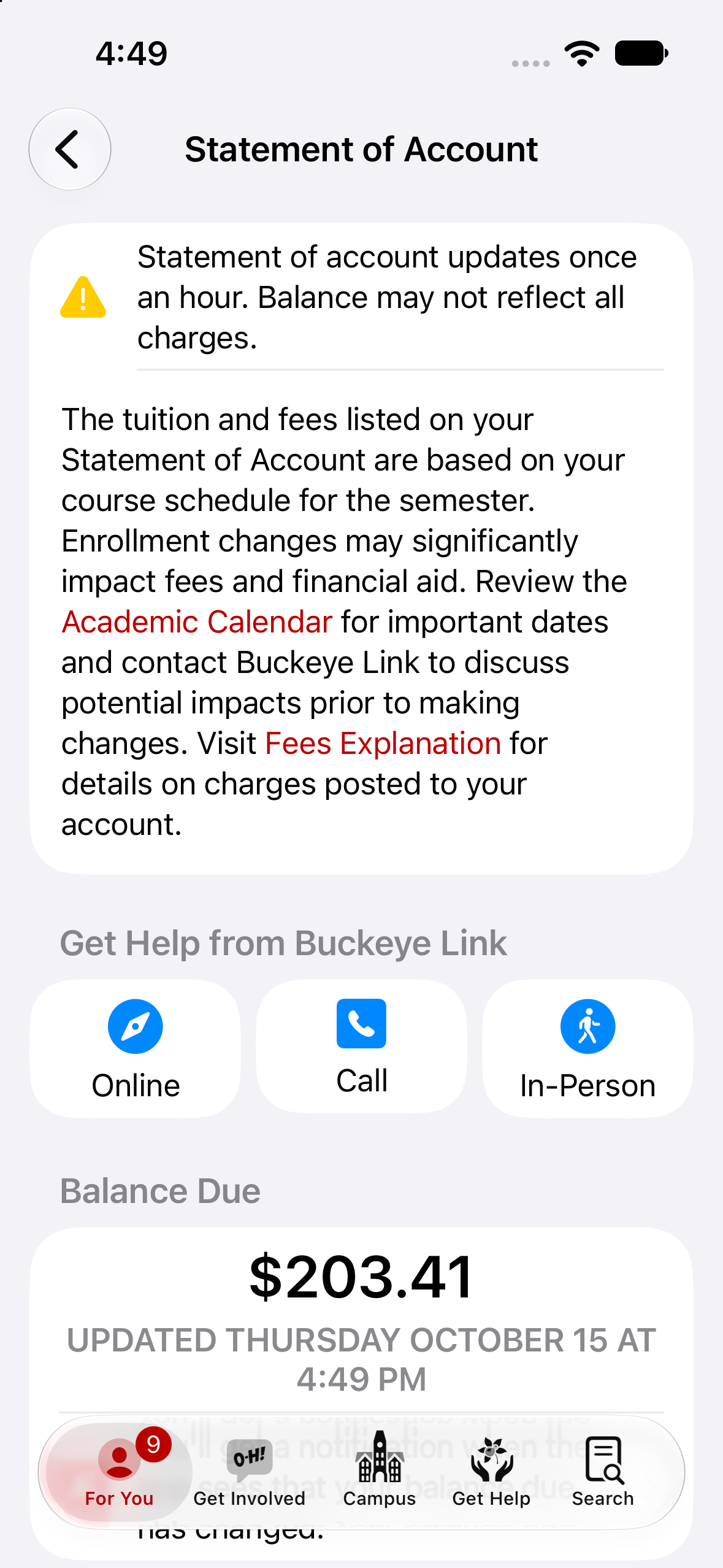
Statement of Account
Understand your balances.
2013
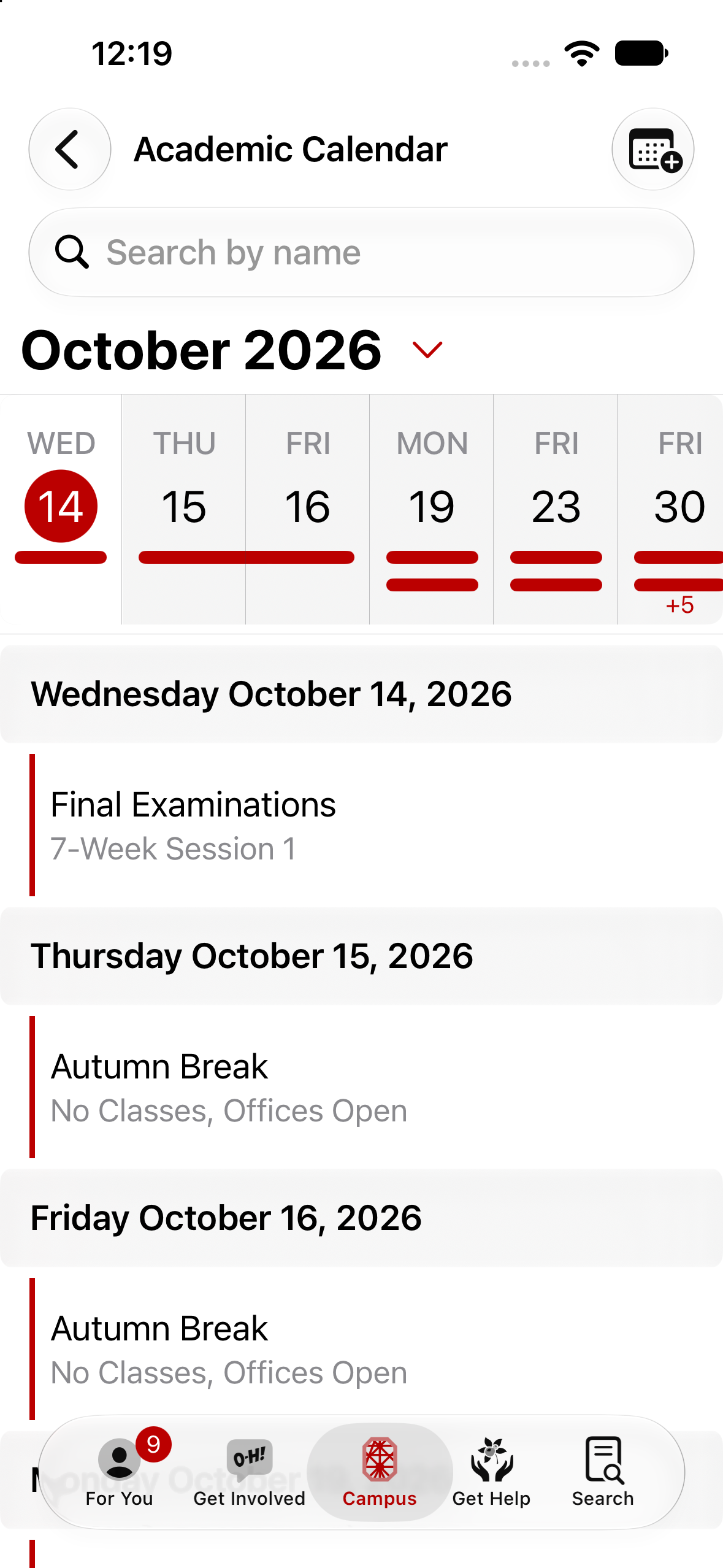
Academic Calendar
Important dates and deadlines.
- Legacy2013–2019
Image of the Day
A single hand-picked photo of campus — morning light on Mirror Lake, Brutus at a home game, a fresh snowfall across the Oval — surfaced on the Today tab every morning with a short caption from the editorial team.
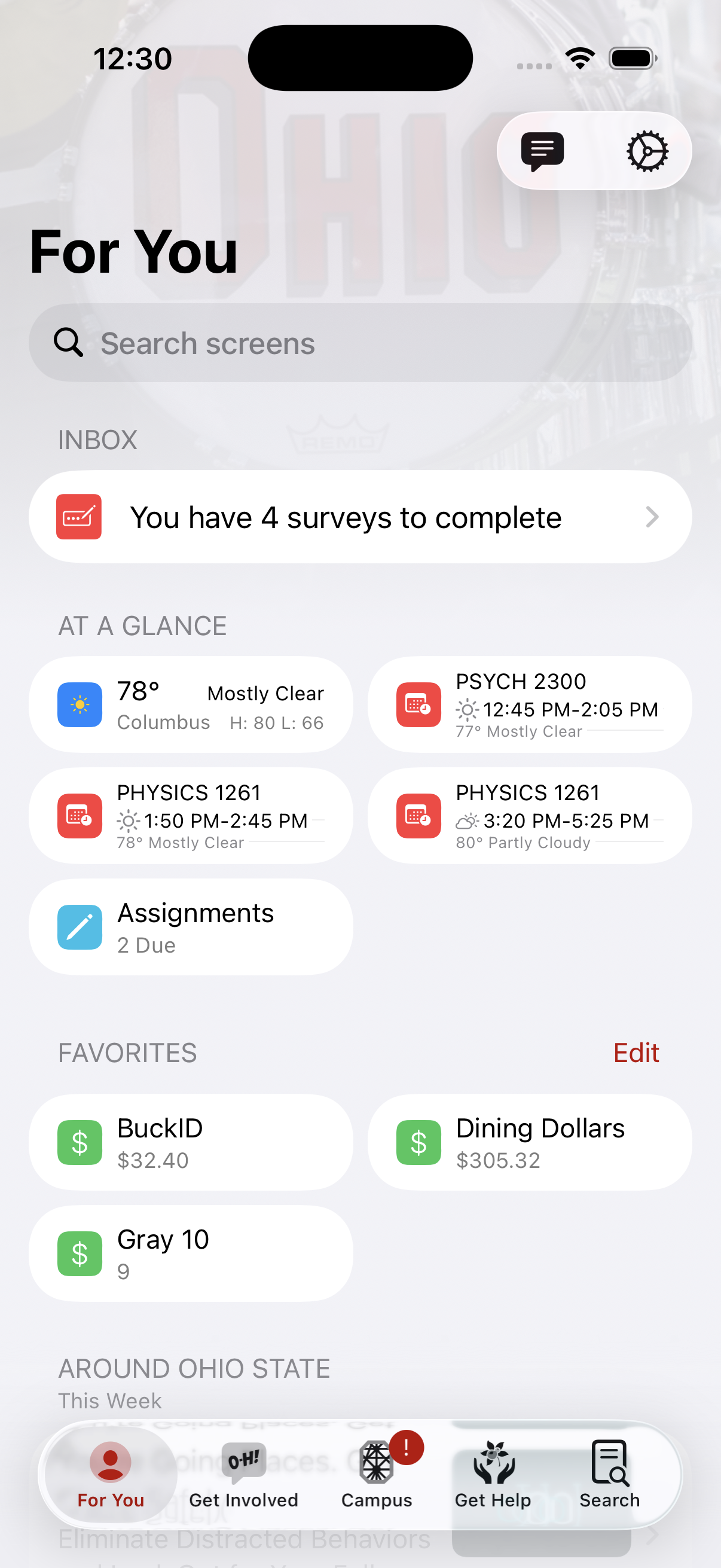
Survey of Student Learning Experience
Complete your course surveys each term.
2012
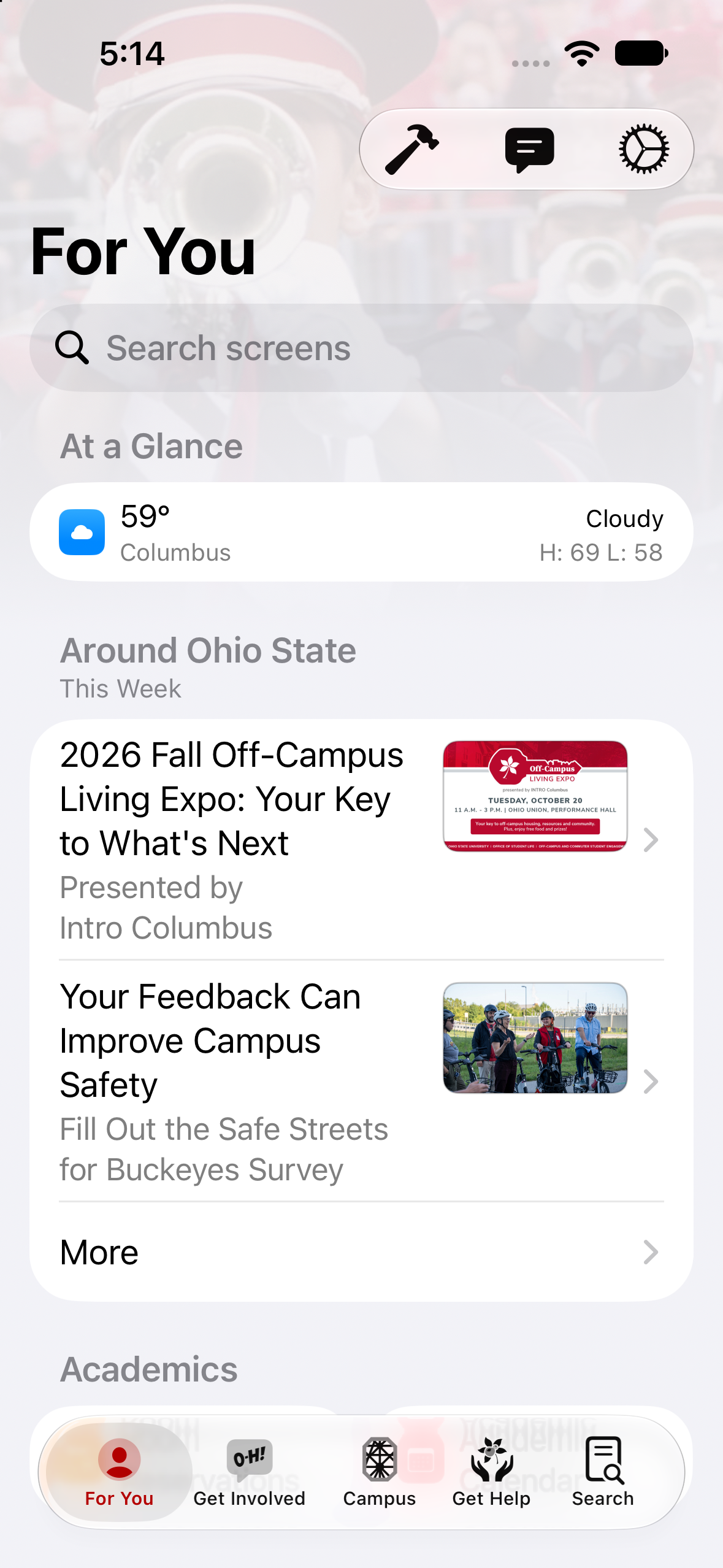
Around Ohio State
Important news and updates.
2011
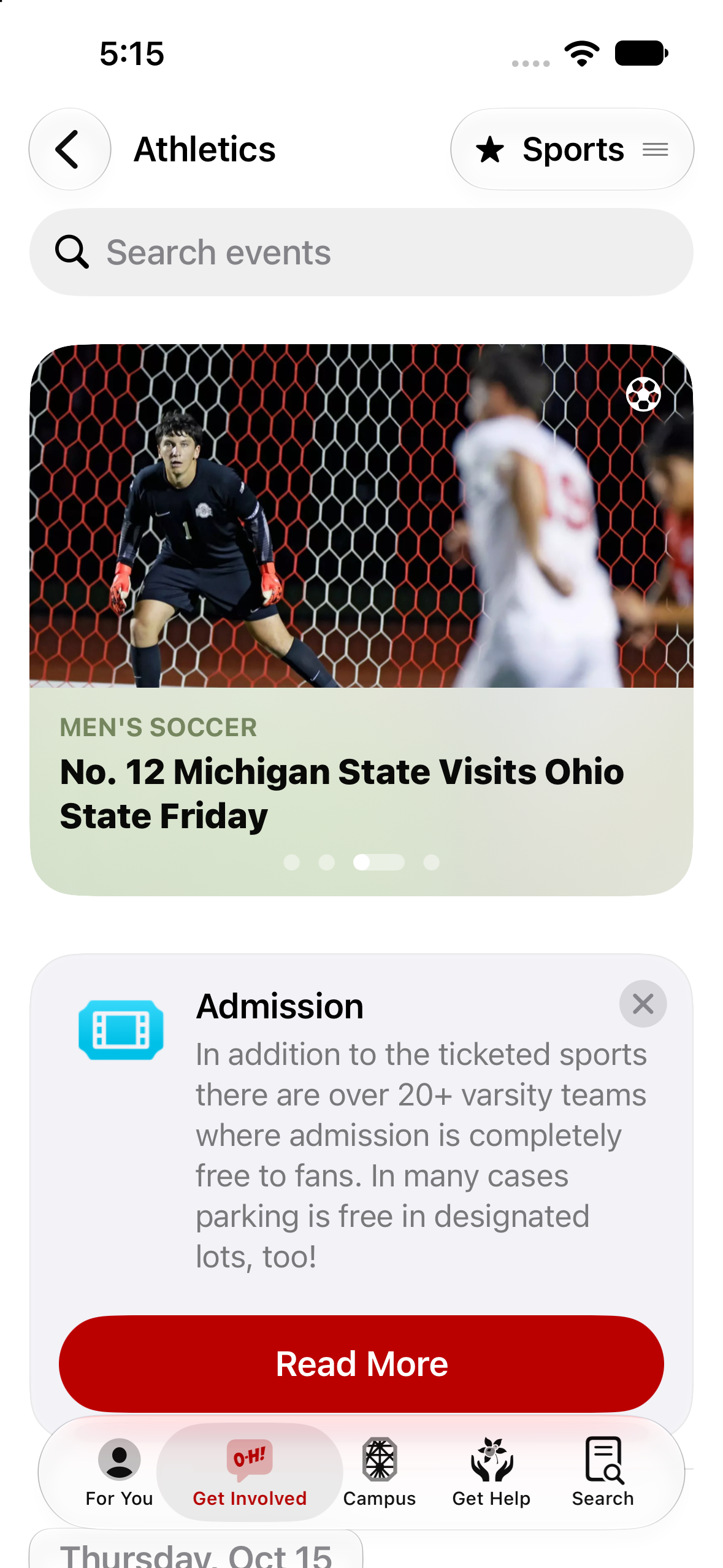
Athletics
Schedules and scores for your favorite teams.
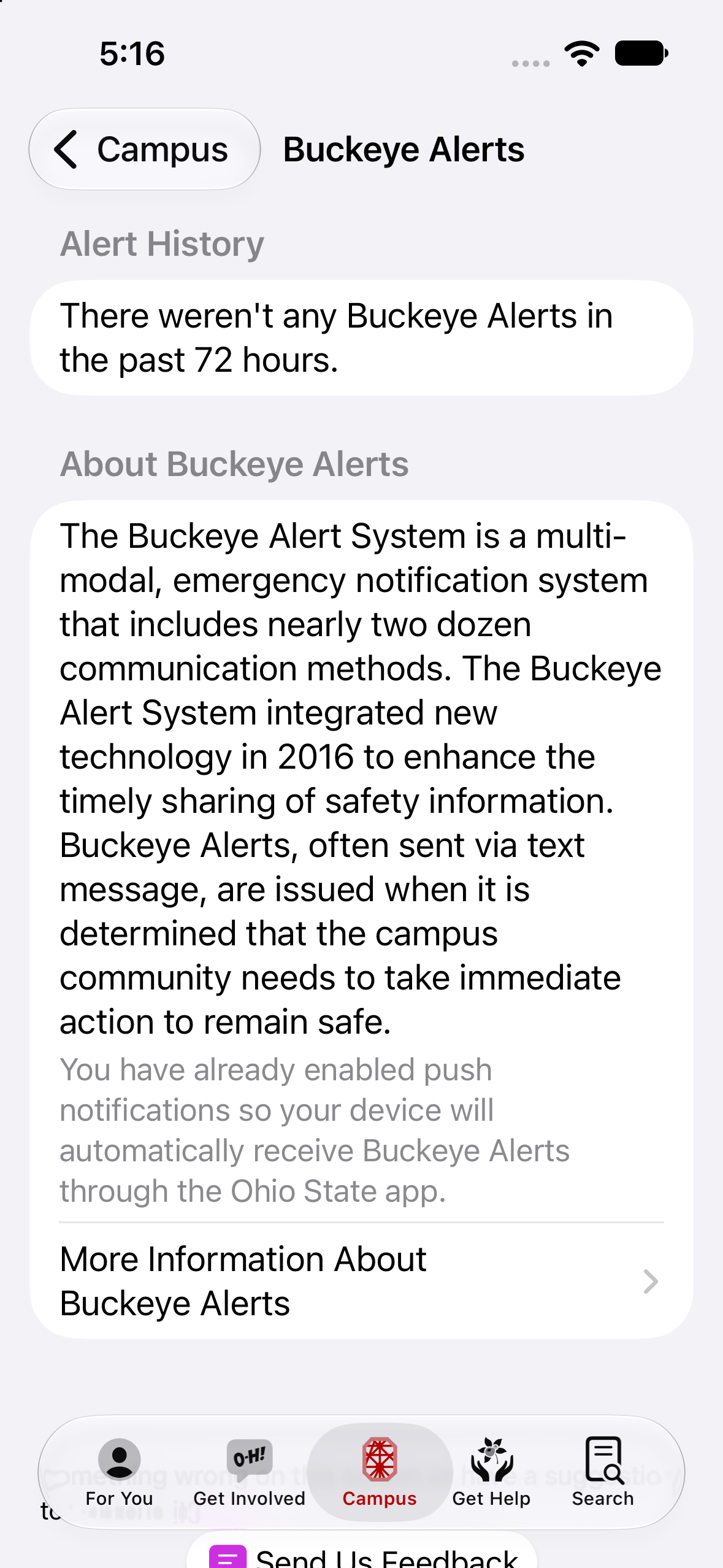
Buckeye Alerts
Keeping the campus community informed.
- Legacy2011–2015
Buckeye Stroll
A list of many buildings on campus and their history. Displayed original photography and explained the stories behind the names.
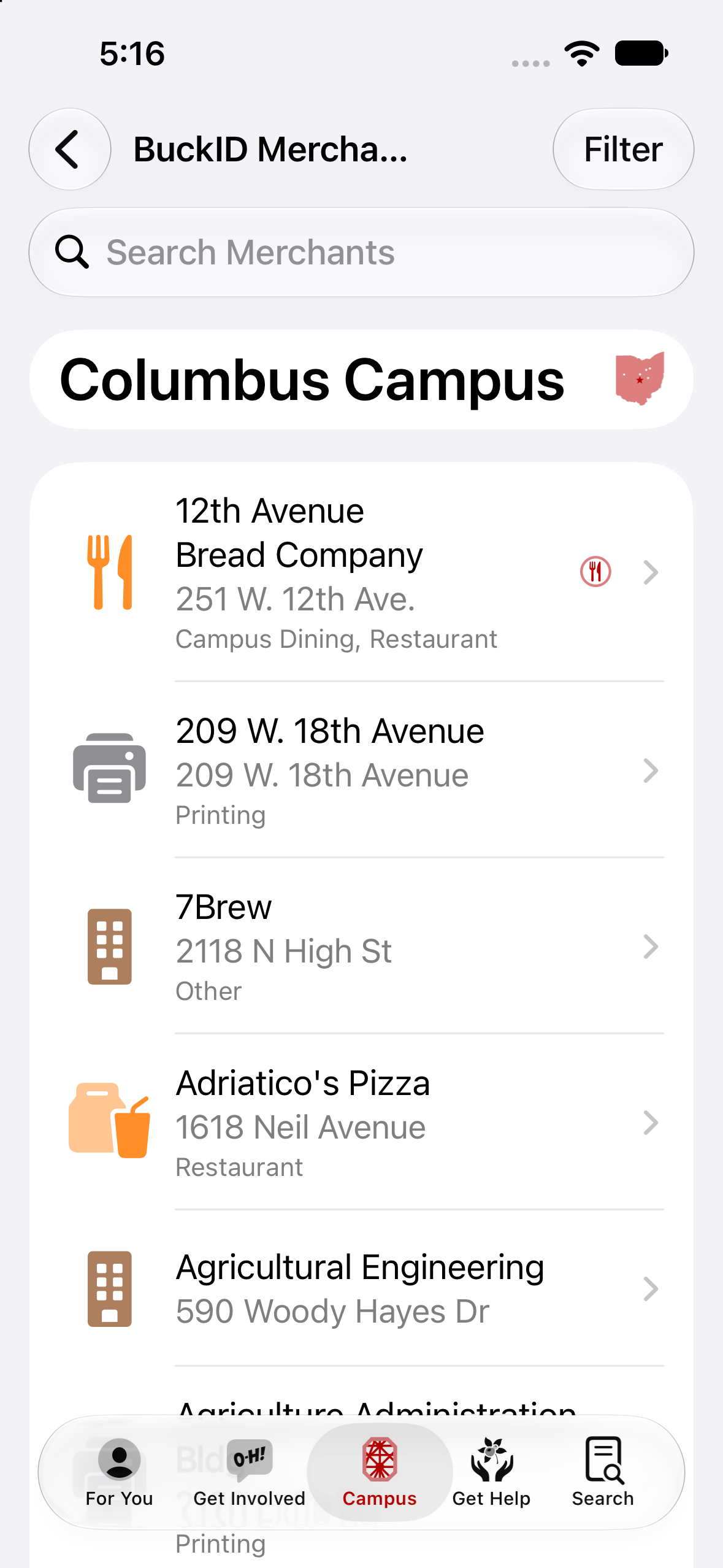
BuckID Merchants
Locations that accept BuckID.
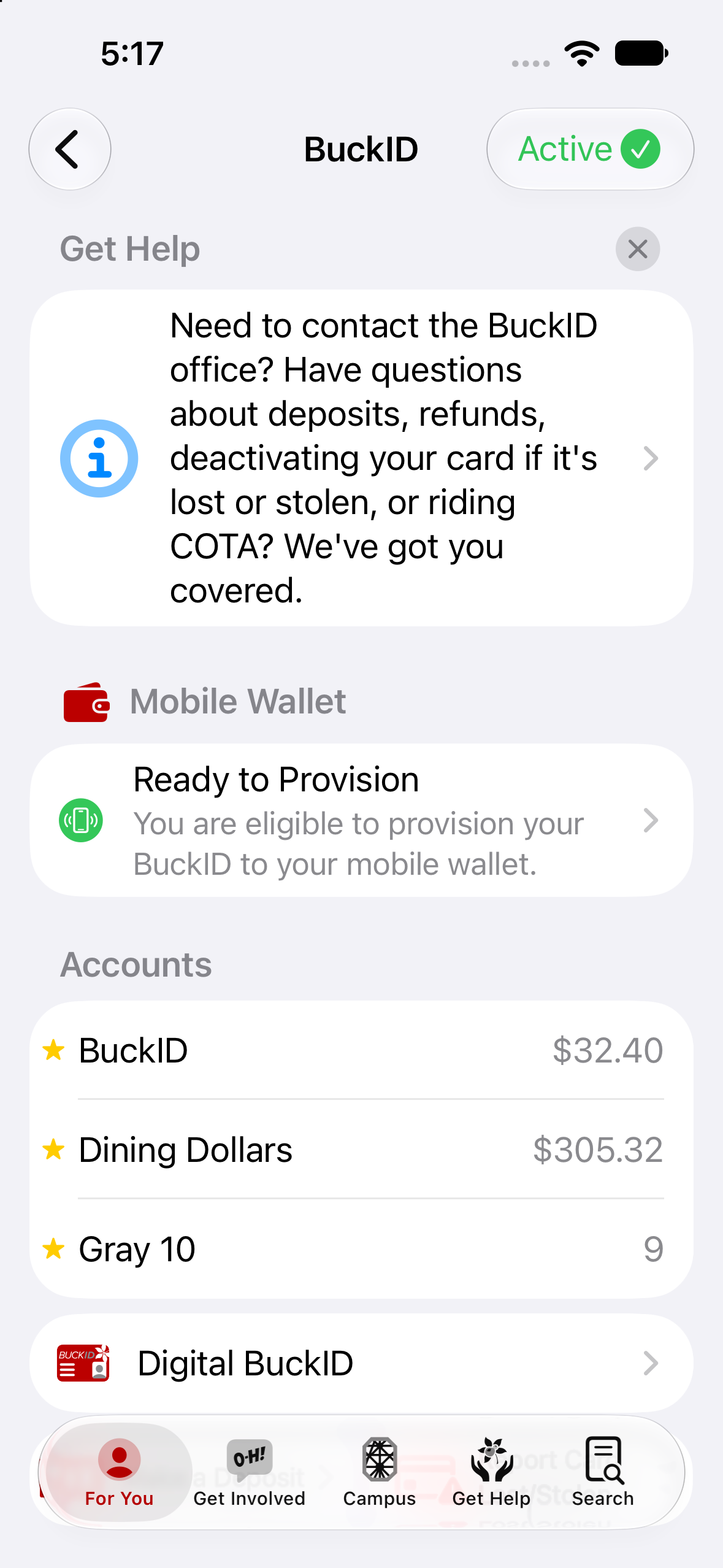
BuckID: Account & Transactions
Check your BuckID balances and review transactions.
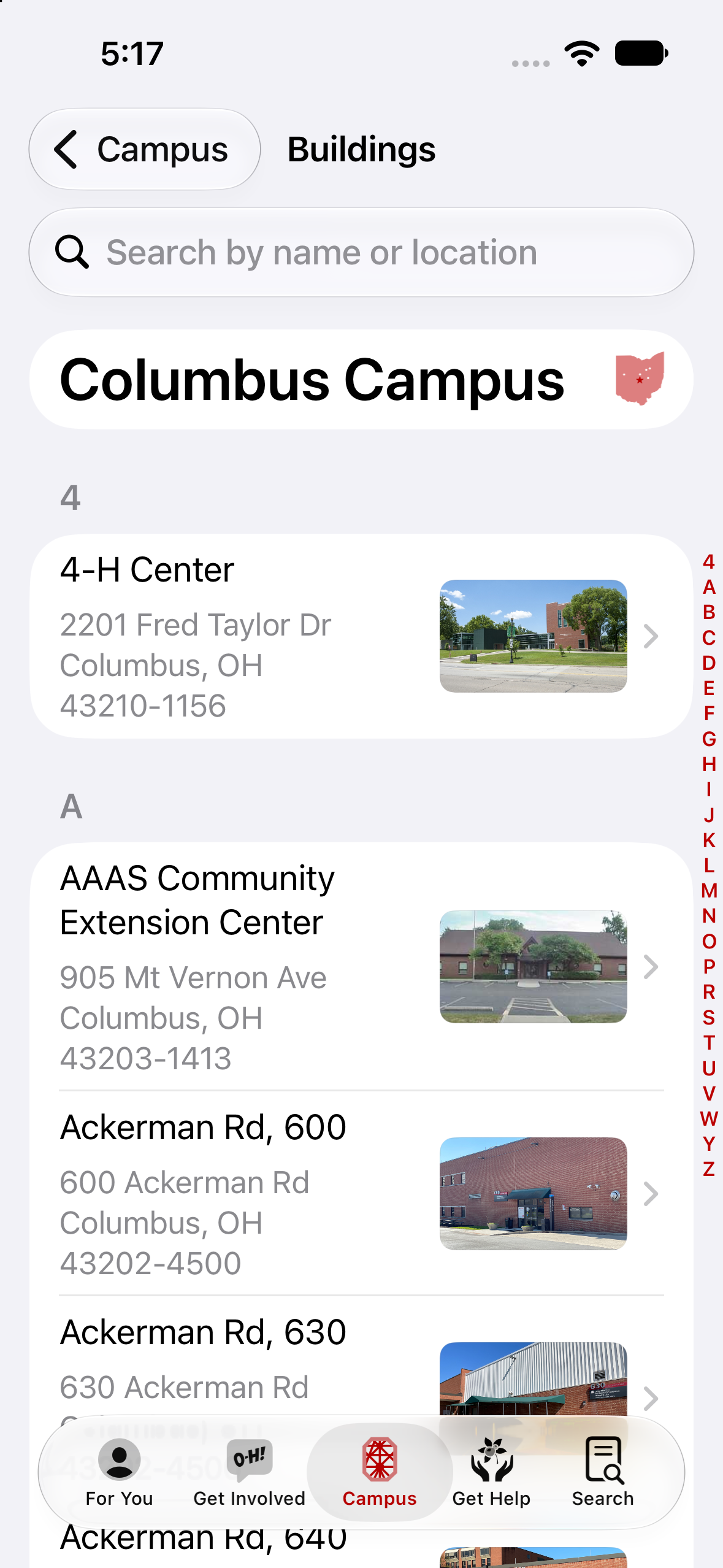
Buildings
Navigate all of Ohio State's campuses.
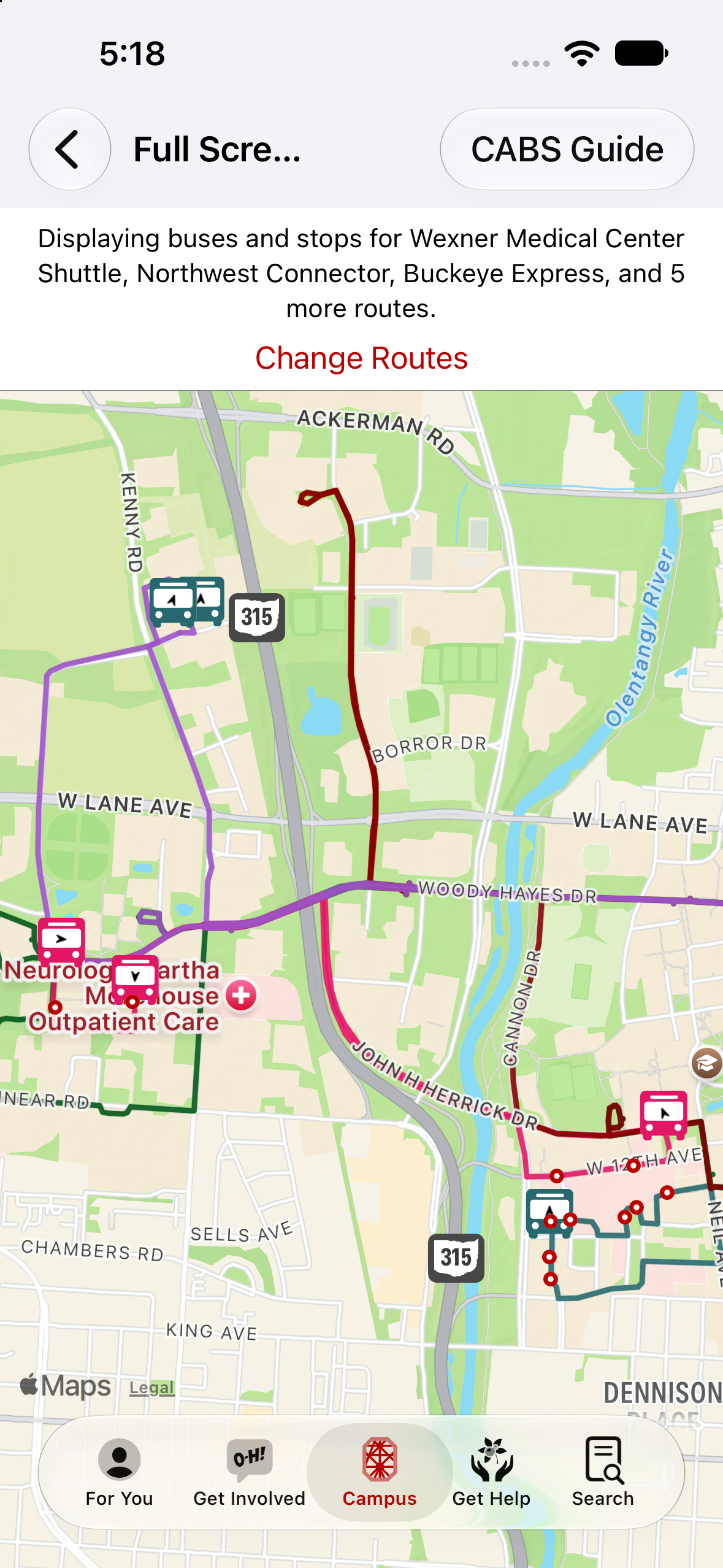
CABS Bus System
Routes and predictions for CABS.
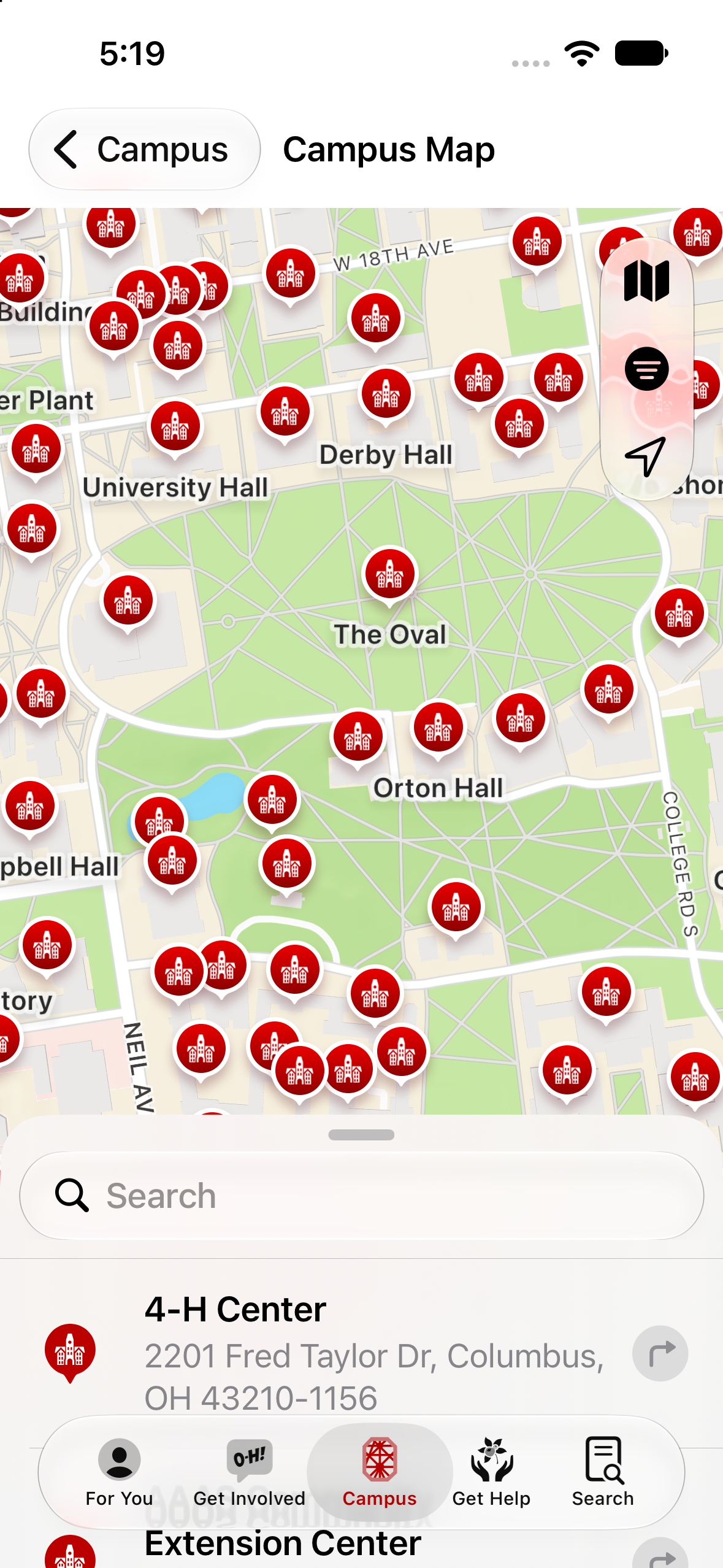
Campus Map
Everything in one screen.
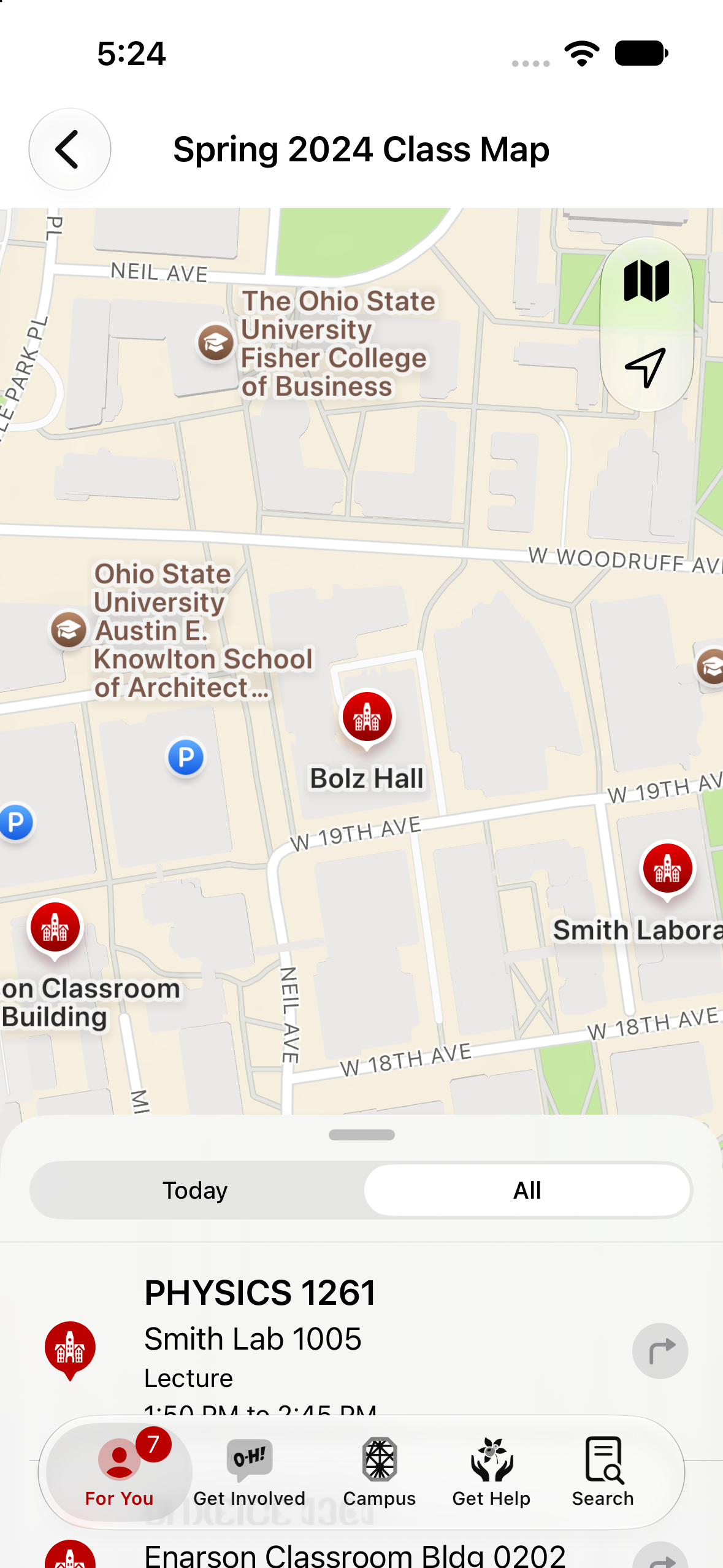
Class Map
Scheduled class locations.
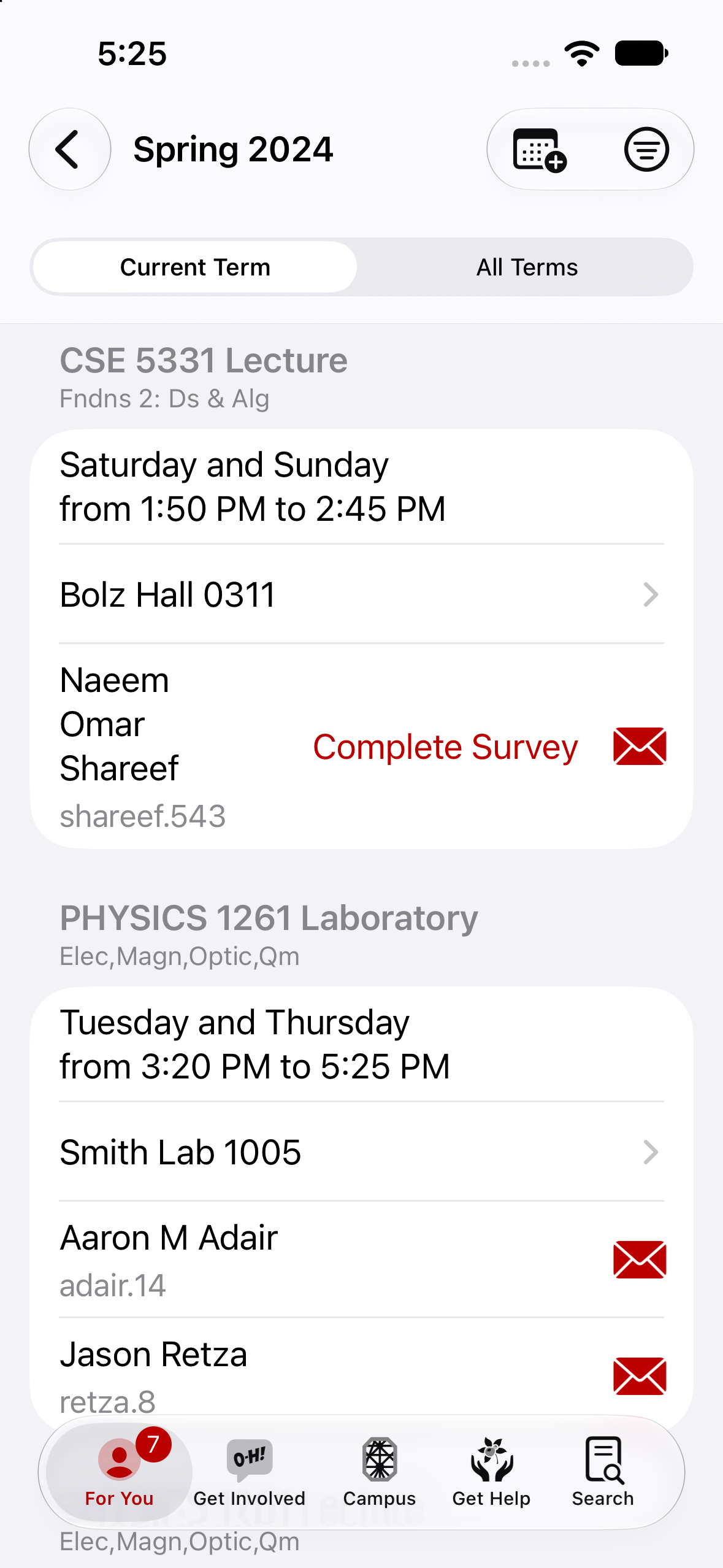
Class Schedule
Class times and locations.

Download Apps and Ringtones
Supplemental apps and custom ringtones.
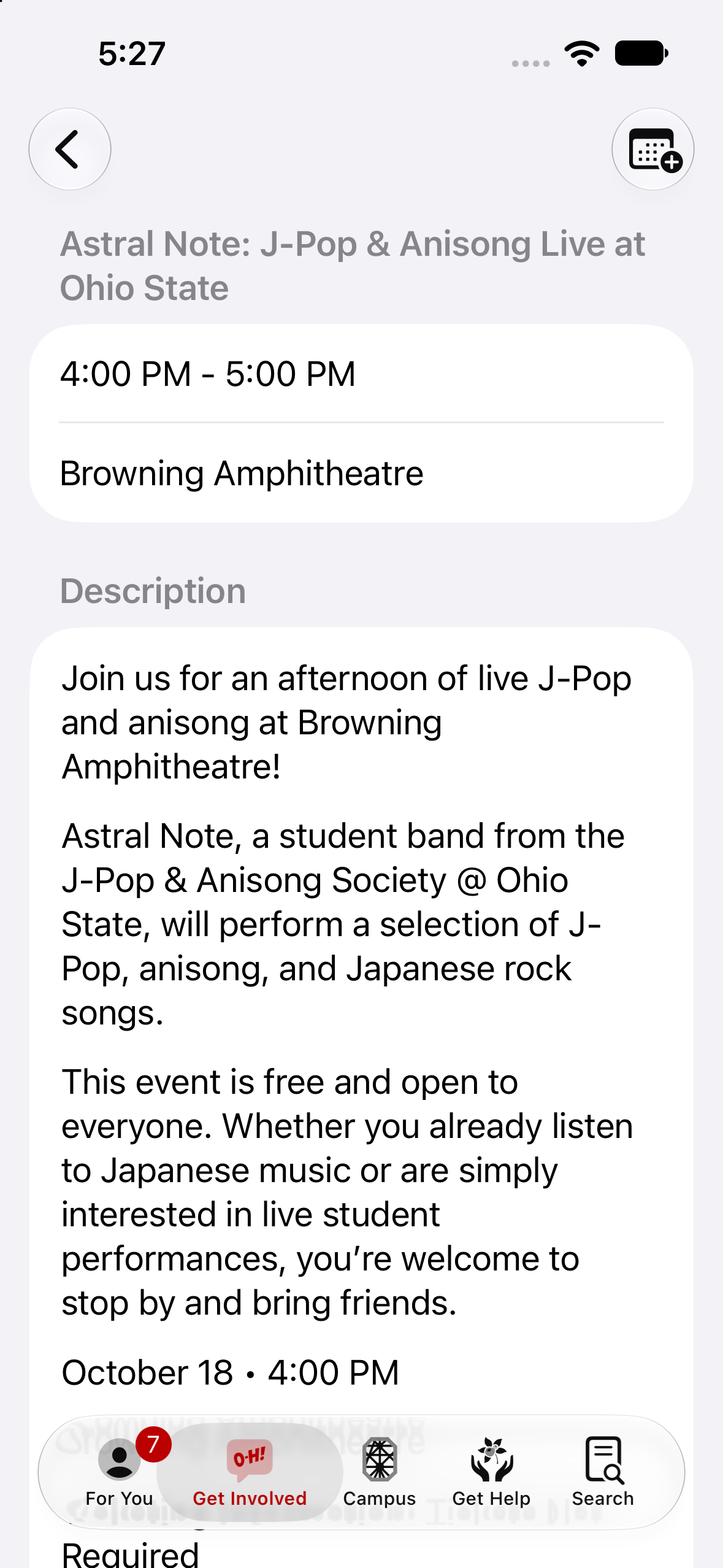
Events
There's always something to do on campus.
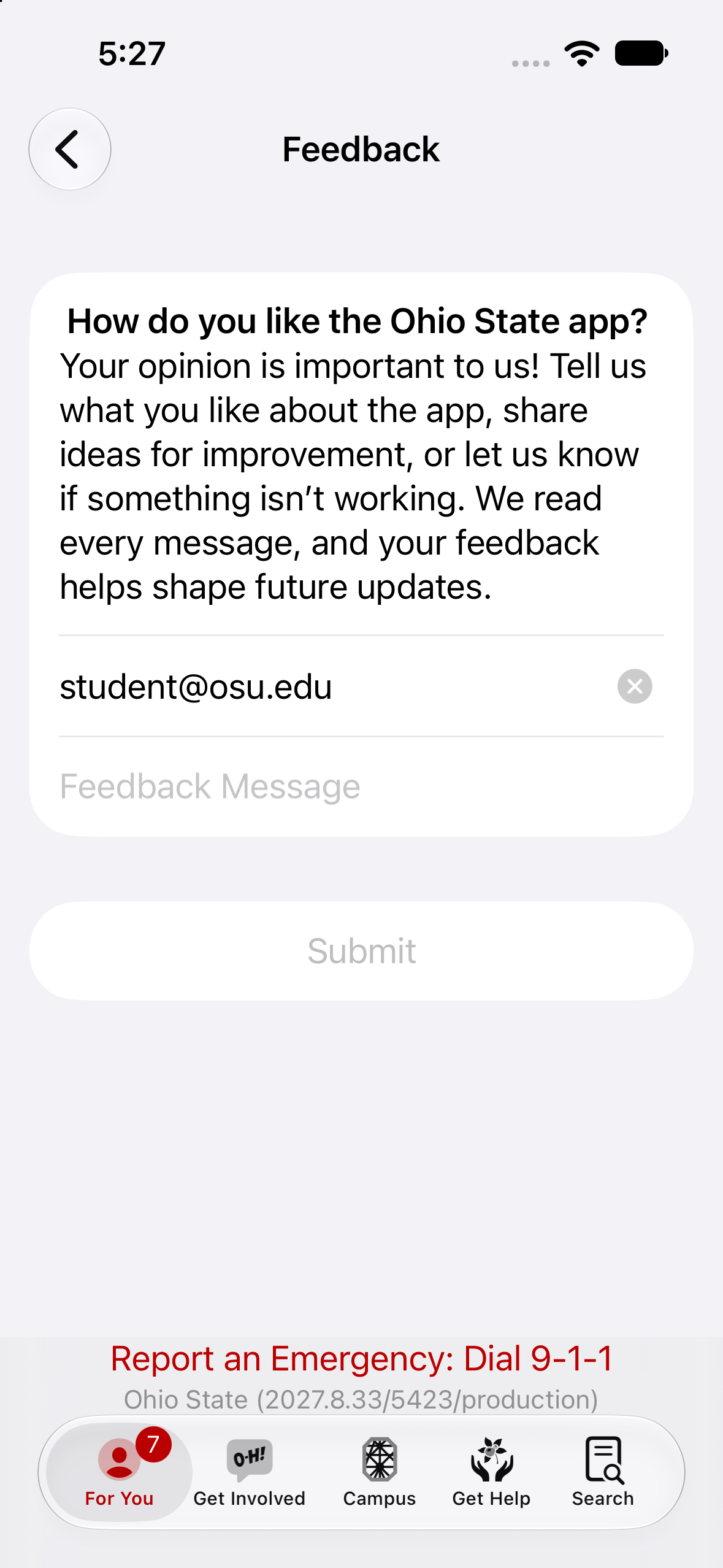
Feedback
How do you like the Ohio State app?
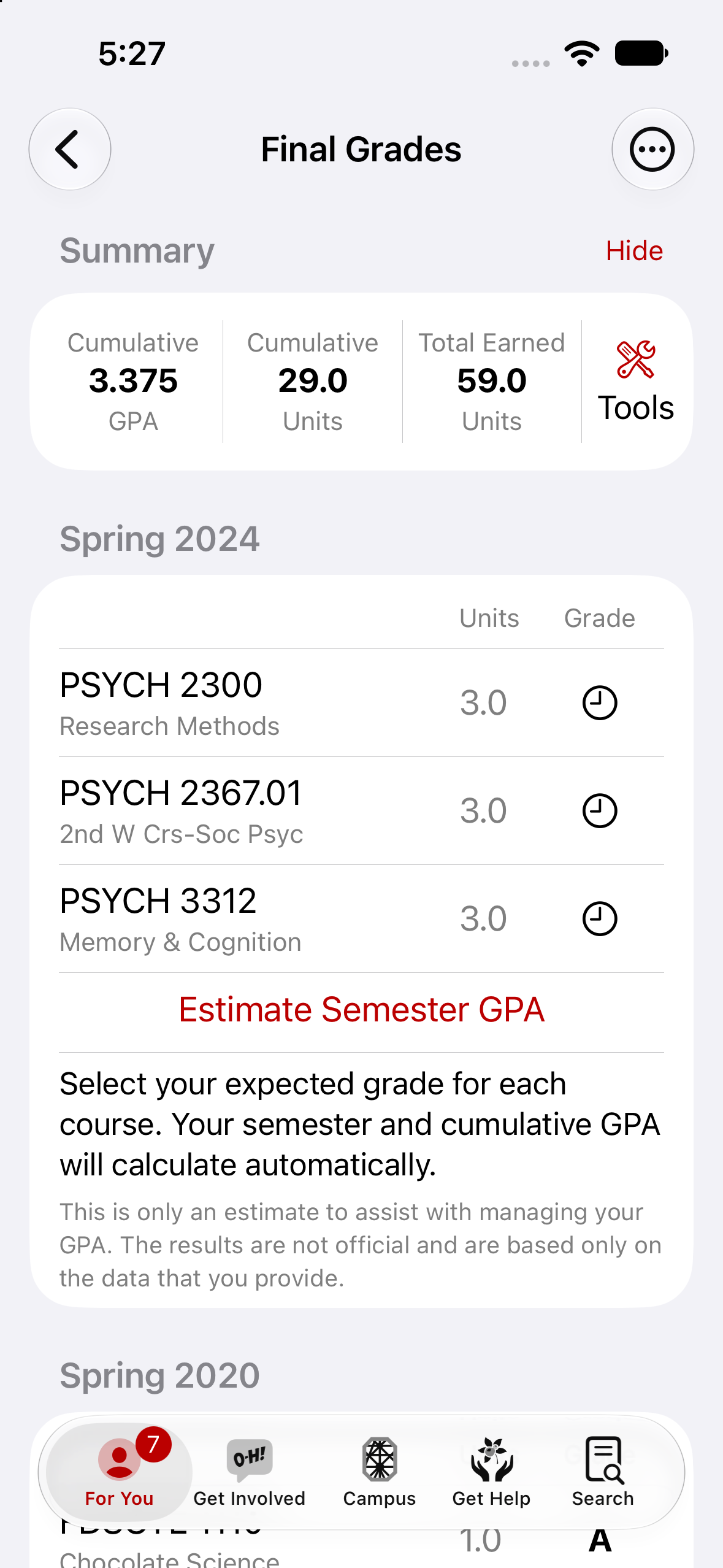
Final Grades
View your final grades as soon as they're posted.
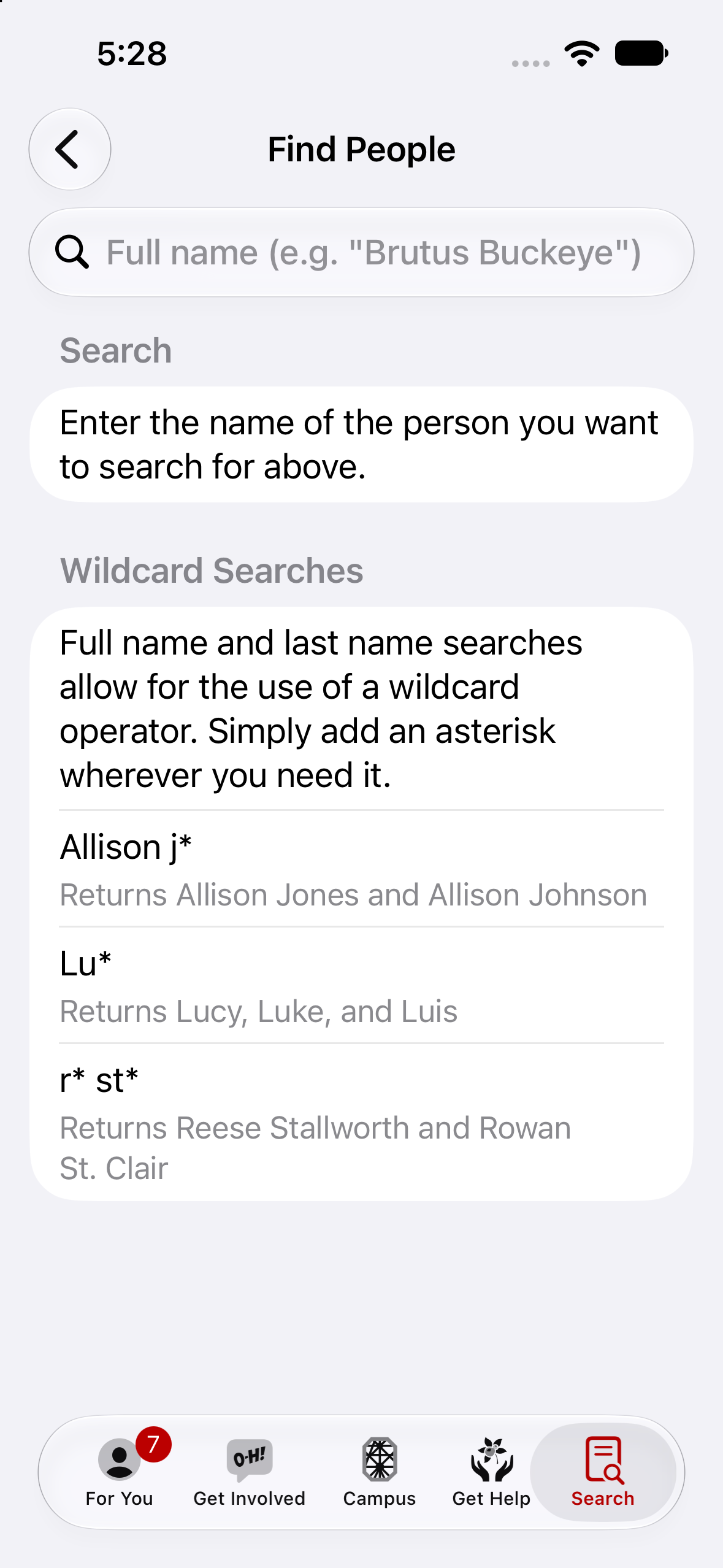
Find People
Get contact information for affiliated users.
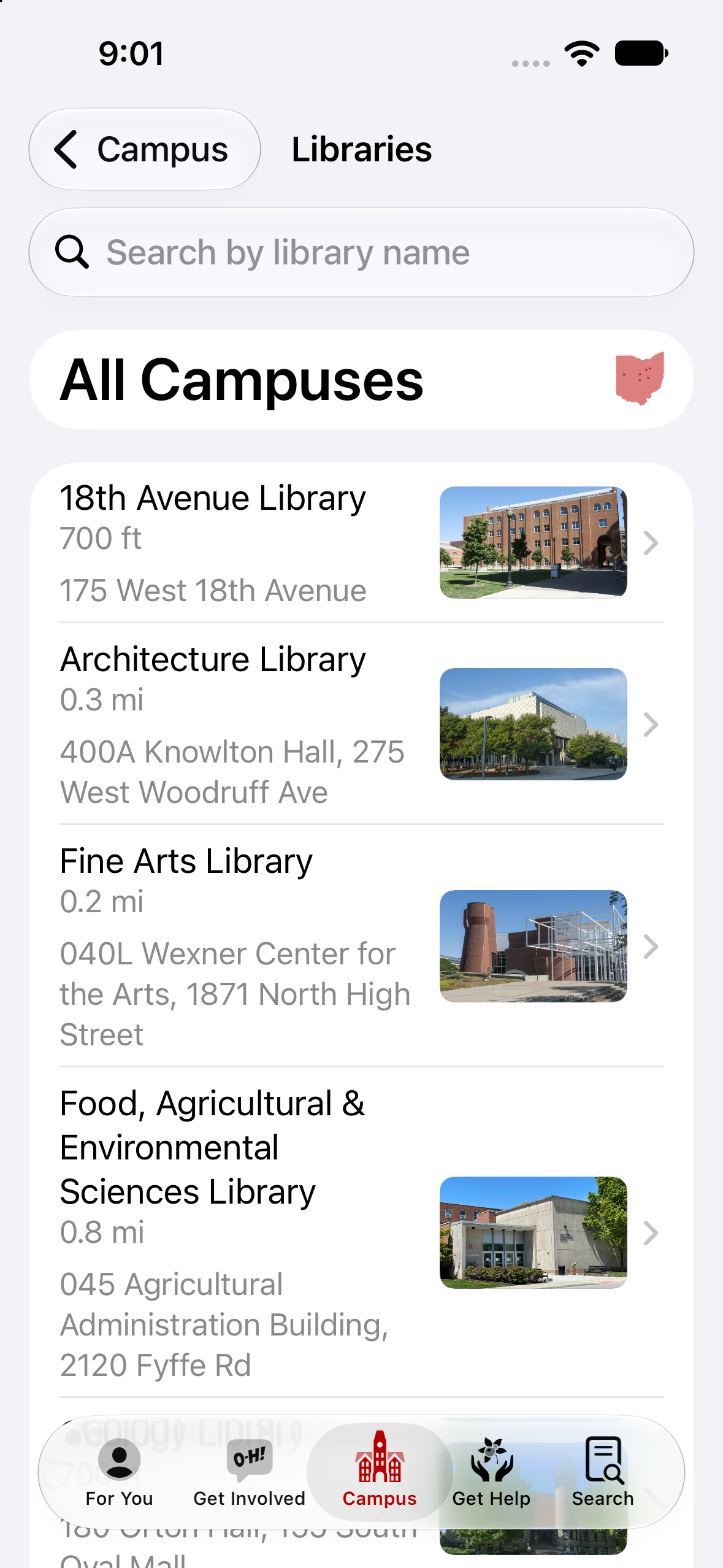
Library Locations
Locations, hours, and room reservations.
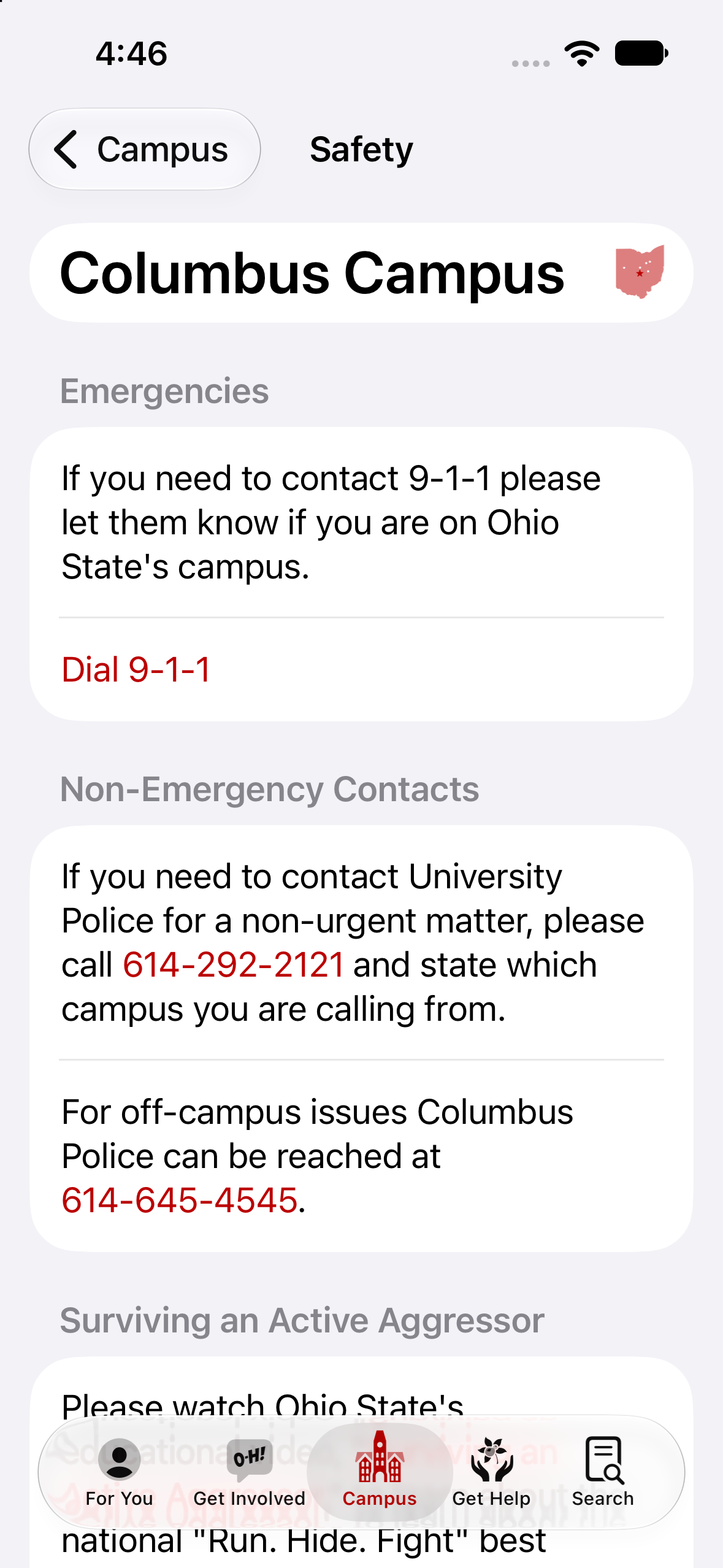
Safety Resources
Emergency contact information by campus.