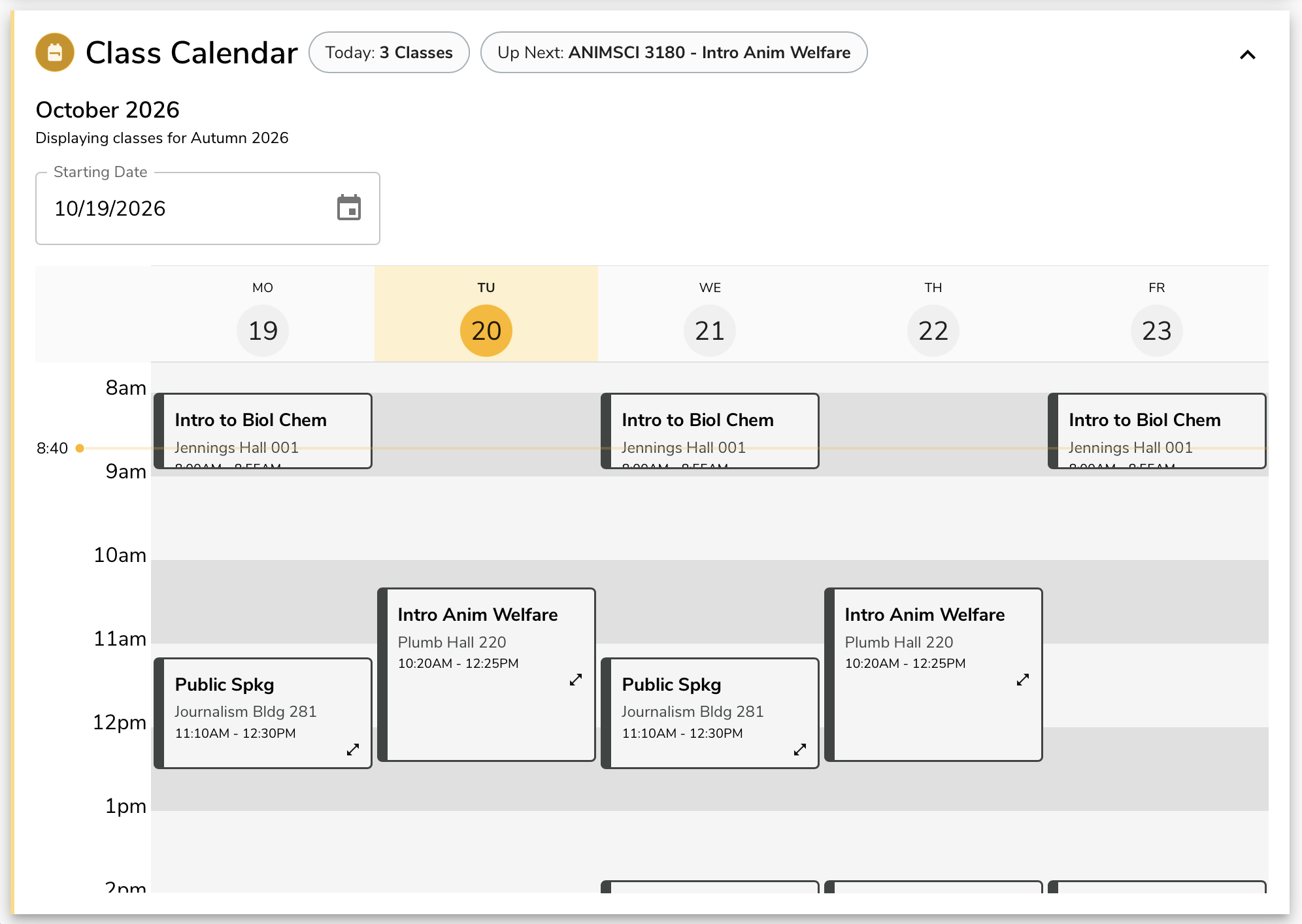
Class Schedule
Class times and locations.
Platforms
- iOS
- Android
Partners and Data Sources
- Facilities Information and Technology Services: GIS, SIMS
- Office of Academic Affairs
- Office of Technology and Digital Innovation: Student Information System
Screen Views
Views range from 14,045,023 in 2020 to 17,088,667 in 2025, with a peak of 17,450,595 in 2024.
| Year | Screen views |
|---|---|
| 2020 | 14M |
| 2021 | 13.2M |
| 2022 | 16.3M |
| 2023 | 15.4M |
| 2024 | 17.5M |
| 2025 | 17.1M |
Features and Screenshots
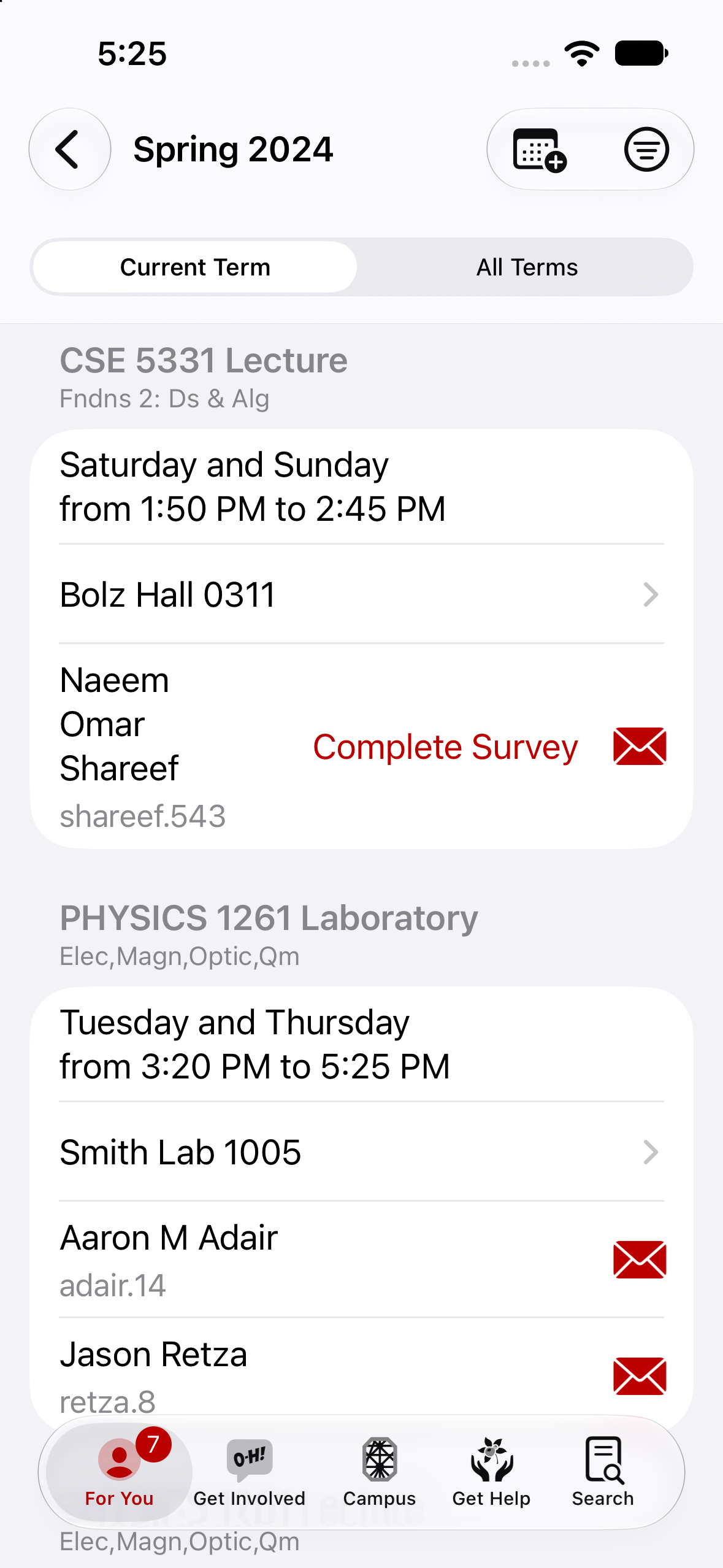
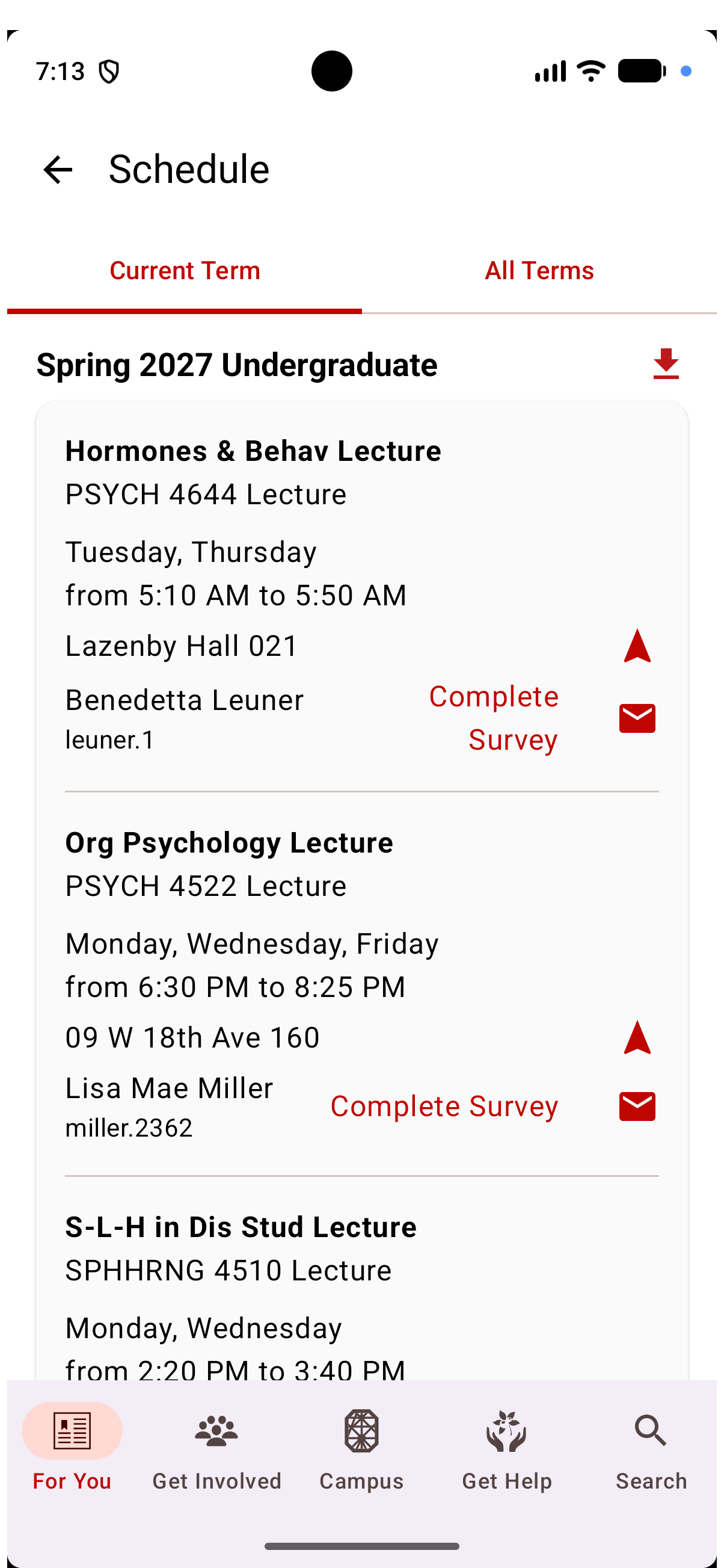
Classes, Listed
We allow students to see their course list for the term or for all enrolled terms. They can easily contact the instructor for each course and during appropriate times launch the Survey of Student Learning Experience. Students can also export the entire term’s worth of class meetings to their own personal calendar.

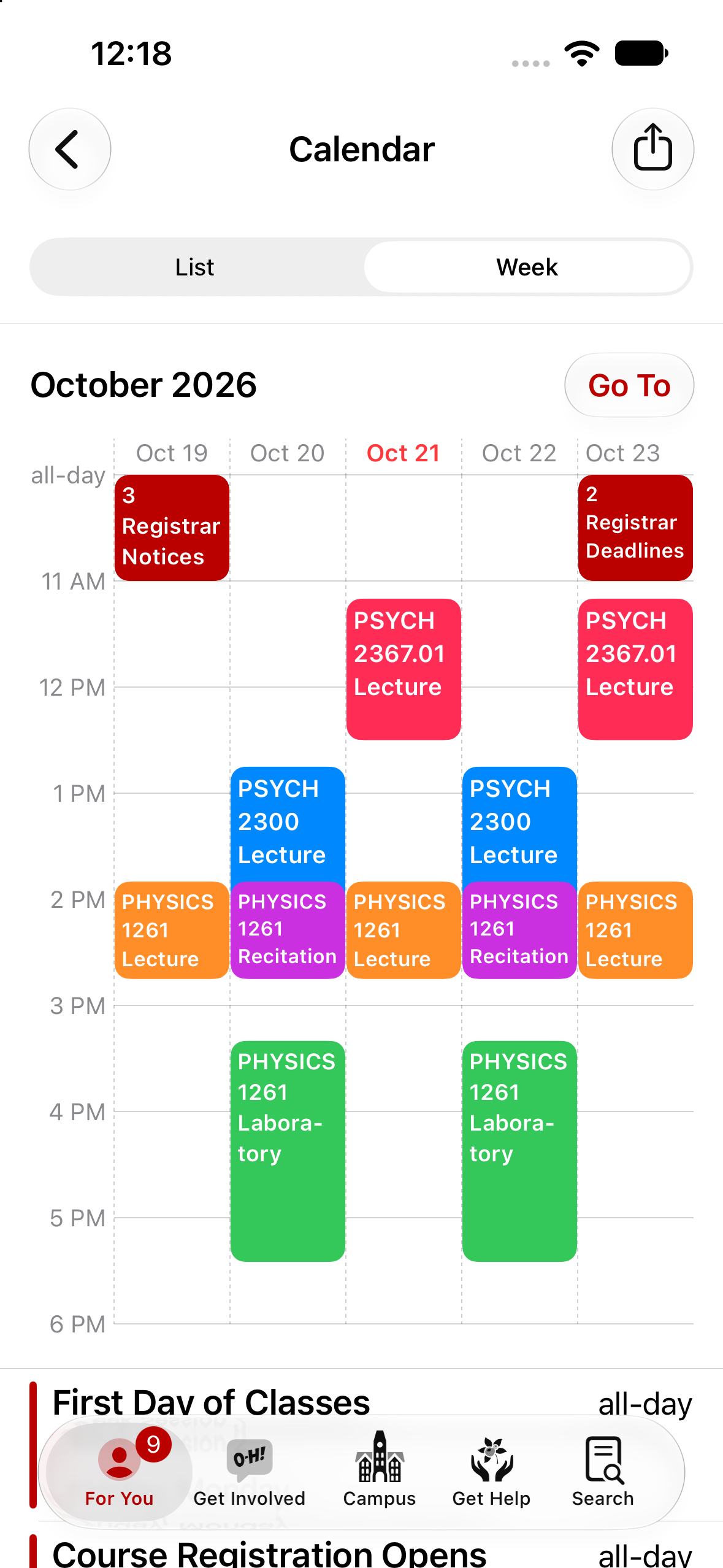
Class Calendar
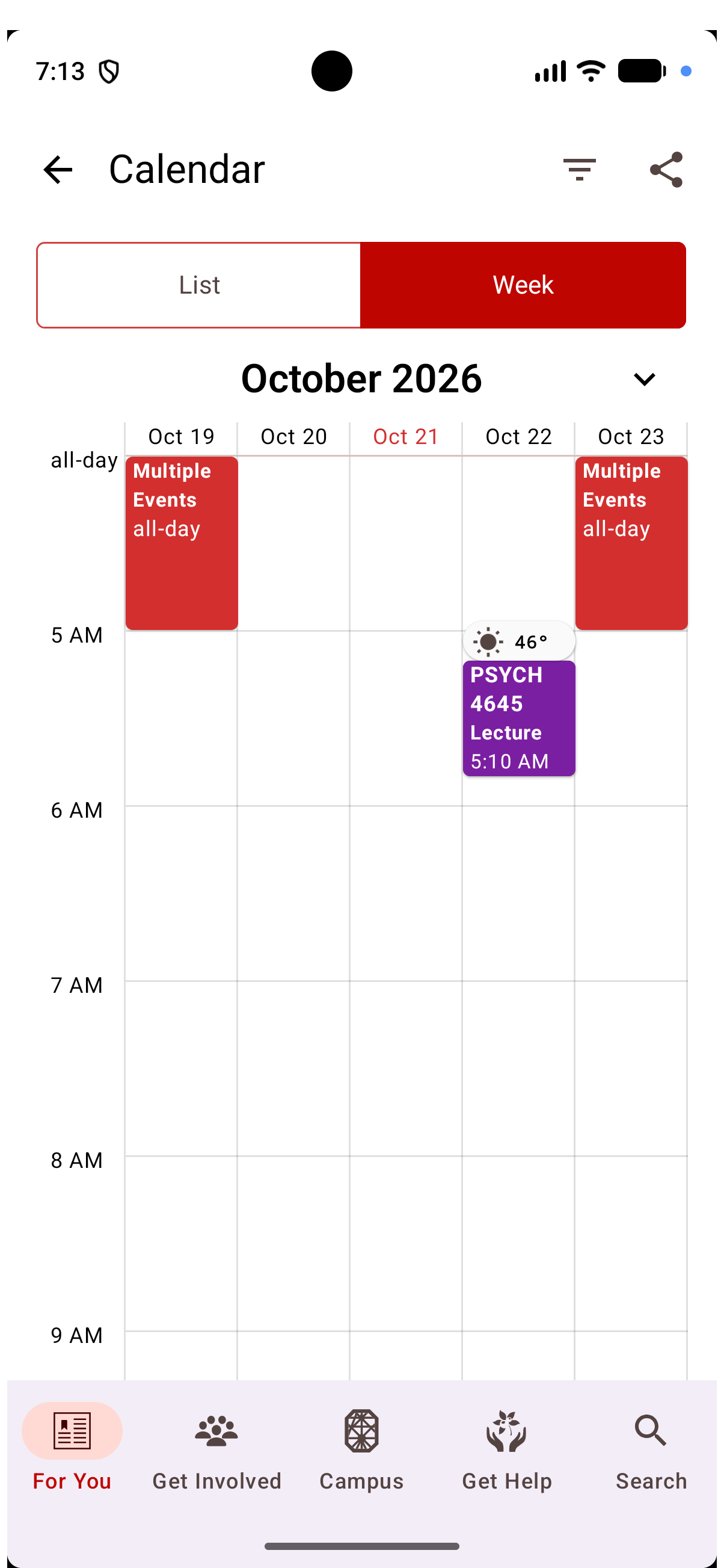
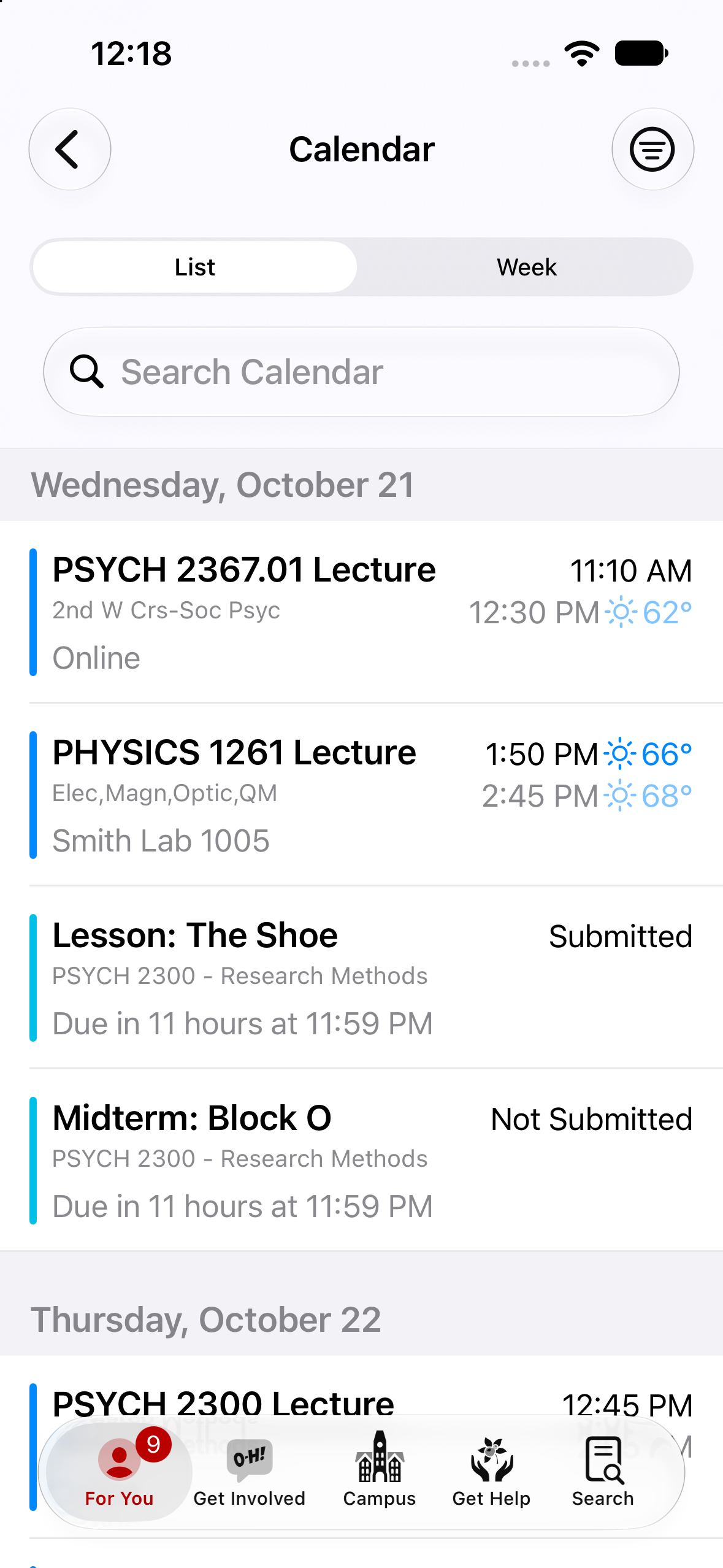
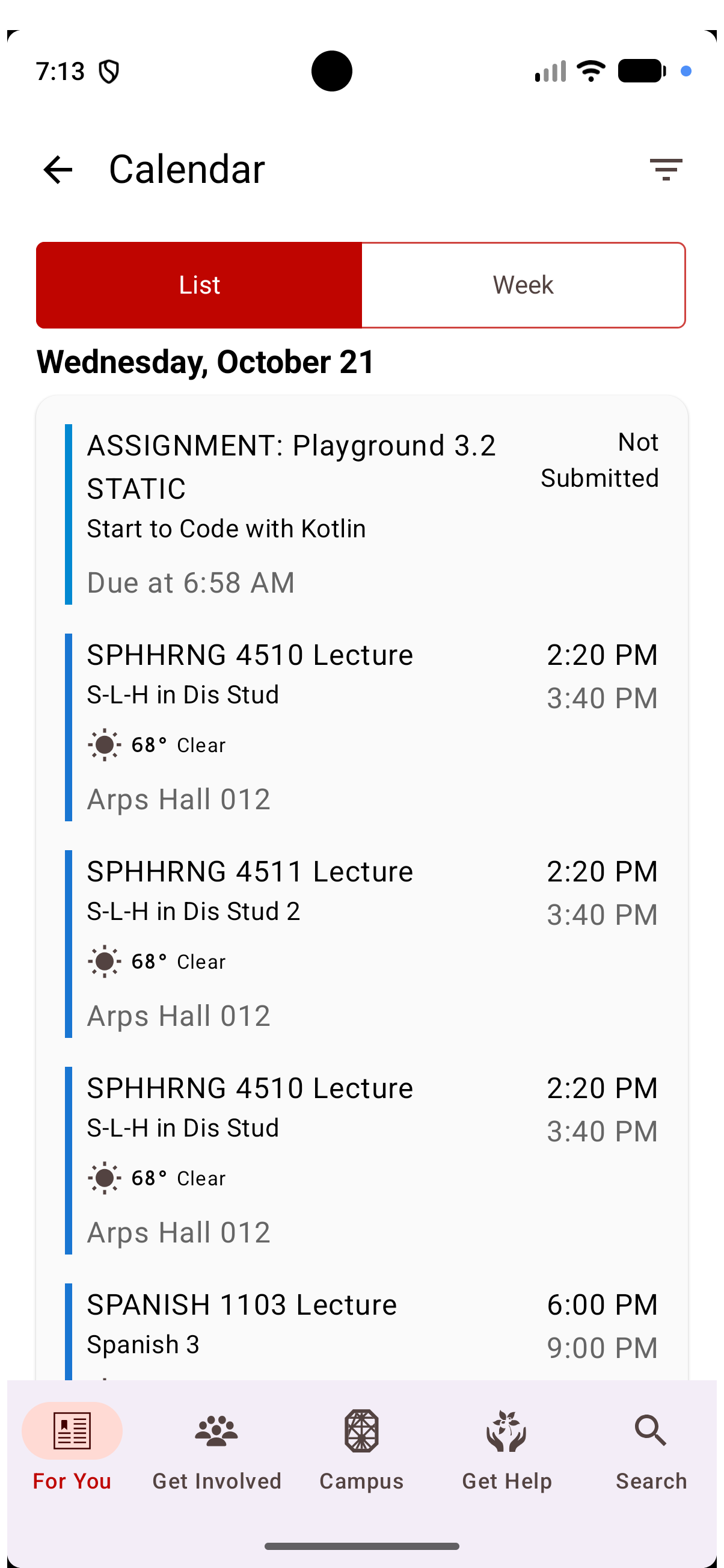
Students can also view their class calendar two different ways. These views place every meeting inline and the weekly view is one of the most visited screens in the app.
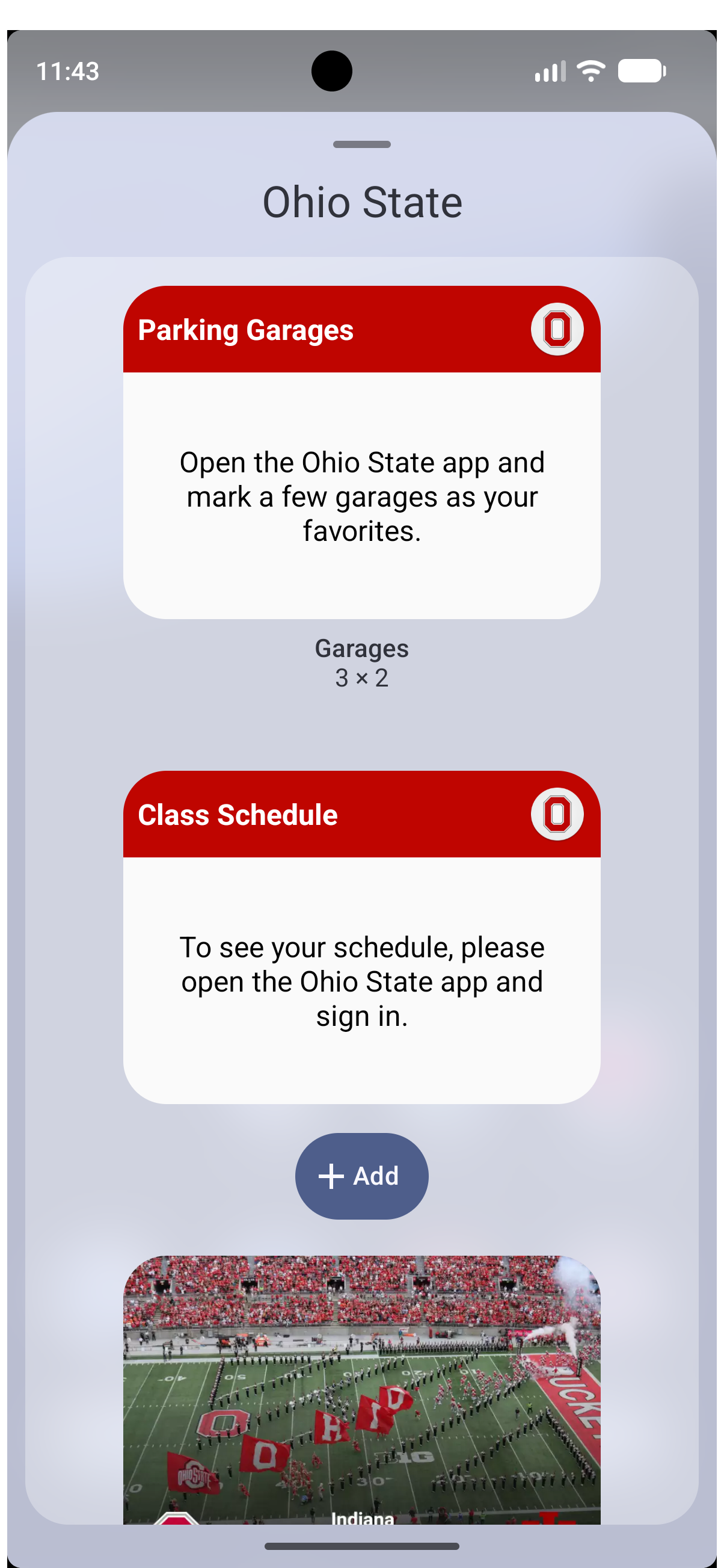
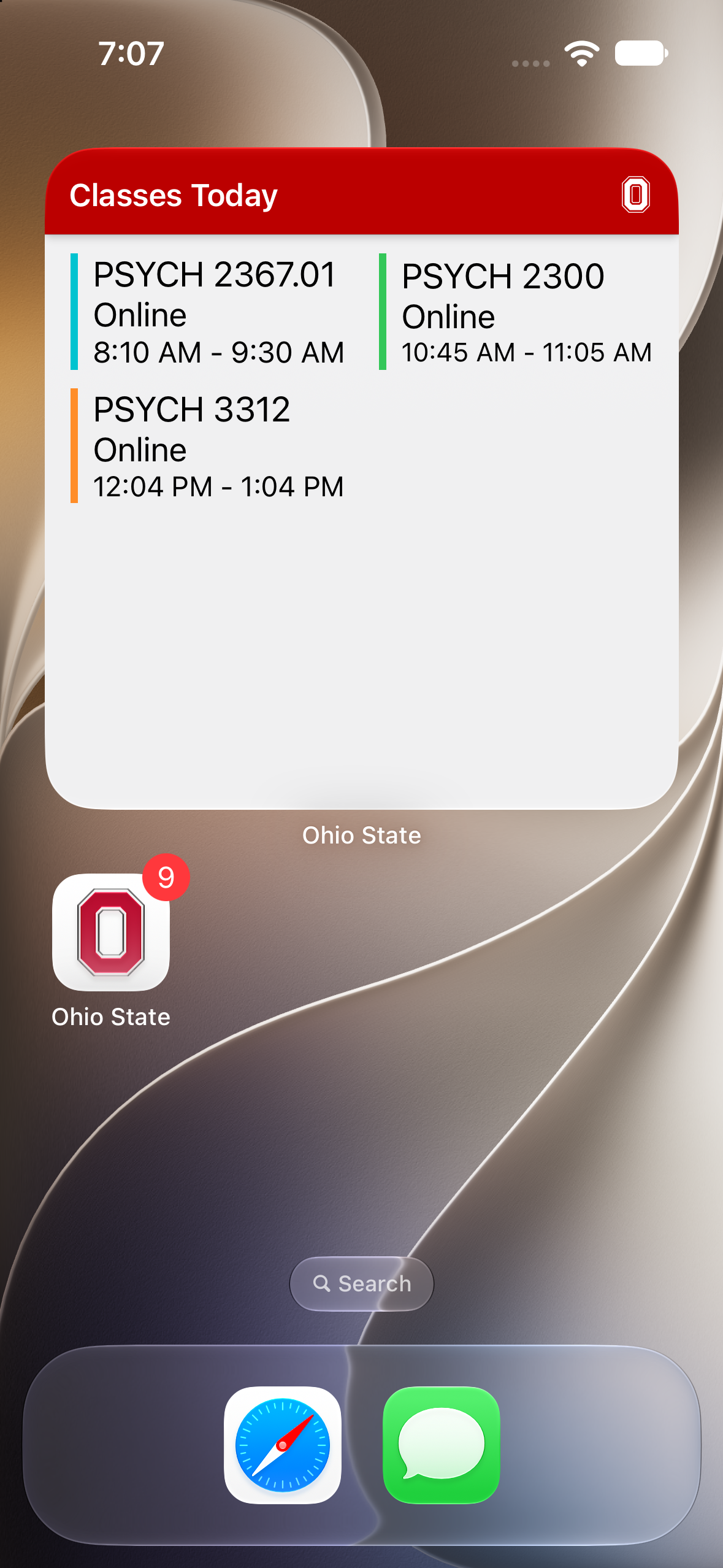
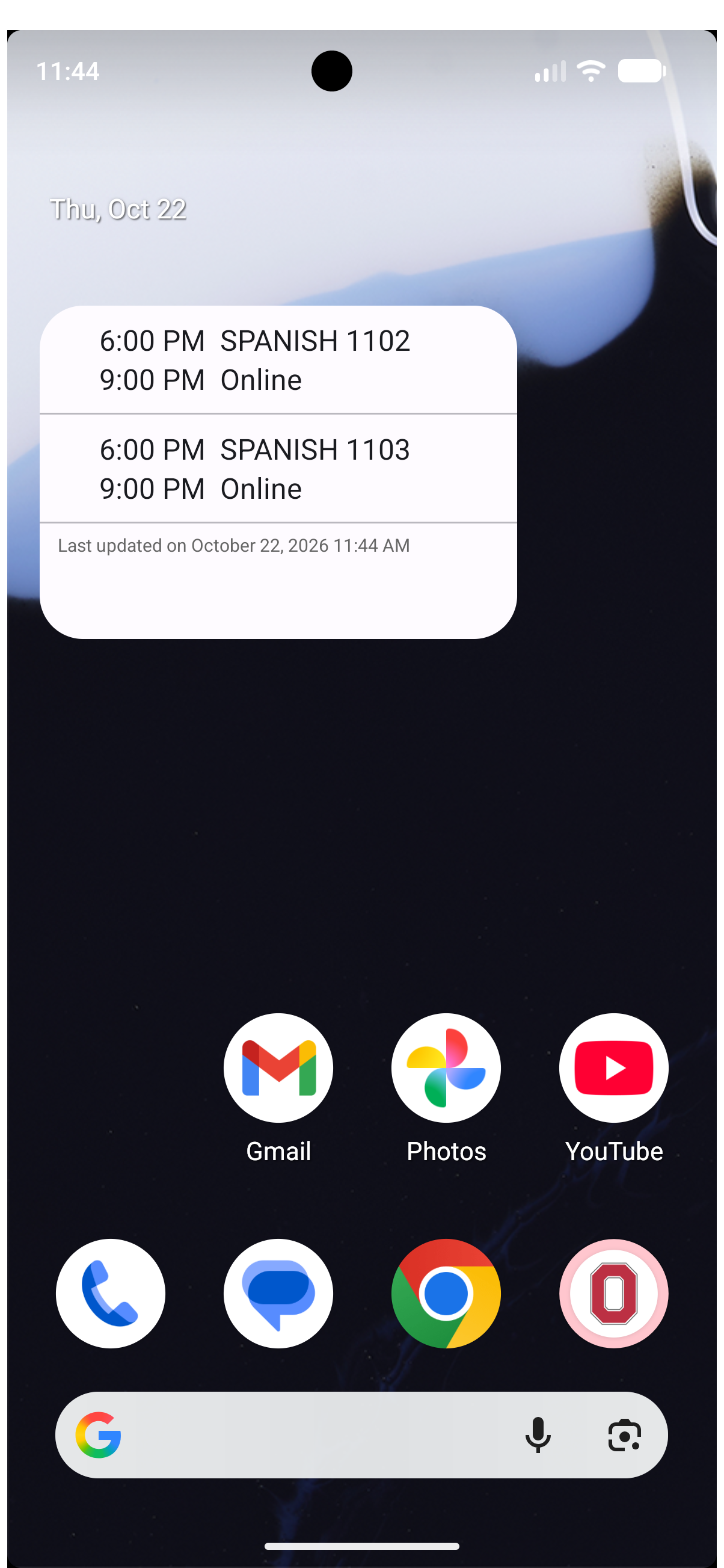
Home Screen Widget
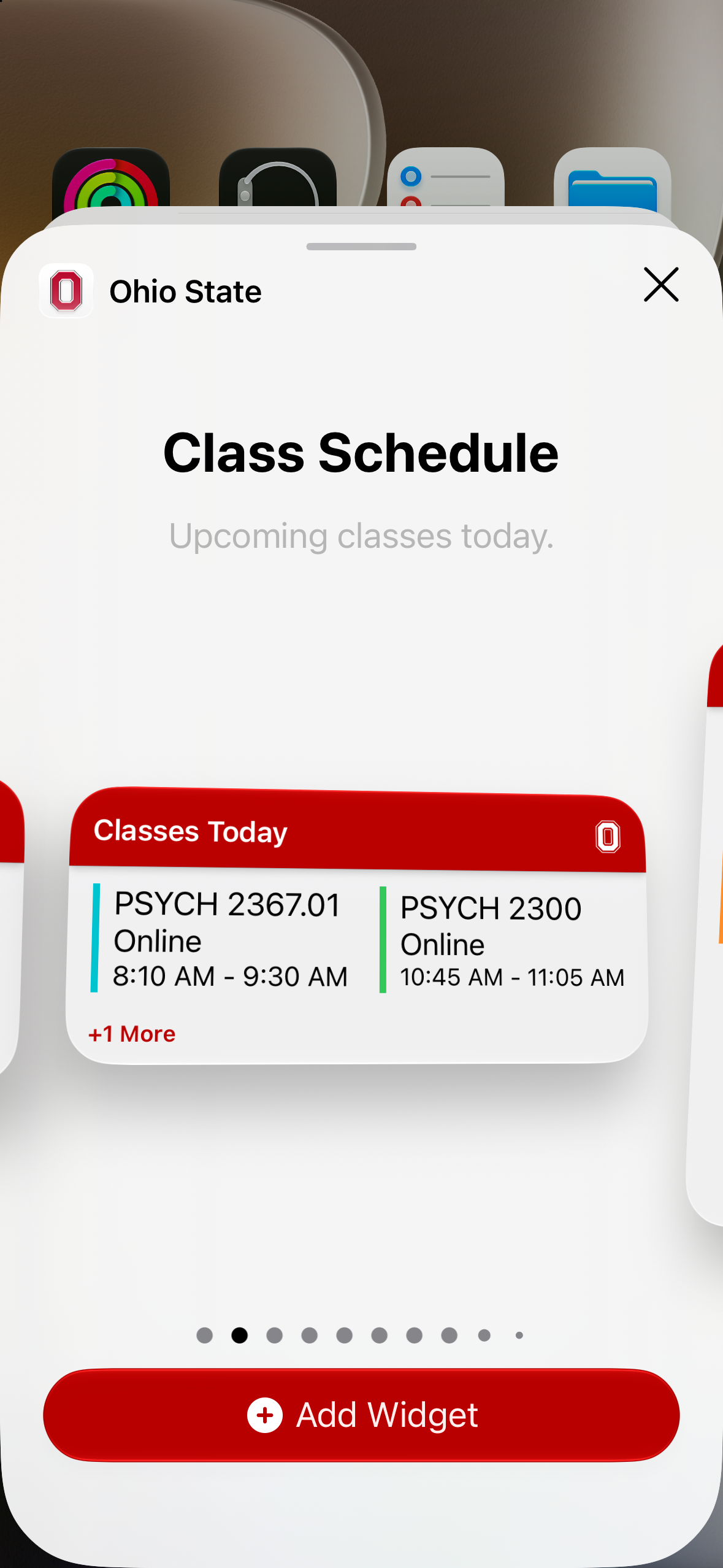
Add this part of the Ohio State app to your home screen to stay up to date without ever having to go back into the app.
Features and Screenshots
Classes, Listed
We allow students to see their course schedule for the week. They can tap on each class instance and see where they need to go and who each instructor is.