Student Involvement Fair
Helping thousands of students find new friends twice a year.
Platforms
- iOS
- Android
Partners and Data Sources
- Facilities Information and Technology Services: GIS
- Office of Student Life: Student Organizations API
- Office of Technology and Digital Innovation: Drupal CMS
Screen Views
170,574 screen views in 2025.
Features and Screenshots
Promotion
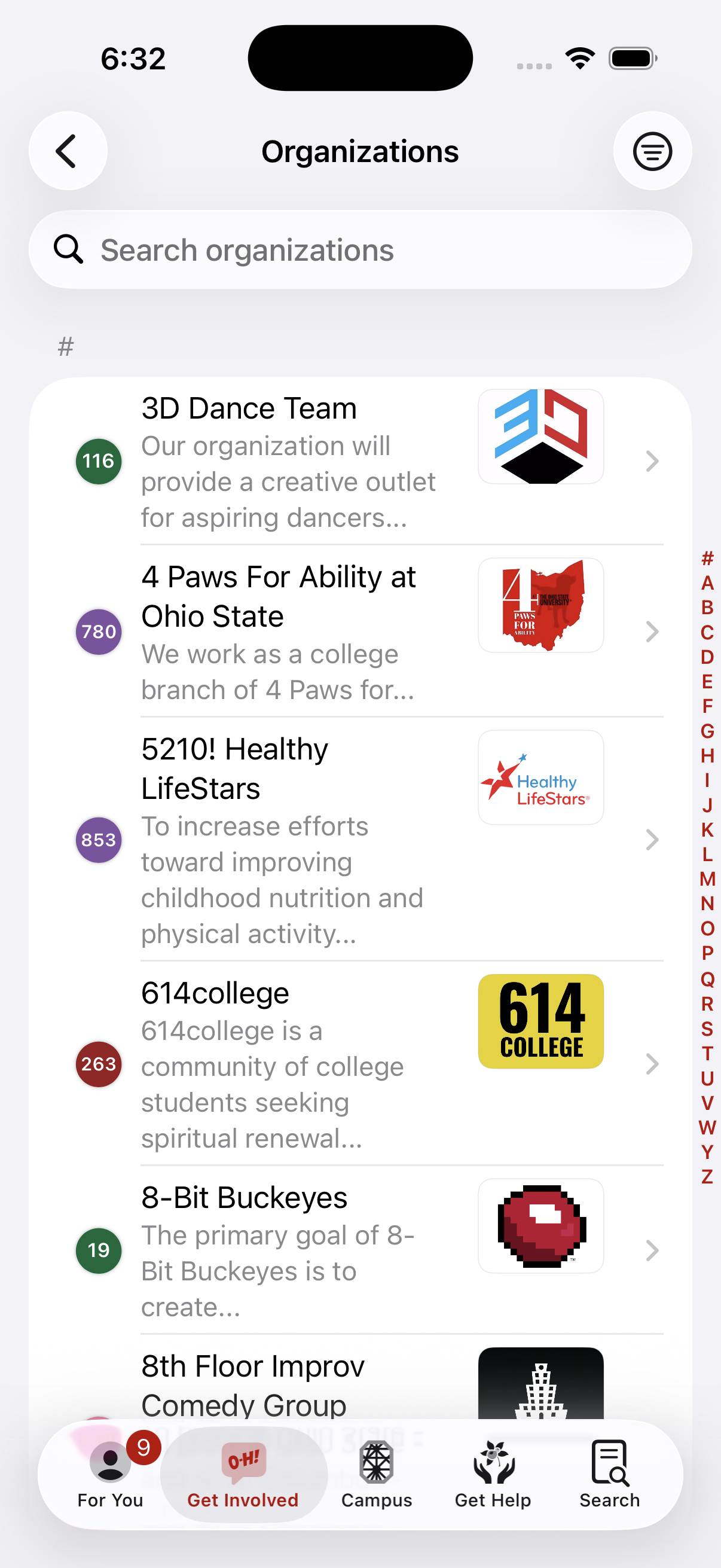
Getting involved is very important for the success of our students, and the annual Student Involvement Fair (fall and spring) helps connect them with organizations that meet their interests. As the fair gets closer we start showing more information about it, and we let them preview the organizations that will be attending ahead of time.
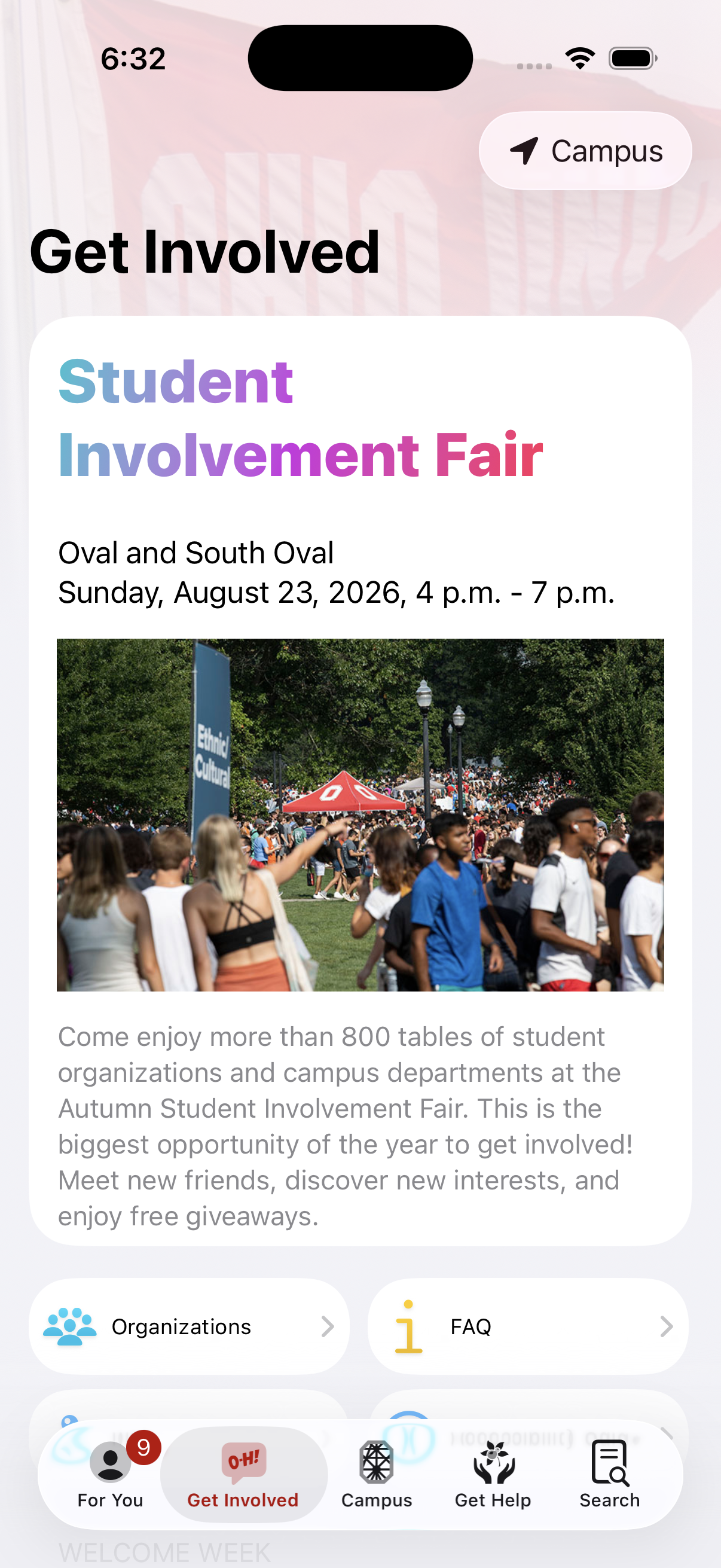

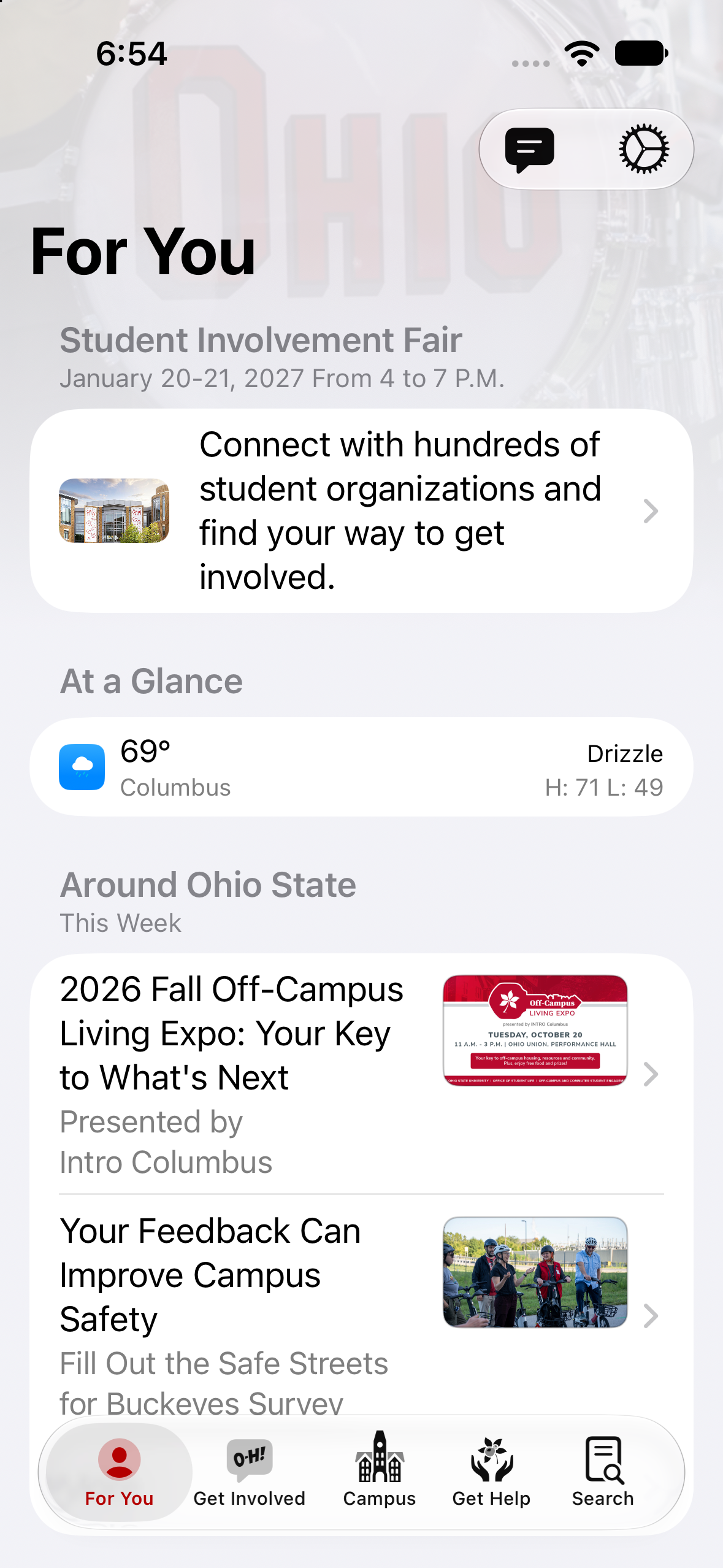
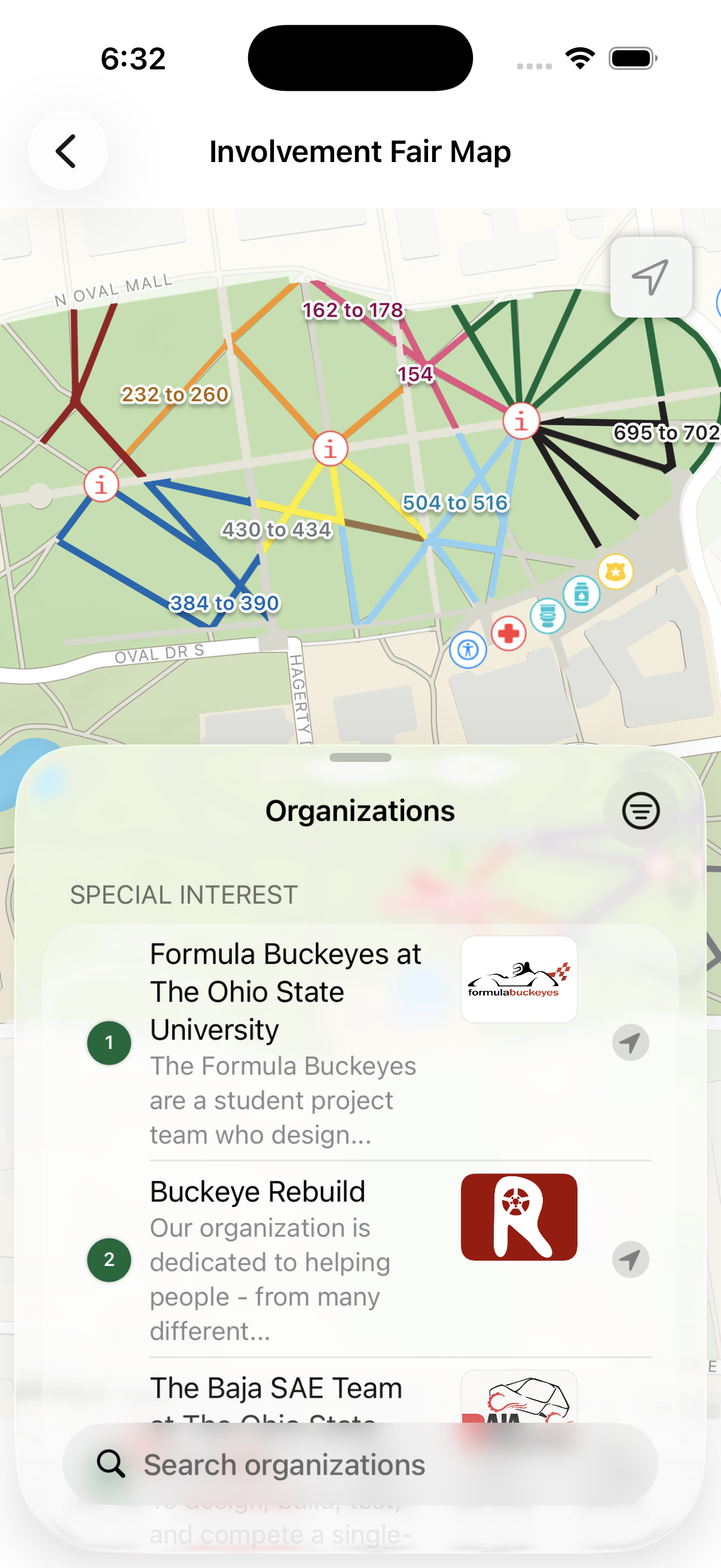
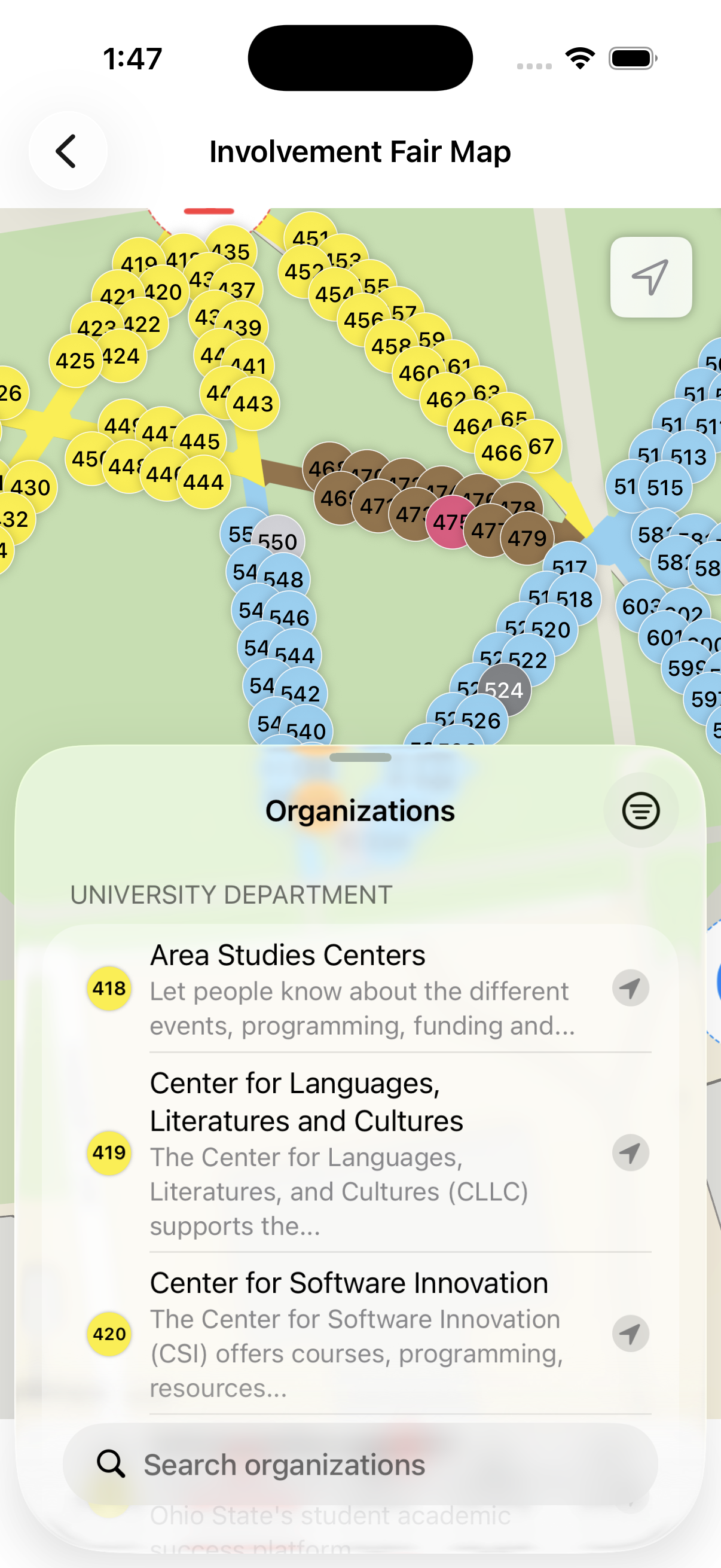
Wayfinding on the Oval
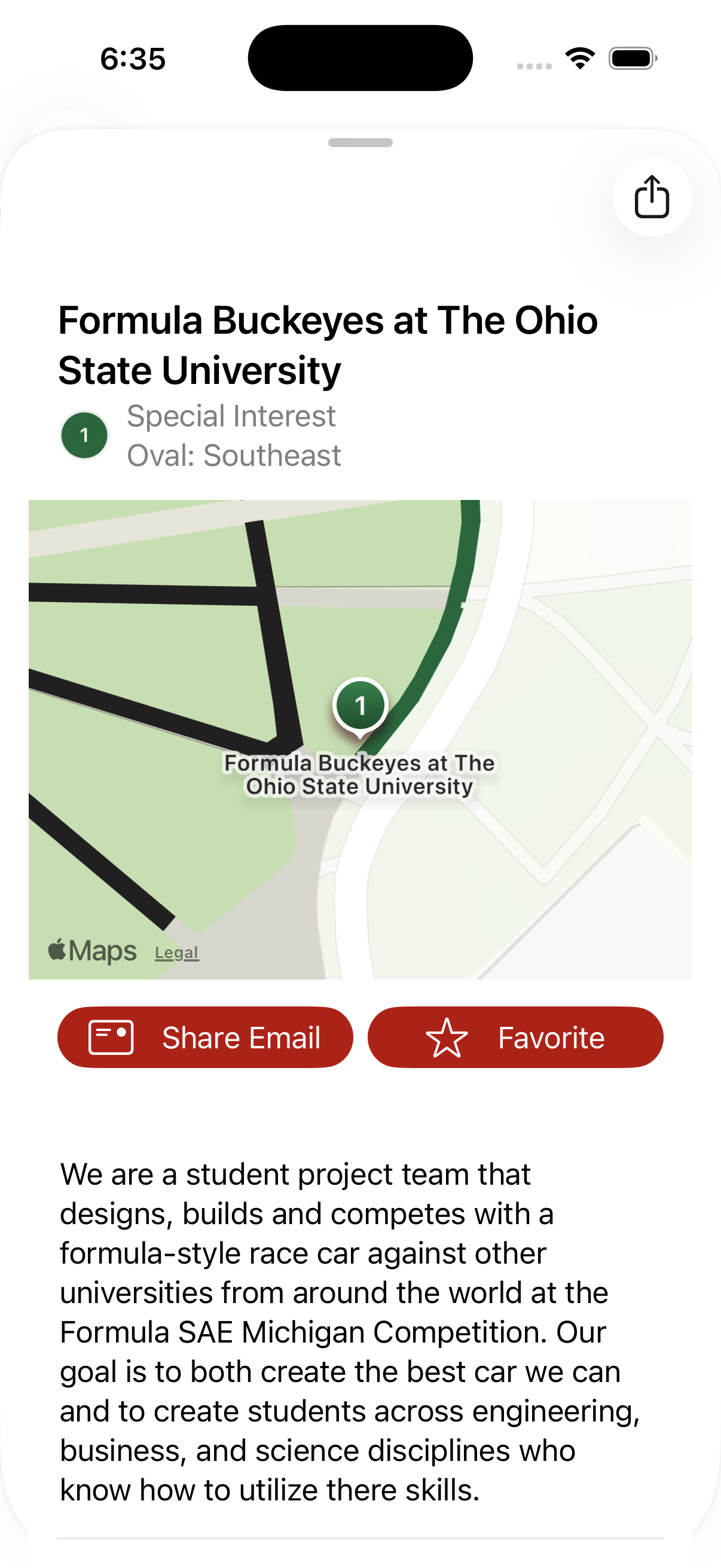
With almost 1000 tables it can be really difficult to find the exact group you’re looking for on the day of the event. Our work with FITS and Student Life allowed for them to place tables on a map of the Oval and assign organizations to them.
Getting Connected
Students can choose to share their email address with an organization by either tapping the button shown or by tapping a NFC card at each table.
FAQ
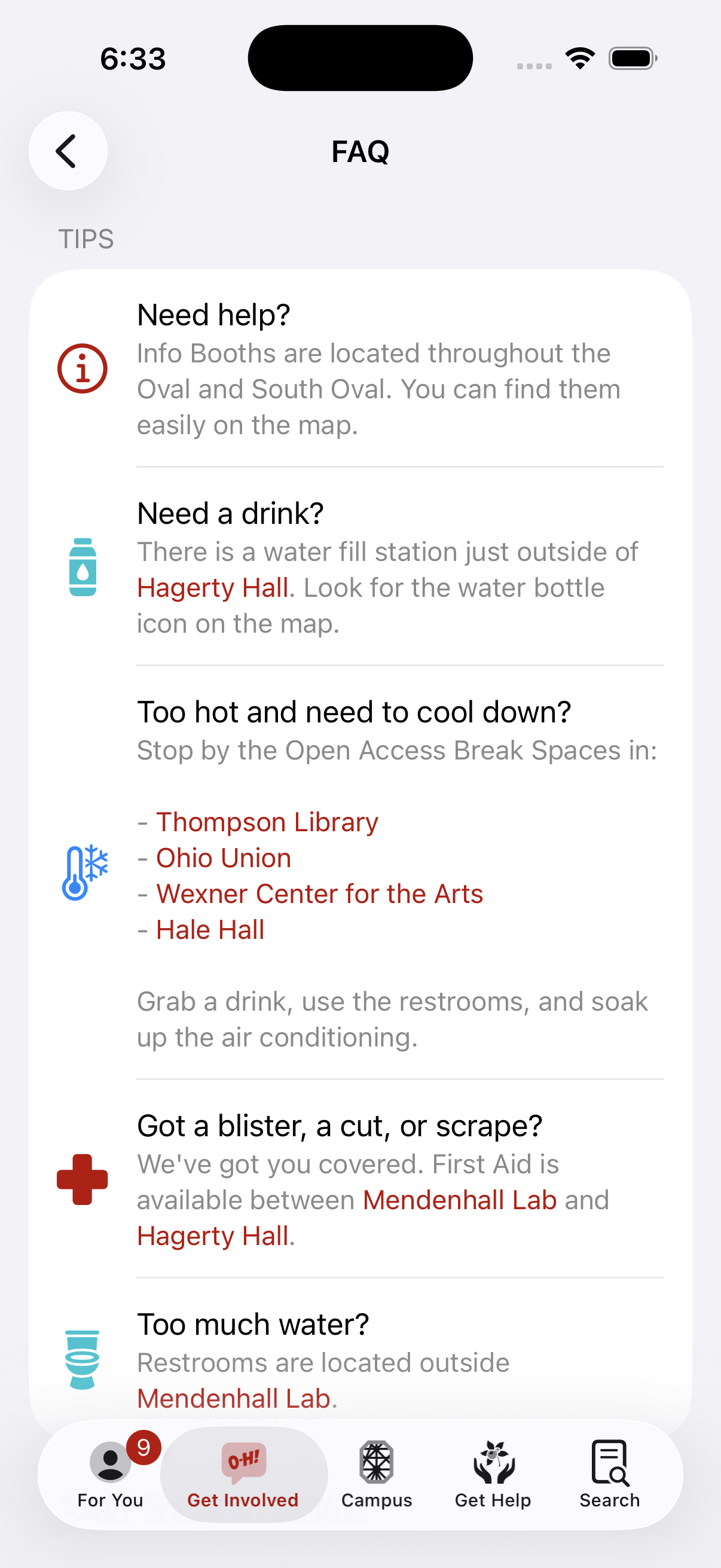
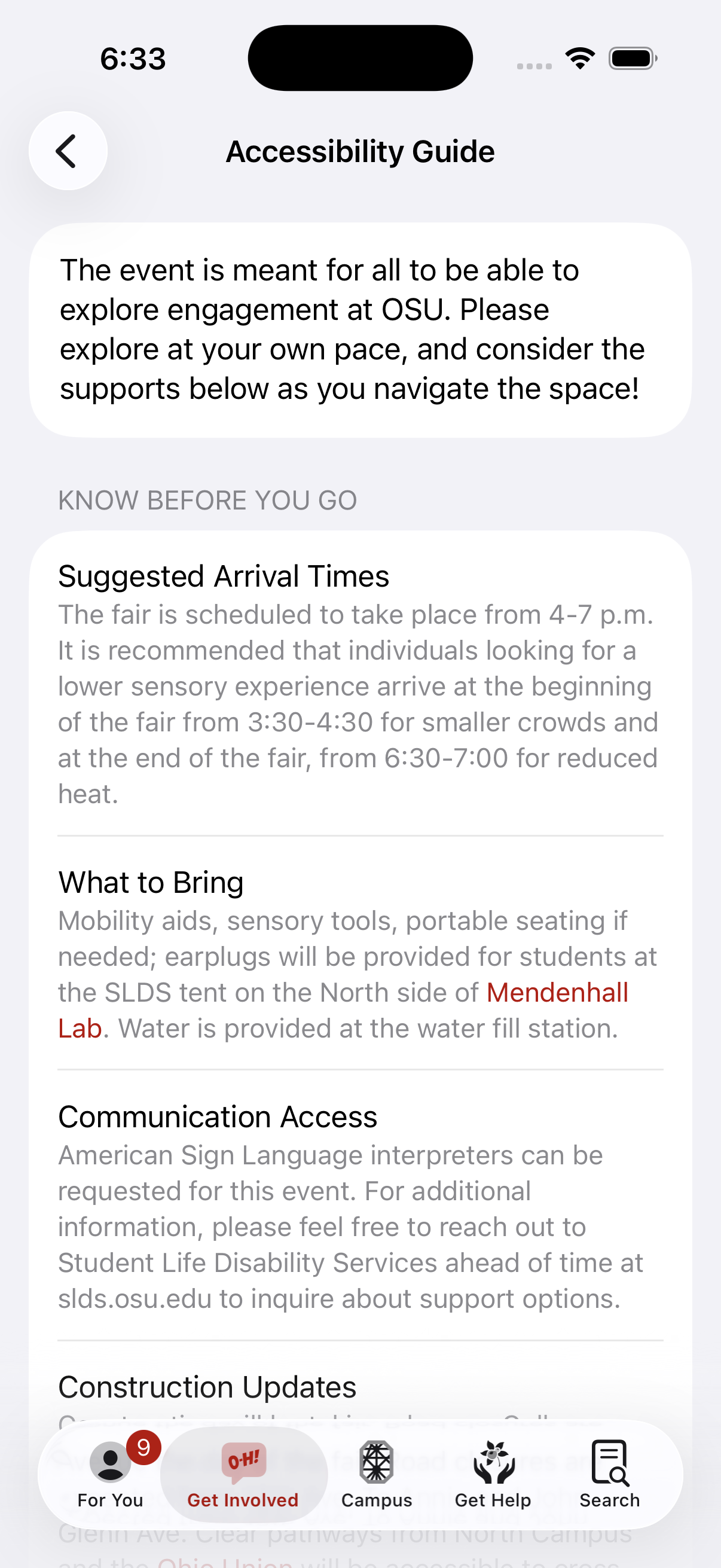
We supplement the wayfinding aspect of the fair with articles from our CMS to help with day-of issues and promote accessibility options.
This feature isn't documented on Buckeye Link yet. Try another option from the Platform toggle at the top of the page.