Move-In
Helping students move into their home away from home.
Platforms
- iOS
- Android
Partners and Data Sources
- Facilities Information and Technology Services: GIS, SIMS
- Office of Student Life
- Office of Technology and Digital Innovation: Drupal CMS
Features and Screenshots
For You: Move-In Integration
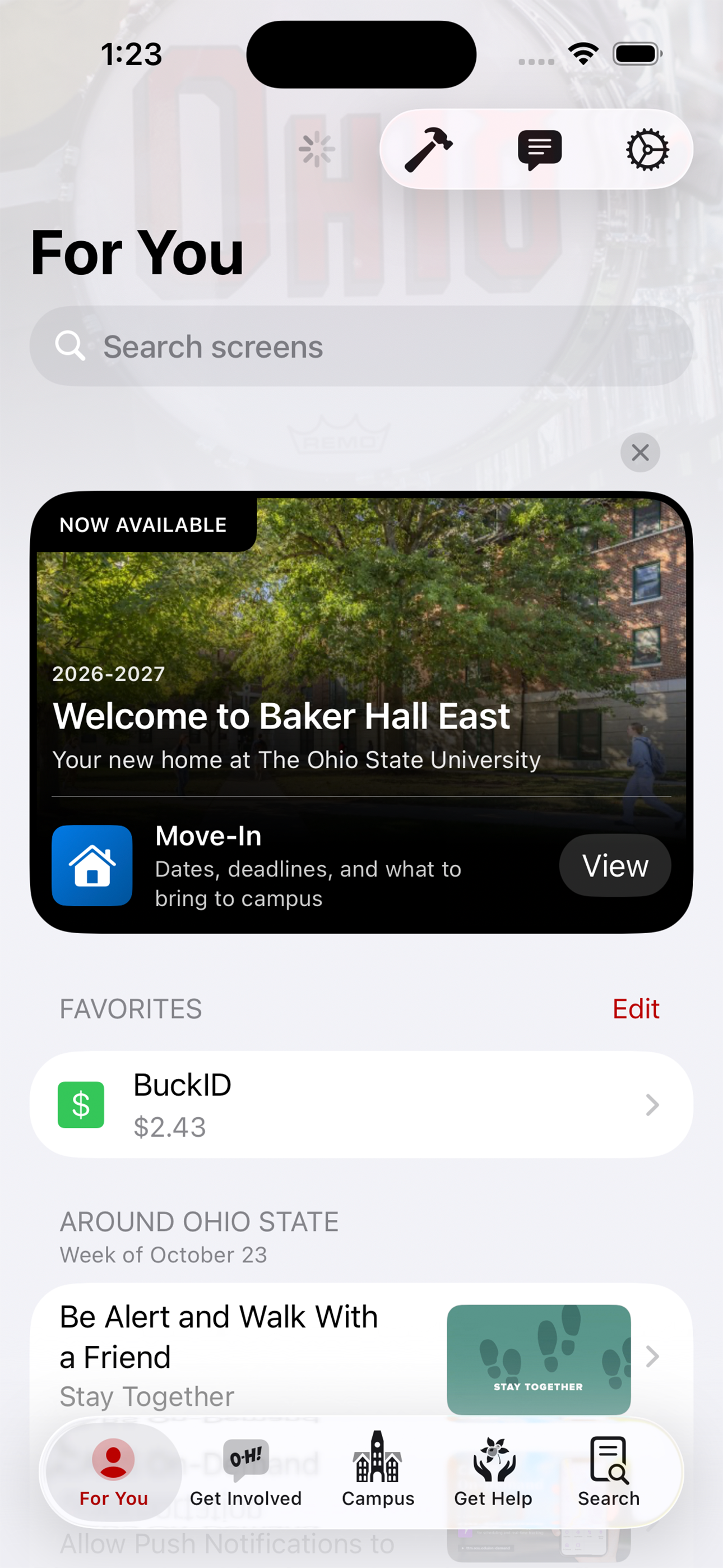
For You is the most viewed screen in the Ohio State app. During key moments of the summer students are presented calls to action to help drive them to the housing portal and provide them with summaries of what to expect.

Move-In
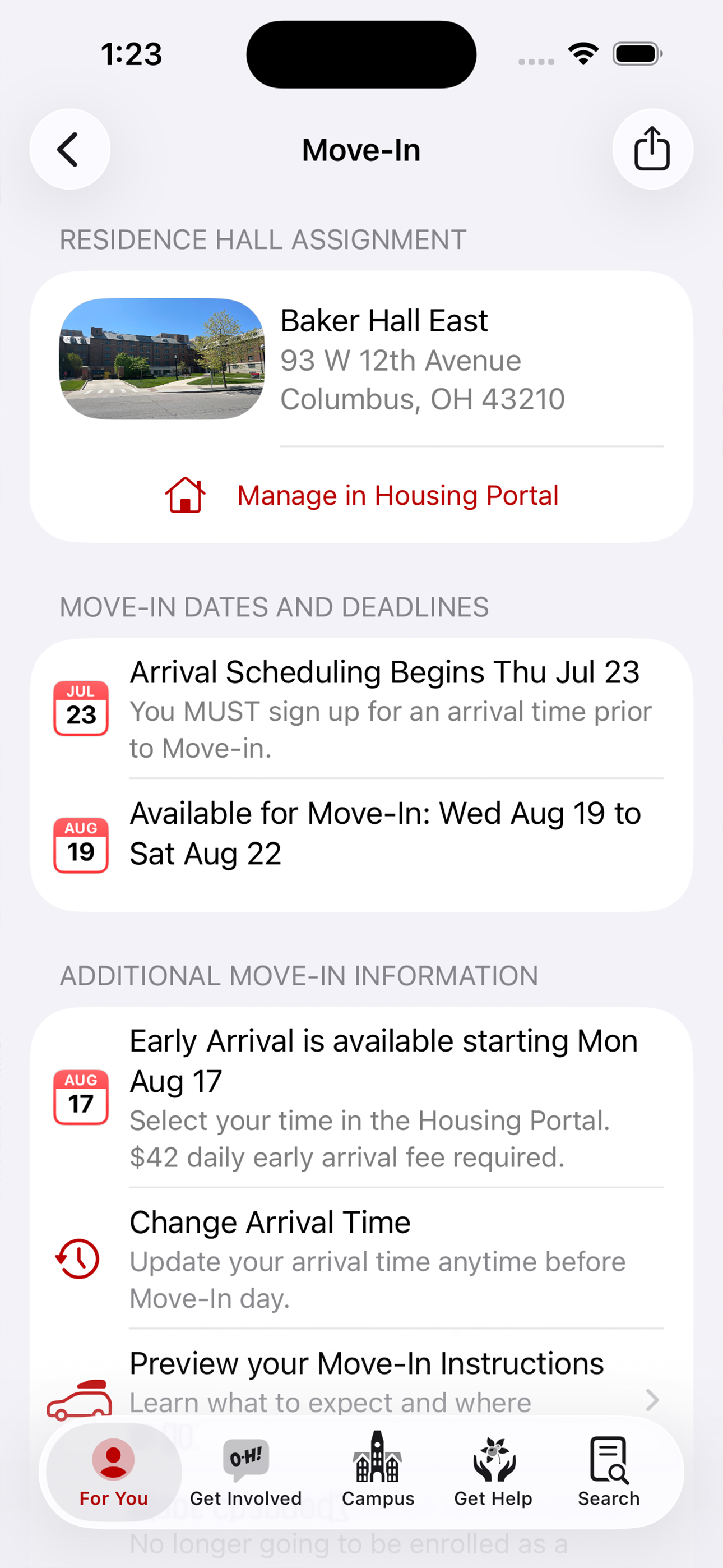
The main Move-In screen is the hub that ties everything together. It allows students to see the residence hall they have been assigned to, key dates and deadlines, and to preview their Move-In instructions. This screen also showed students links to Welcome Week activities, places to eat around campus, and other helpful screens in the app to help orient them to their new home away from home.
Move-In Instructions
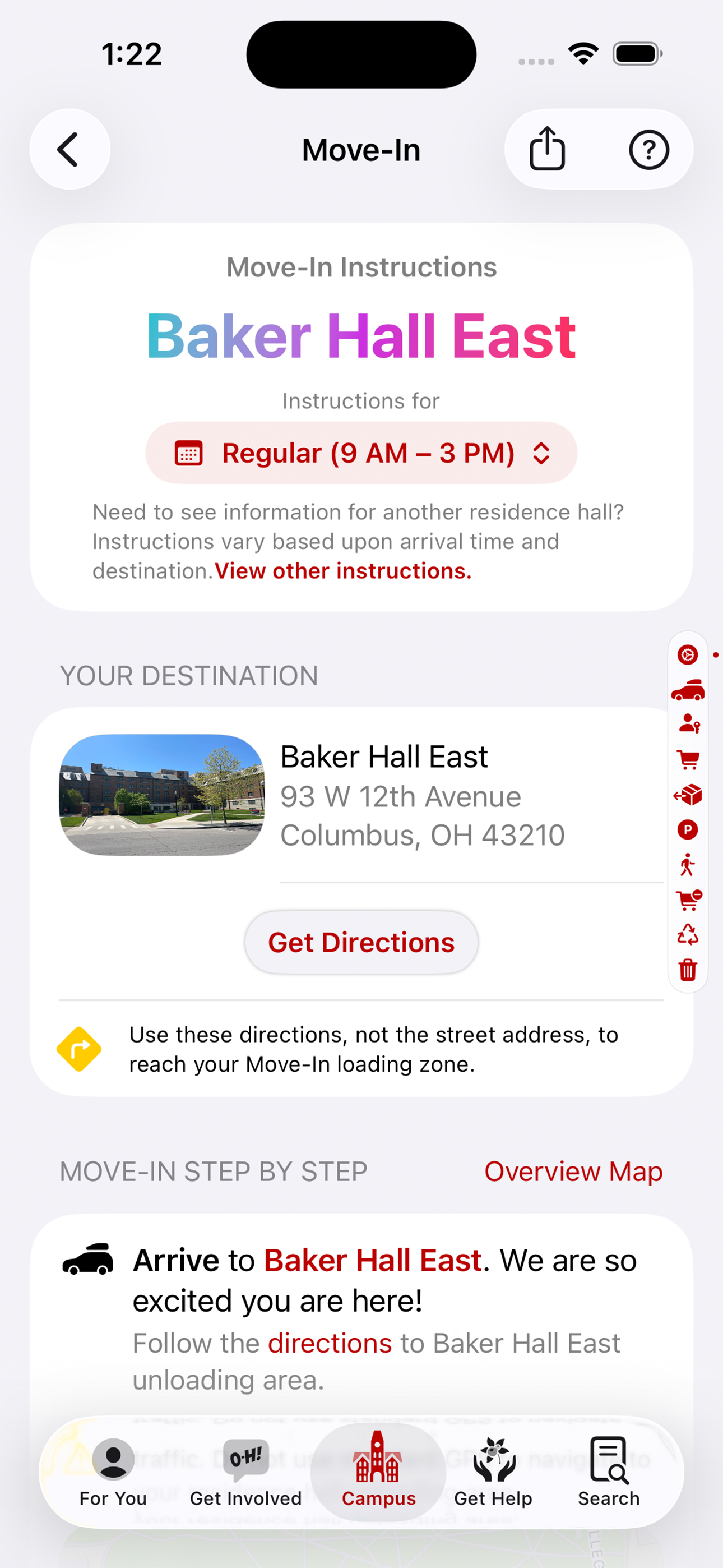
The Move-In Instructions screen allowed students and families to see the entire flow of the process. Notable features include:
- Custom instructions for early, regular, late, and after-hours arrivals
Precise routing to the correct door on each building, including non-standard traffic patterns on sidewalks and on streets that are sometimes changed to one-way only
- Maps showing the closest locations for parking, recycling, and trash
- An overview map to allow user to see everything at a glance
Overview Map
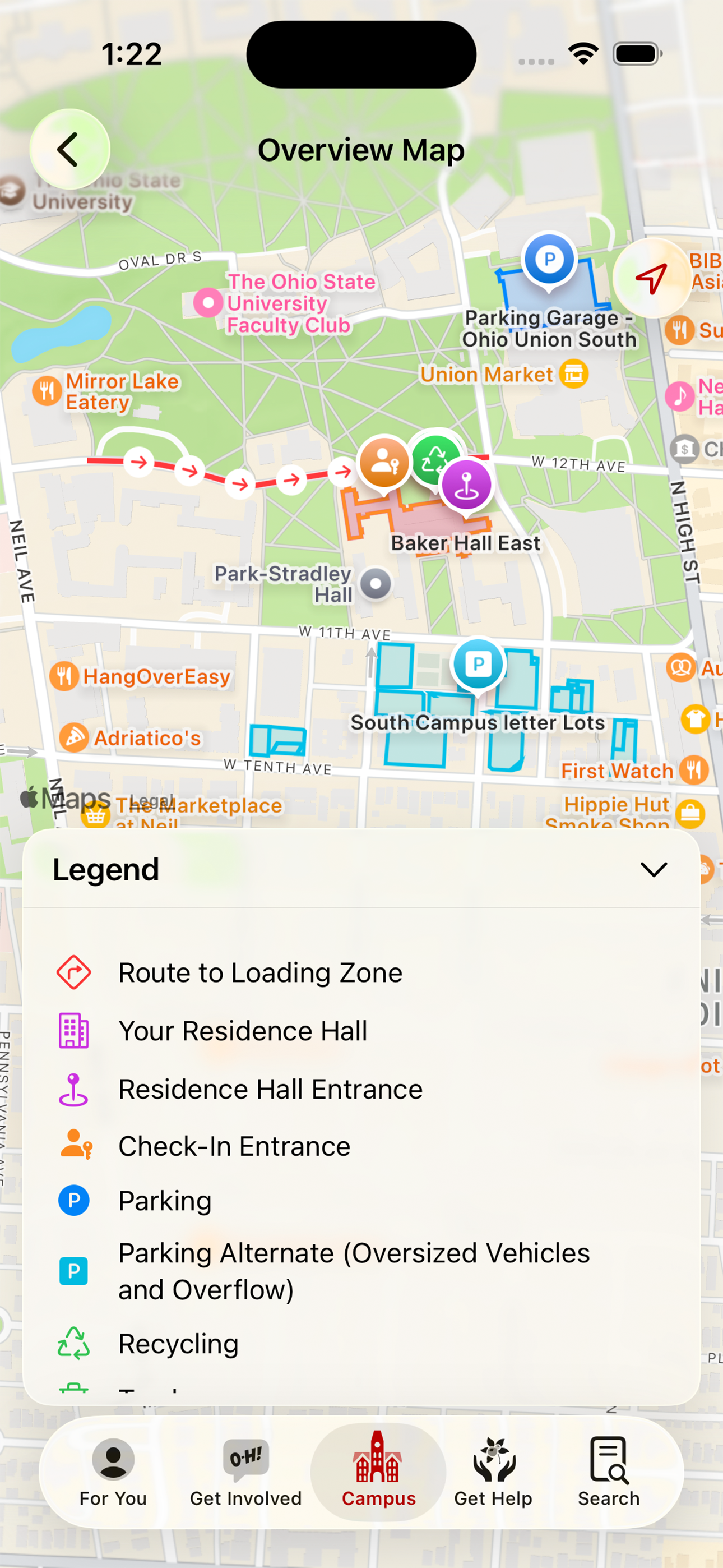
The overview screen allows students and families to see the entirety of the Move-In instructions at once.
Family and Guests
Move-In day instructions are available to families through the Campus tab, which is open to the public. This allows for parents and families to have the full set of instructions without having an account for the app themselves. Other features include information about BuckID, meal plans, and essential information for how to navigate campus upon arrival.
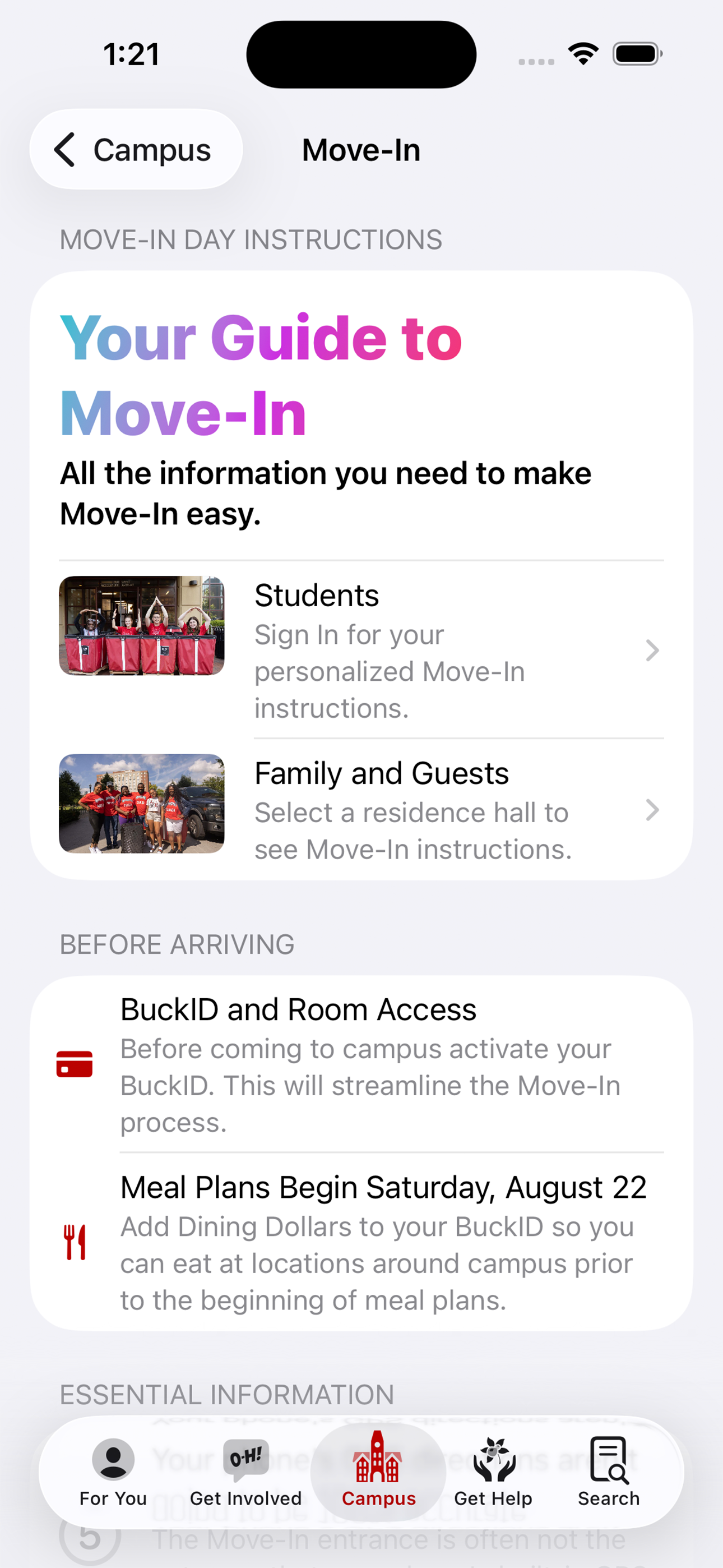
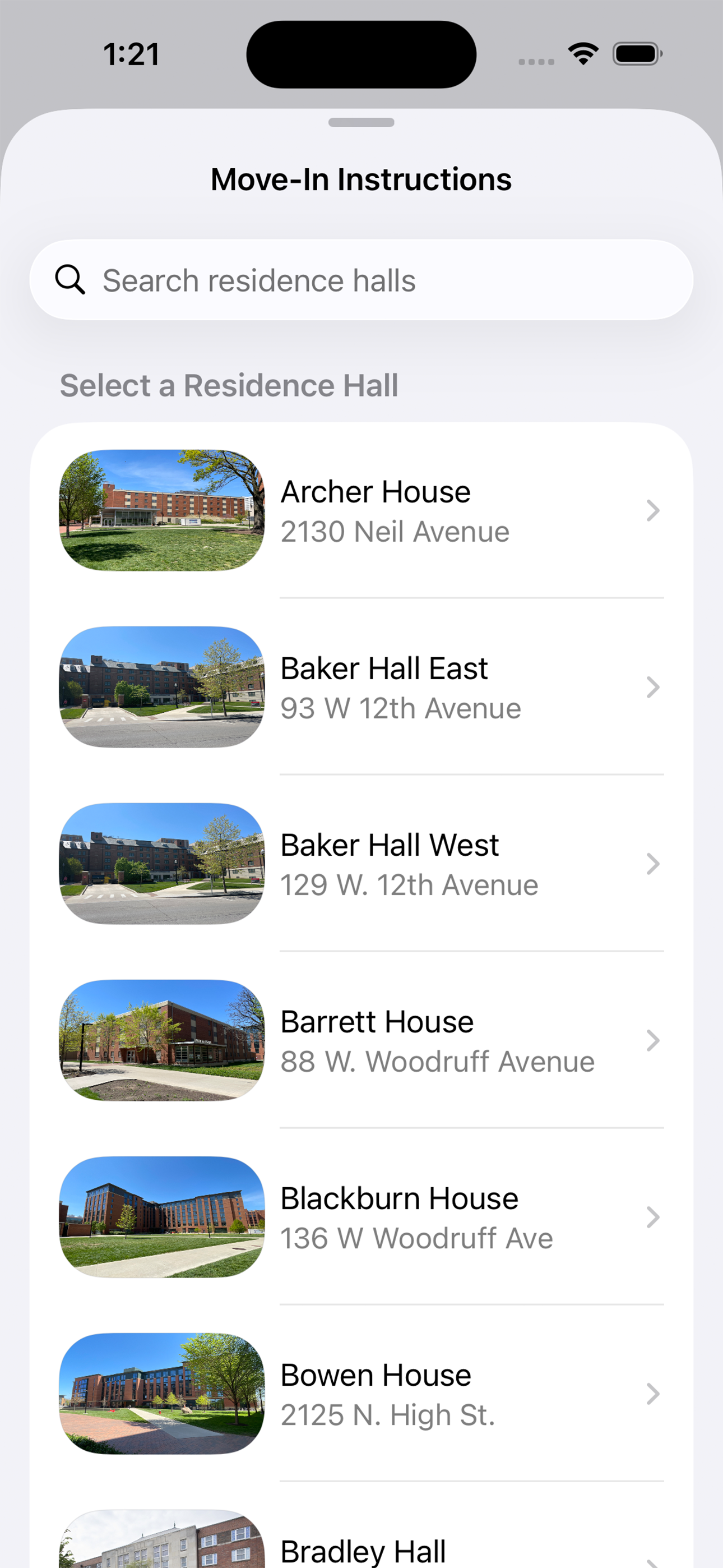
Family and Guests - Residence Hall Selection
The public view for Move-In instructions does not contain any personal information, so families select the residence hall their student is in. This also allows OWLs and Move-In staff to help direct lost students to other residence halls.
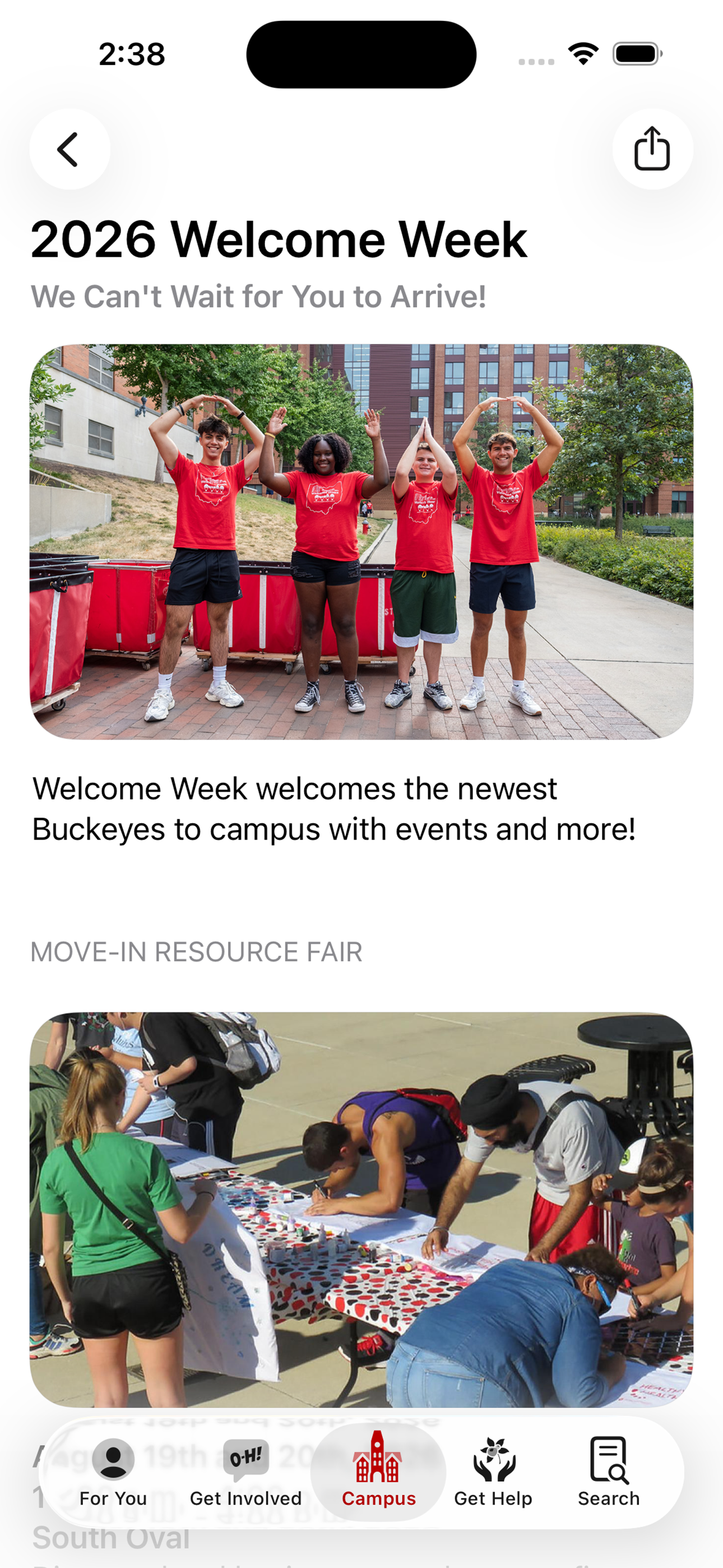
Welcome Week
In addition to moving in, there is a lot of anxiety over what to do before classes start. Many screens contained links to Welcome Week activities to help them begin to get involved from the start.
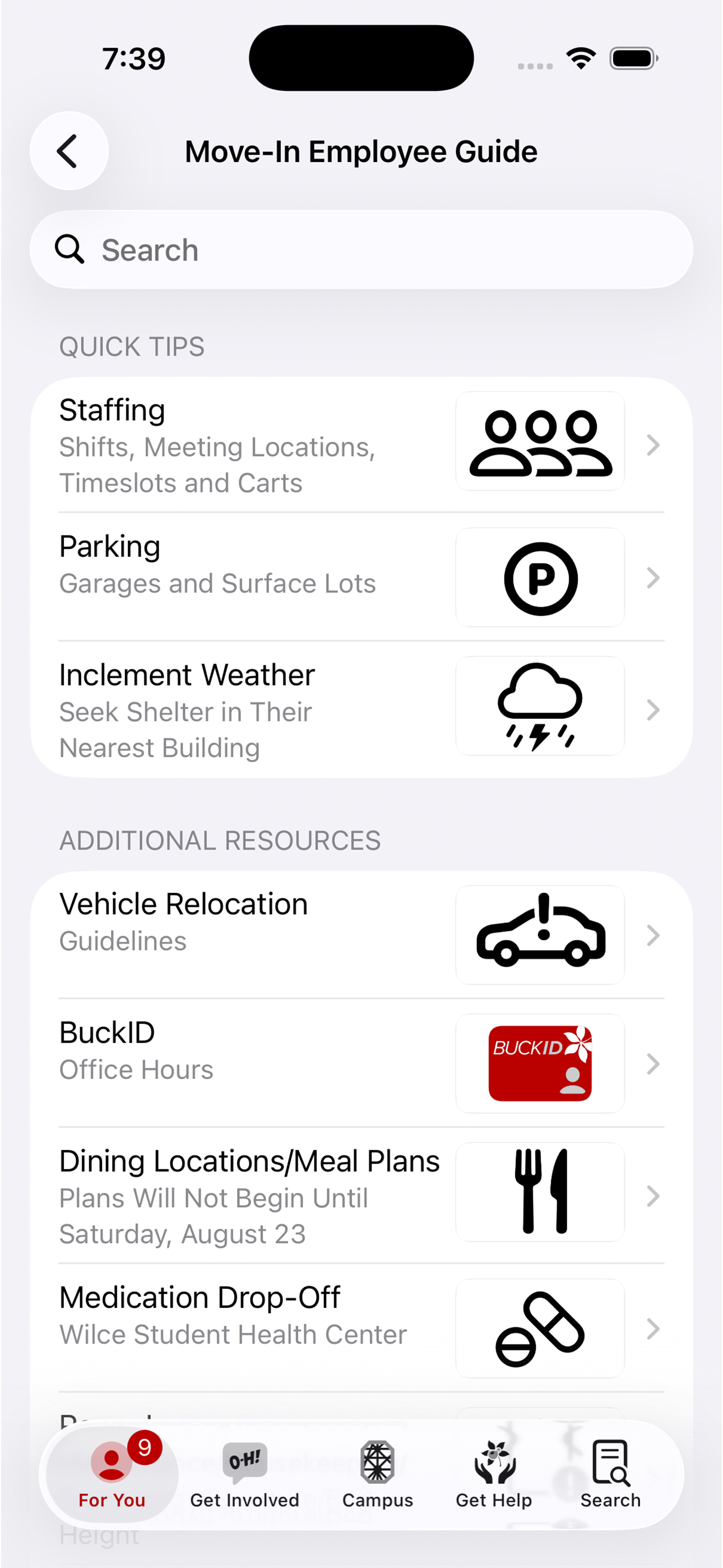
Move-In Employee Guide
The employee guide is a searchable collection of information to help volunteers during their shift.
This feature isn't documented on Buckeye Link yet. Try another option from the Platform toggle at the top of the page.