The Ohio State App 2024
New ways to communicate, pay, and plan at Ohio State
Fall 2024
Ohio State App
- 202,369Unique Users
- 75,660,382Screen Views
- 313,305Article Views
Ohio State App Adoption
The Ohio State app has become an essential tool for students across all academic levels, with exceptional adoption rates demonstrating its value to the Buckeye community.
- Undergraduate92%48,247 of 52,269
- Graduate58%6,652 of 11,408
- Professional59%1,906 of 3,224
Buckeye Link
- 5,141,613Sessions
- 16,159,487Pageviews
- 10,581,537Unique Pageviews
Ohio State App Most Popular Screens
Top screens by screen views, showcasing the features students rely on most.
| Rank | Screen | Screen views | Unique users |
|---|---|---|---|
| 1 | For You | 20,506,506 | 181,287 |
| 2 | Schedule | 17,231,942 | 79,294 |
| 3 | Buses | 9,163,335 | 47,283 |
| 4 | Campus | 7,256,076 | 68,490 |
| 5 | Grades | 2,662,804 | 73,416 |
| 6 | Carmen Canvas | 2,074,413 | 65,860 |
| 7 | BuckID | 2,064,921 | 75,216 |
| 8 | Search | 1,513,936 | 99,195 |
| 9 | Building Detail | 1,505,328 | 70,144 |
| 10 | Statement of Account | 830,254 | 53,709 |
| 11 | Libraries | 816,381 | 10,481 |
| 12 | Wellness | 630,708 | 87,762 |
| 13 | Resources | 549,961 | 89,618 |
| 14 | Holds | 407,653 | 55,681 |
| 15 | Announcements | 363,012 | 64,764 |
| 16 | Content Publisher Article | 311,580 | 66,670 |
| 17 | Parking | 281,796 | 25,495 |
| 18 | SEI | 219,352 | 27,930 |
| 19 | Pay, Leave, and Timesheets | 197,050 | 15,096 |
| 20 | To-Dos | 121,676 | 37,541 |
Other Interesting Tidbits
In the past year, students have ...
- Swiped their weekly calendar view 1,731,653 times.
- Revealed the cover image on the For You tab 741,311 times.
- Shared their weekly class schedule 45,272 times.
- Changed their icon for the Ohio State App 23,928 times.
- Deactivated their BuckID through the app 2,323 times.
- Sought help through the app by contacting one of the emergency lifelines 407 times.
What's New in 2024
To-Do Lists, Pay/Leave/Timesheets, and a handful of wayfinding and convenience upgrades.
To-Do Lists
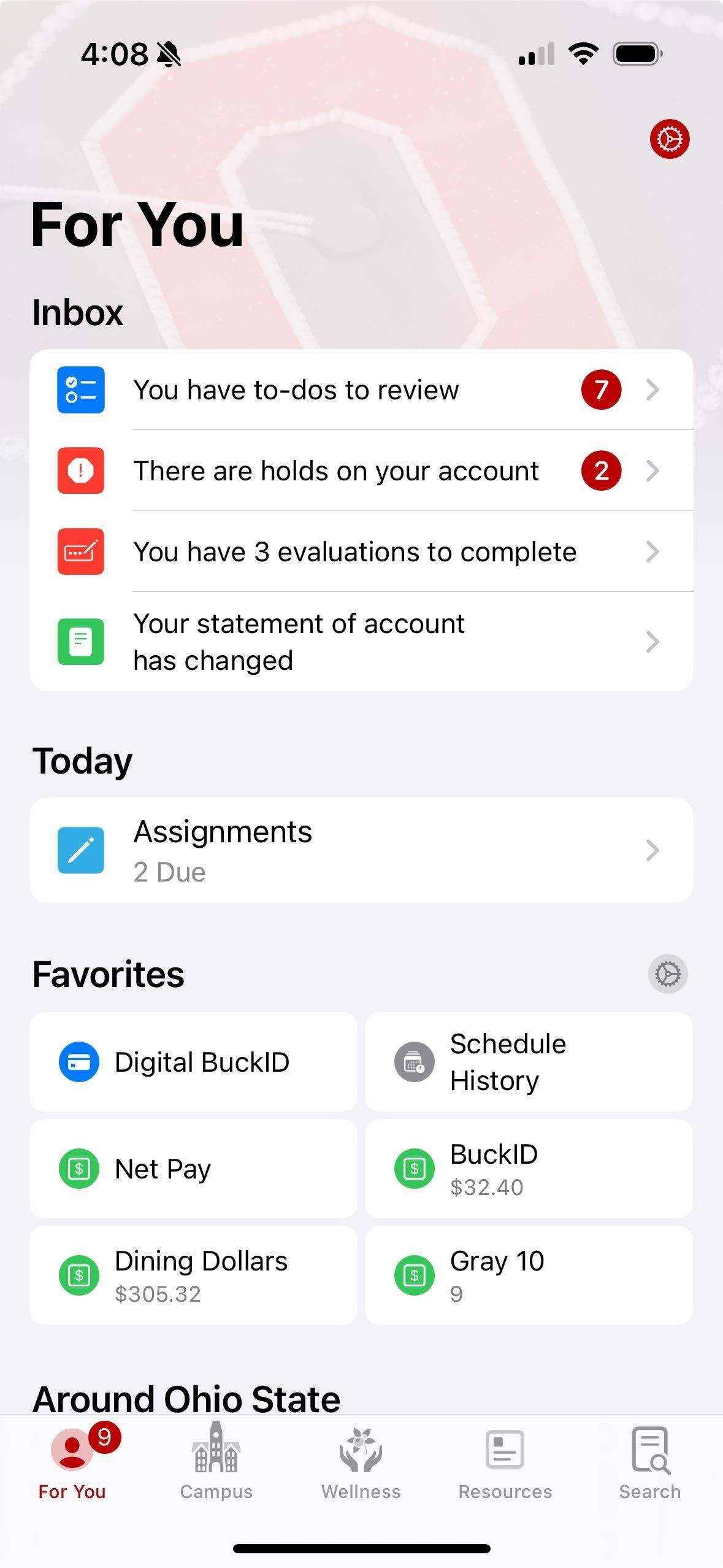
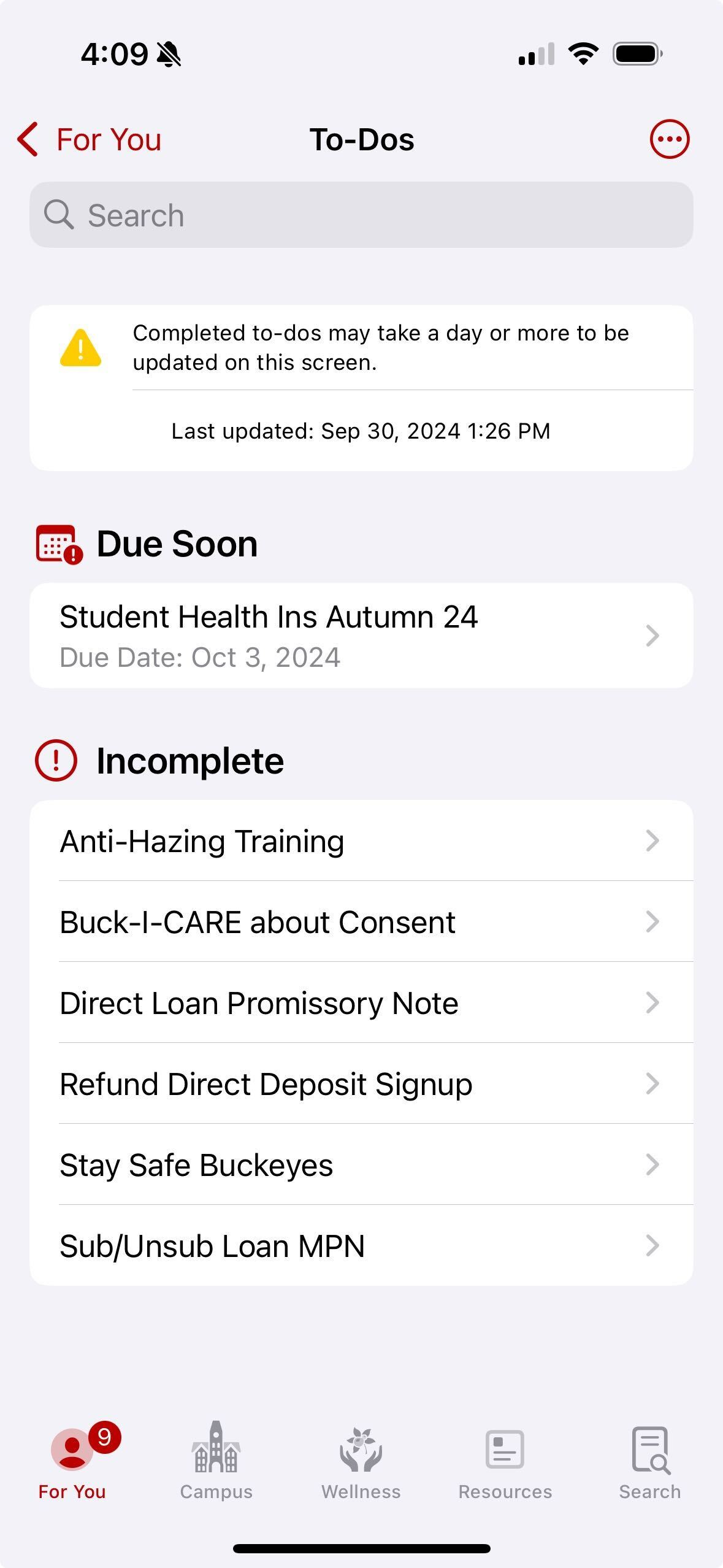
Student To-Dos went live at the start of classes, pulling SIS tasks into the Ohio State app so students can prepare for the term in one place. Since release, To-Dos have been a top-20 feature.
Pay, Leave, and Timesheets
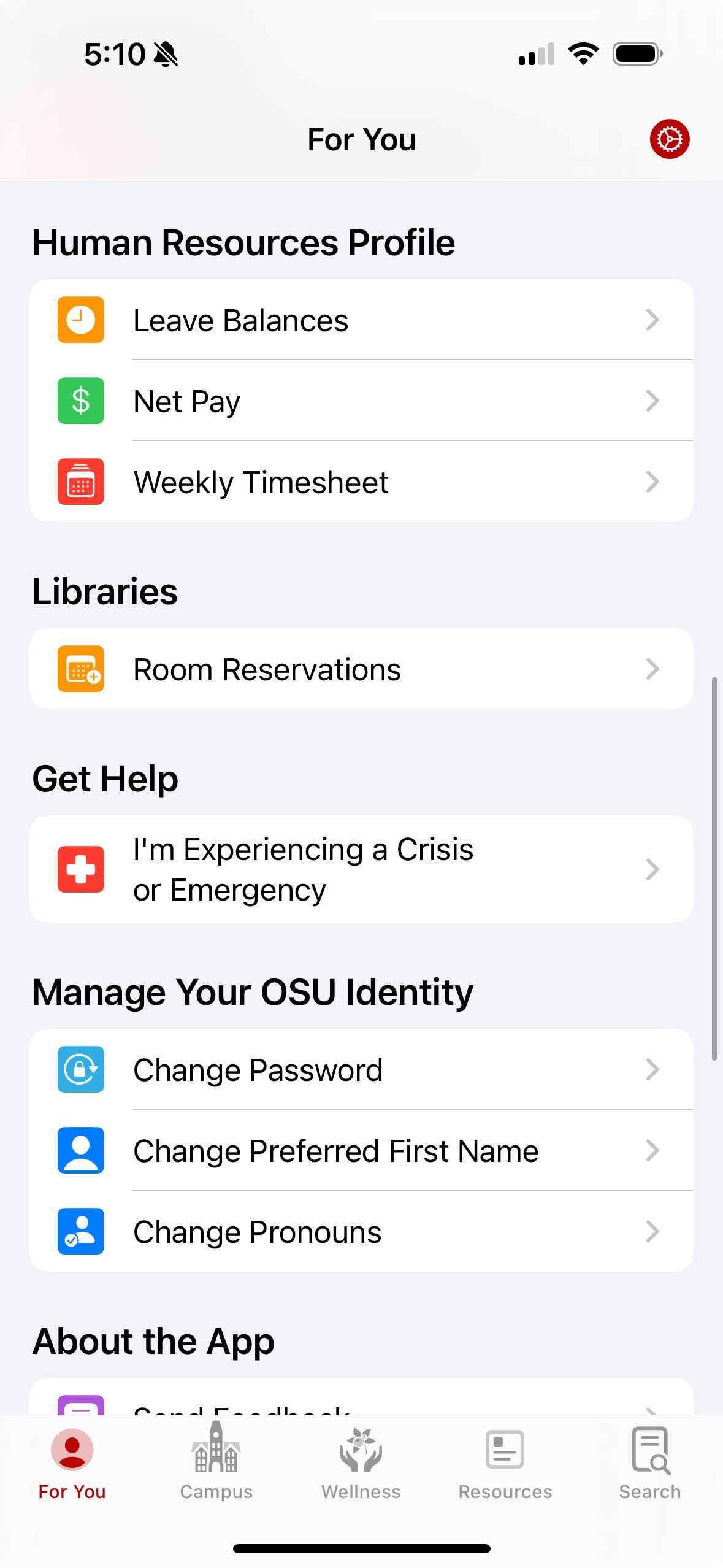
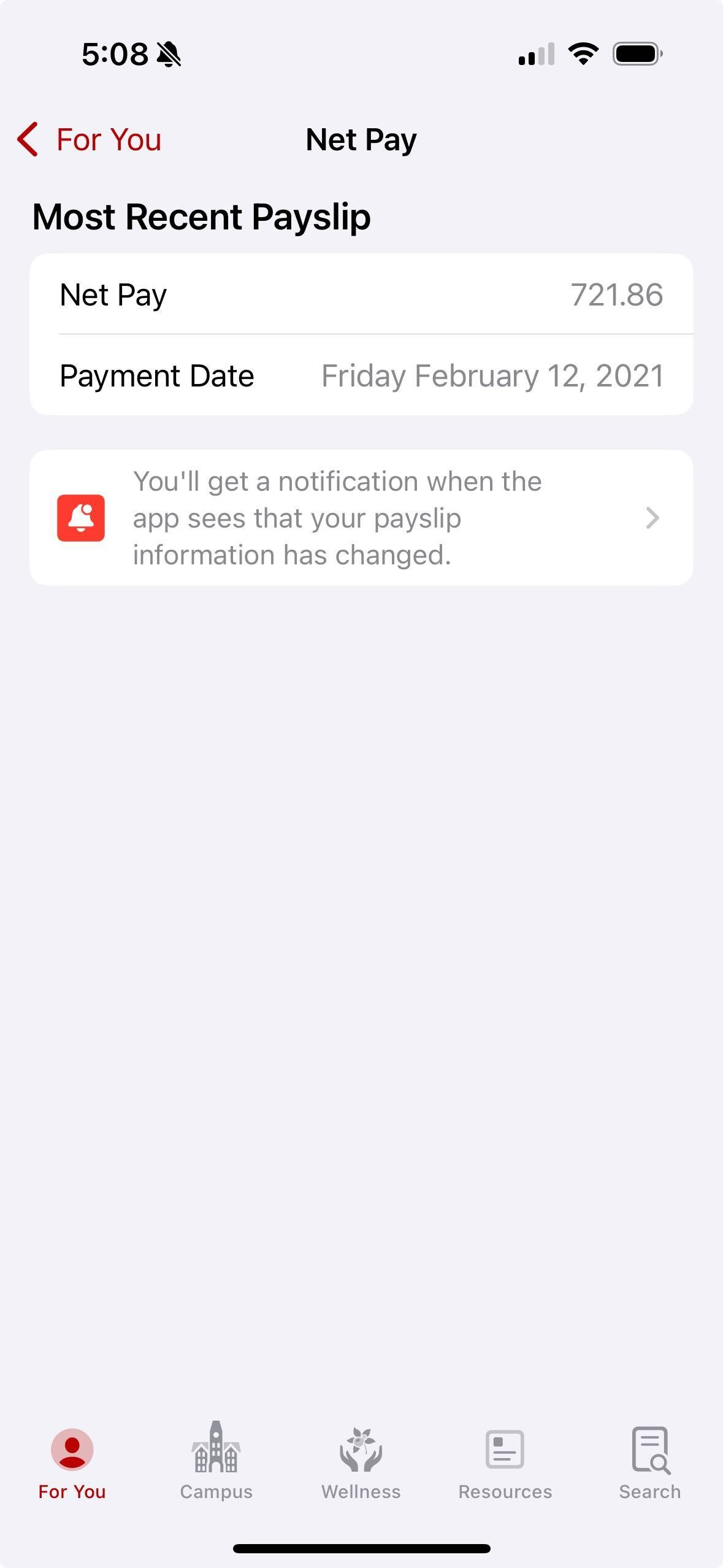
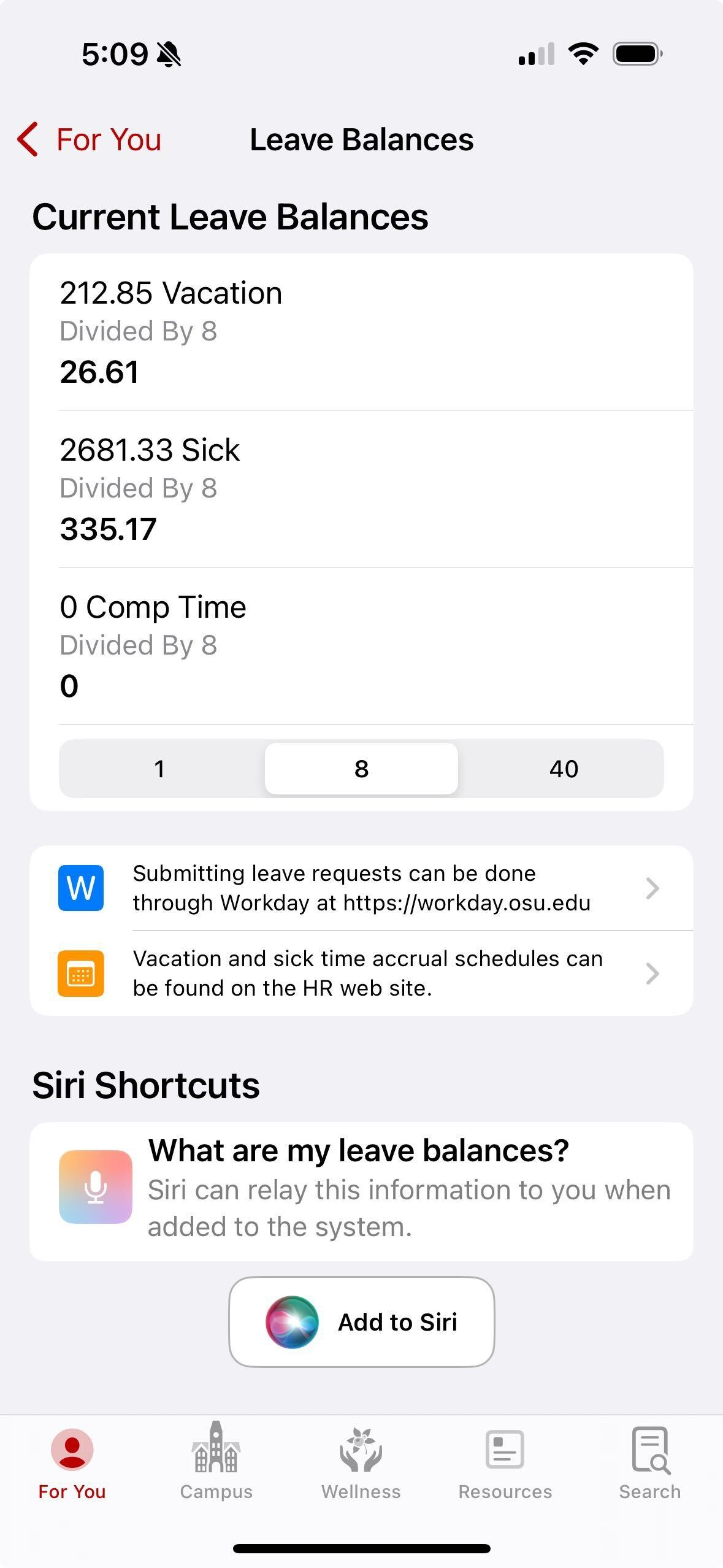
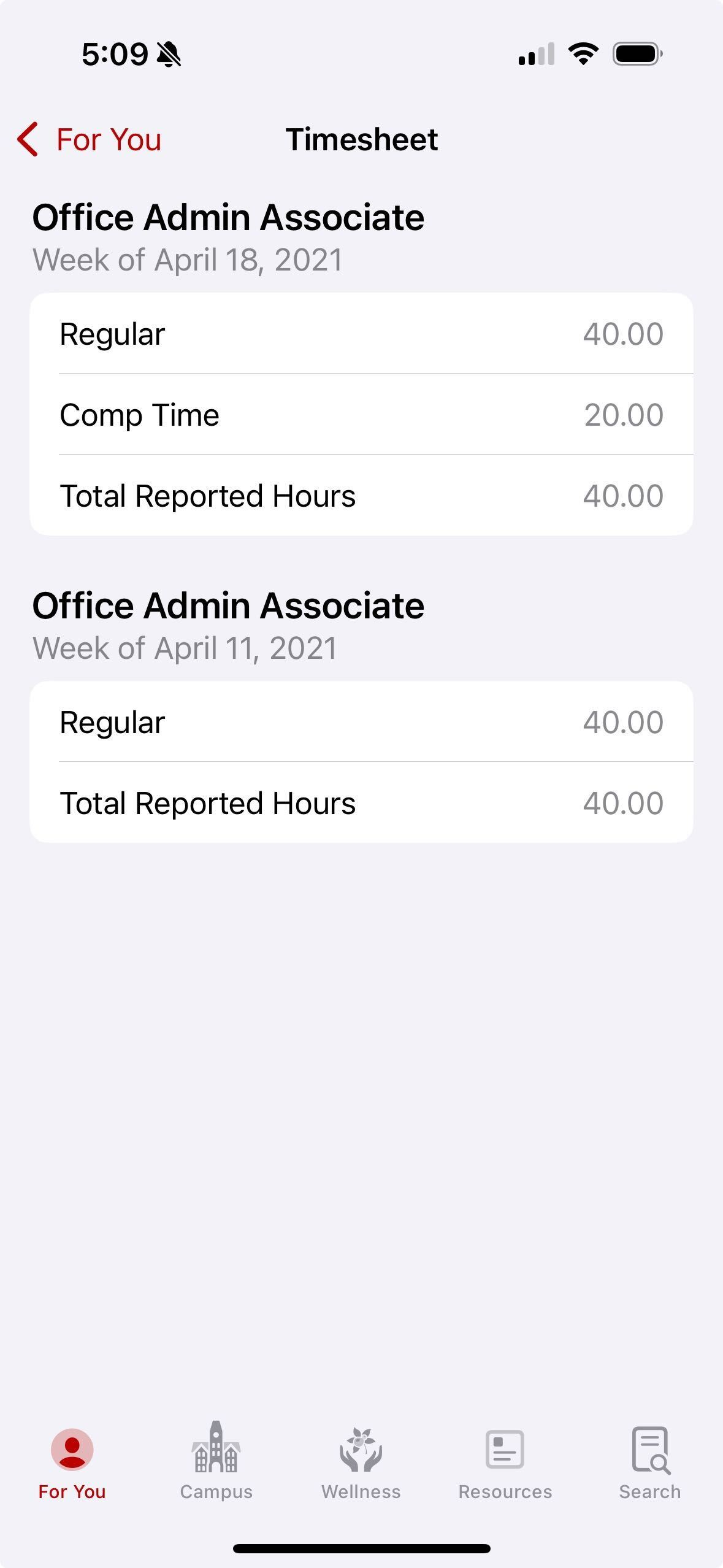
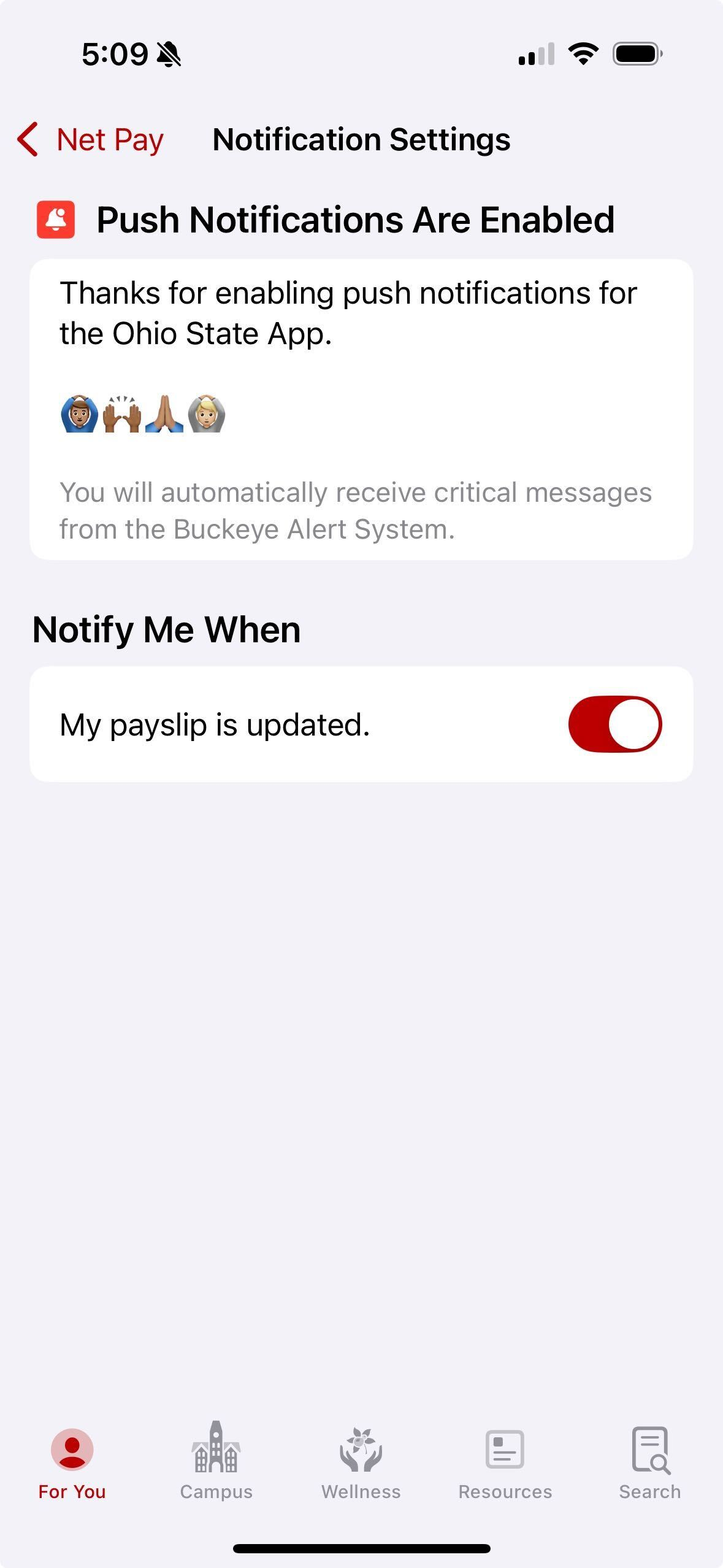
Available to everyone with an Ohio State account: net paystubs, leave balances, and timesheets from Workday — plus local notifications when a new paystub arrives. Log in to the Ohio State app and open the Human Resources Profile section of the For You tab.
More New Features
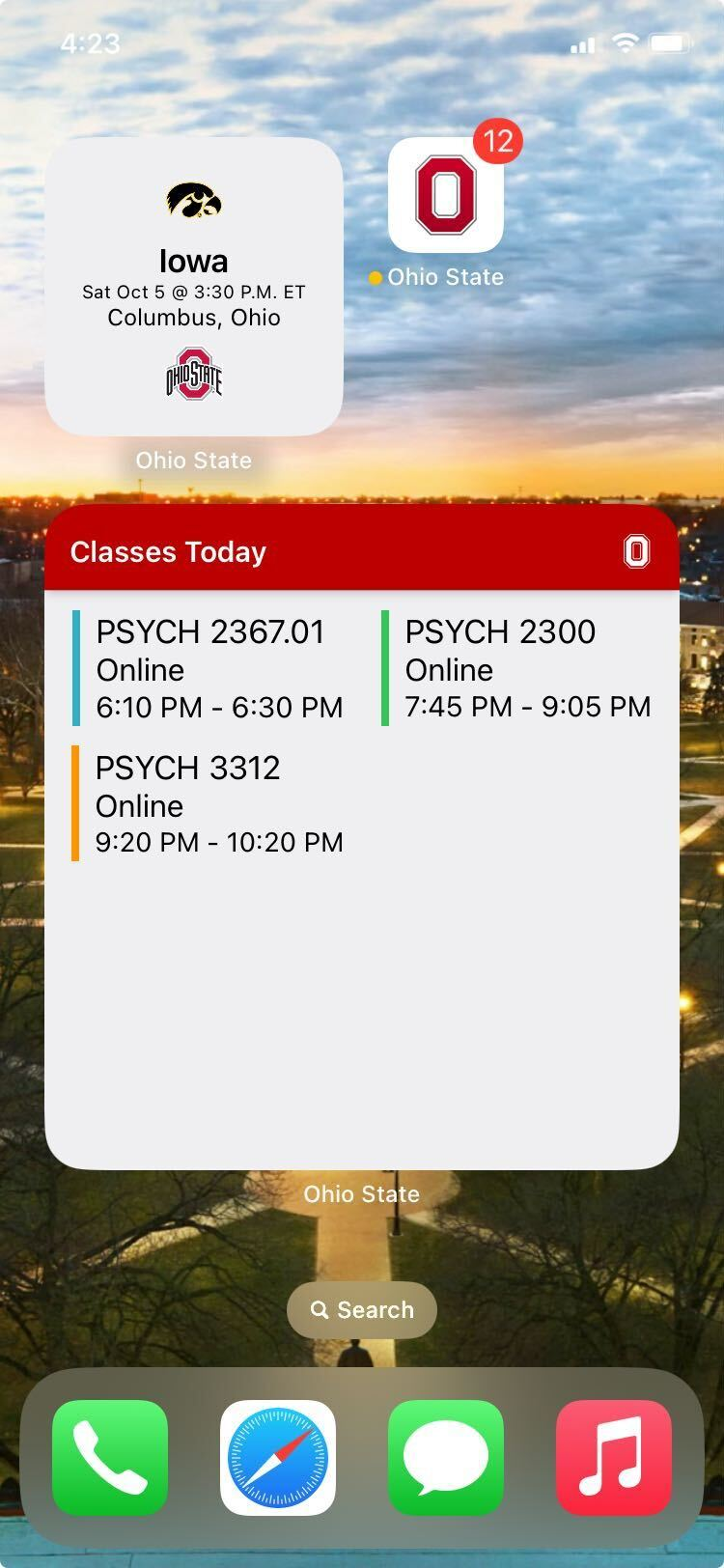
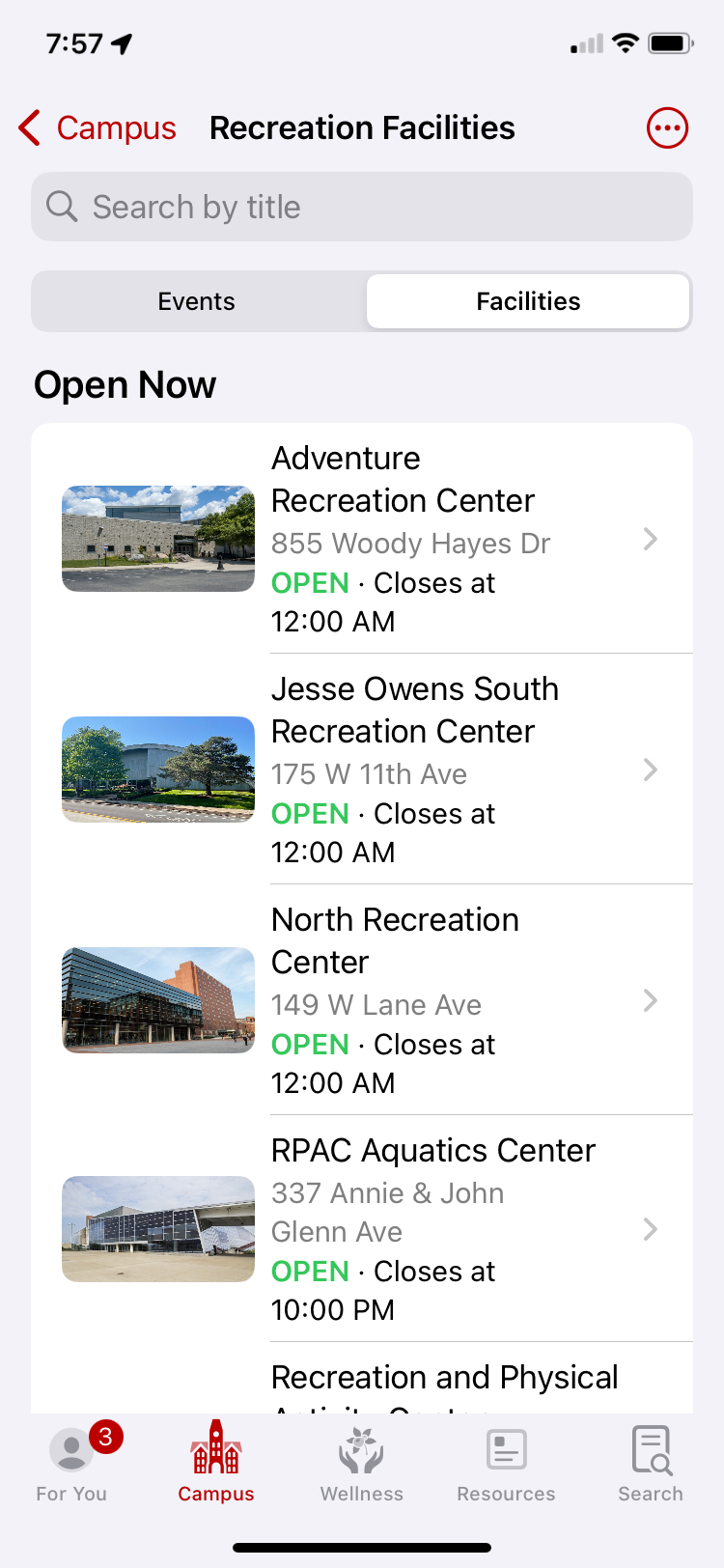
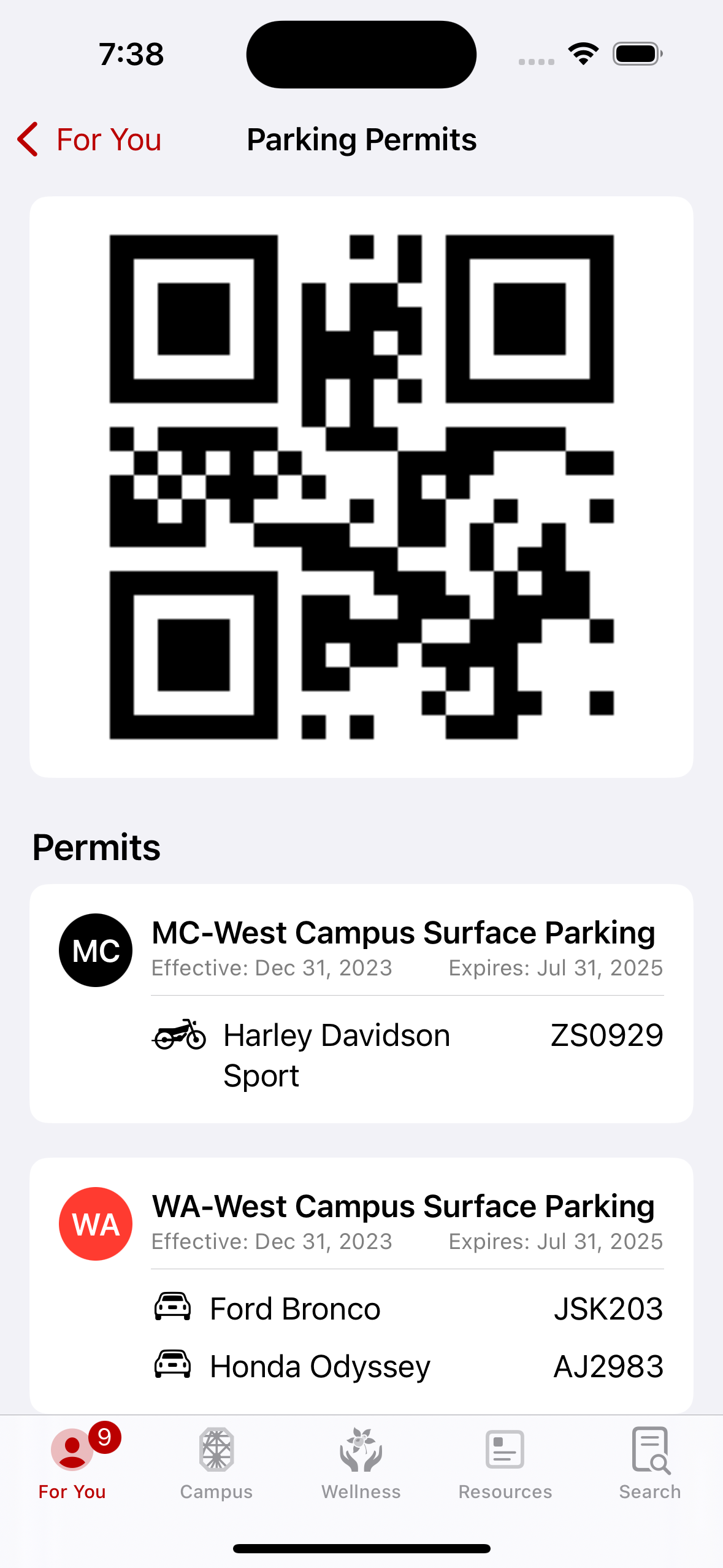
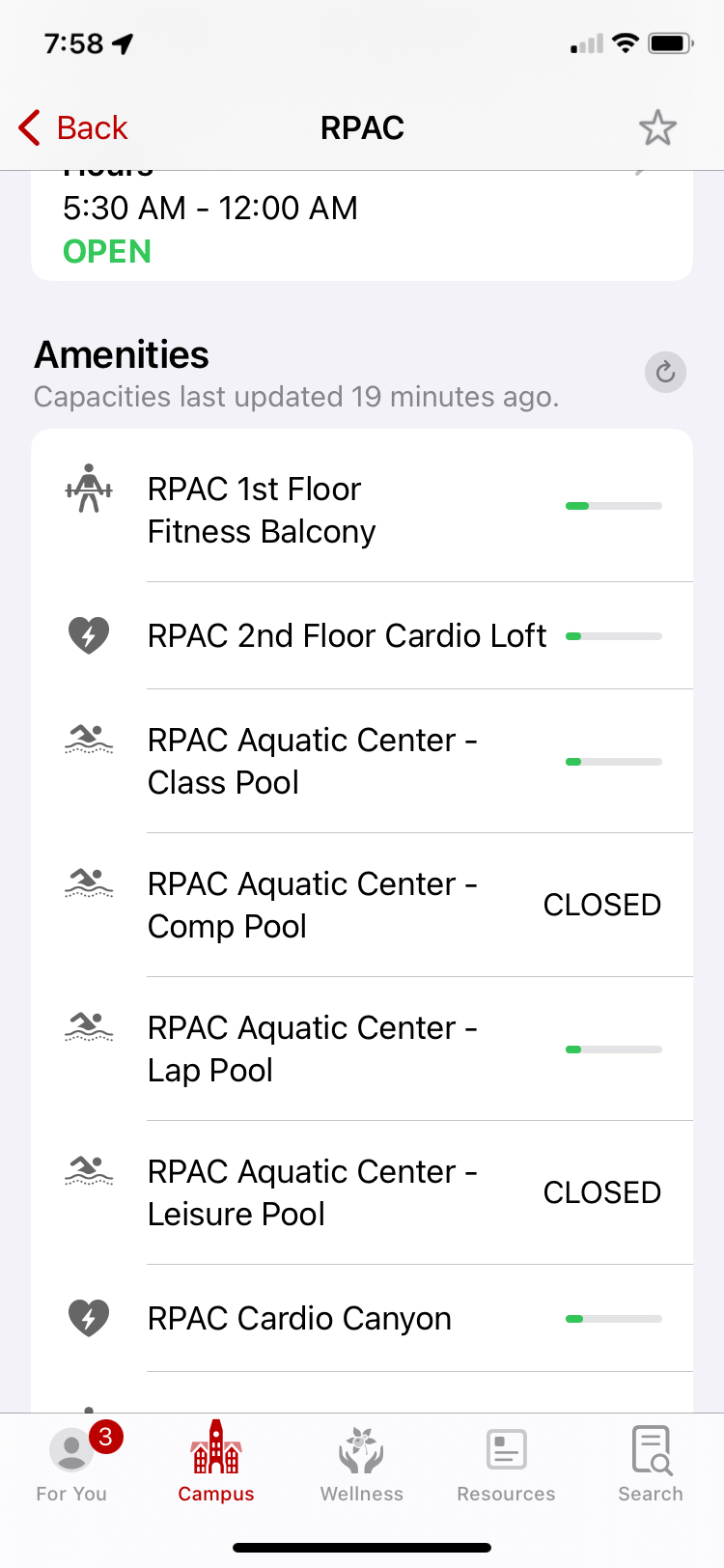
A quick glimpse of other features added this year: Recreation Capacities (check hours and workout-area capacity before heading to the gym), Parking Permits (your QR code and registered vehicles in the app), and Widgets (quick views into your schedule or upcoming game days).
Feedback and Thanks
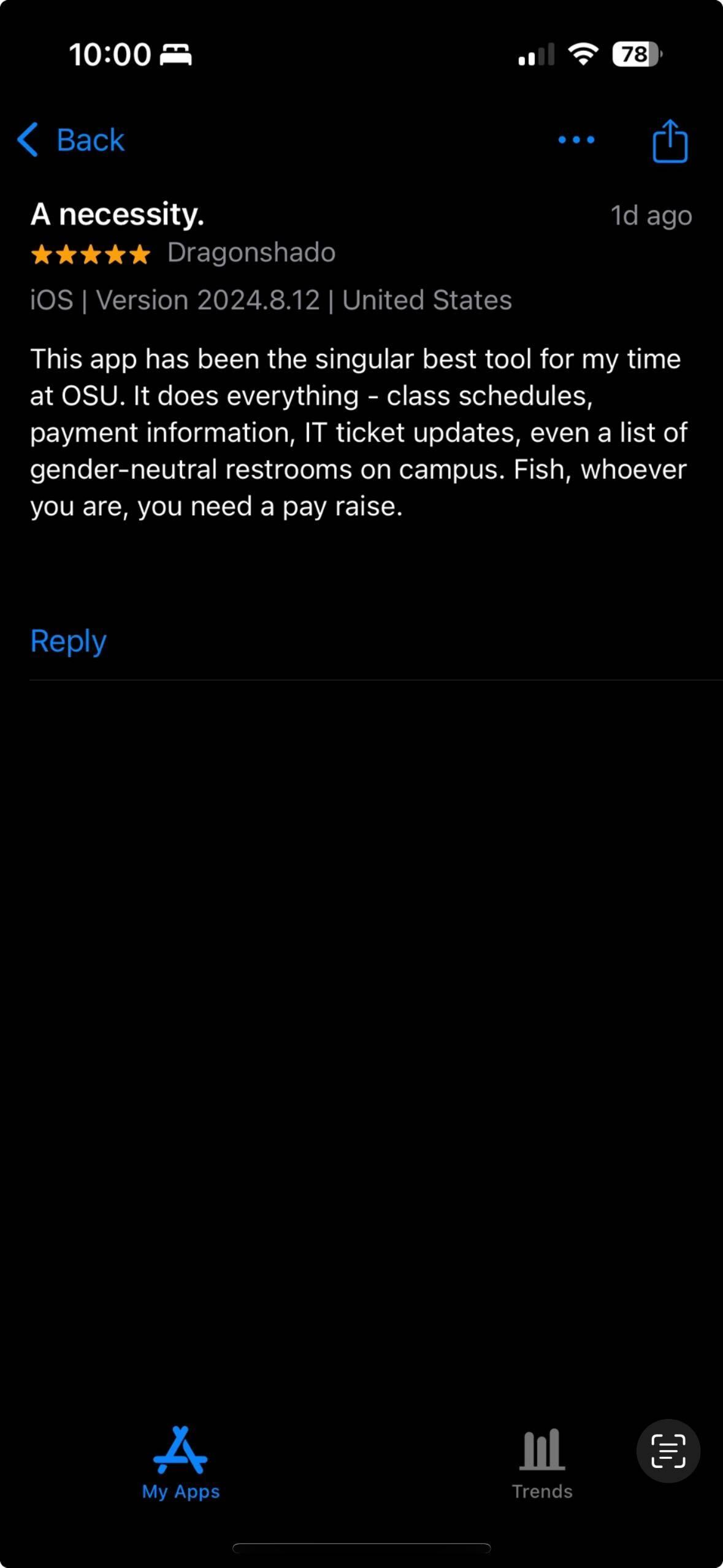
Special thanks to the Ohio State app team — mobile, web, and partners around campus. A couple of pieces of feedback we've received in the first weeks of the semester:
I LOVE this app! I can't believe how many resources there are here. I'm an employee, but I also graduated back in 2006 and it's pretty crazy I can still access my grades too! It would be nice to see my full paycheck instead of just the total, but otherwise this is an awesome app. Thank you!
— Kristen S., OSU staff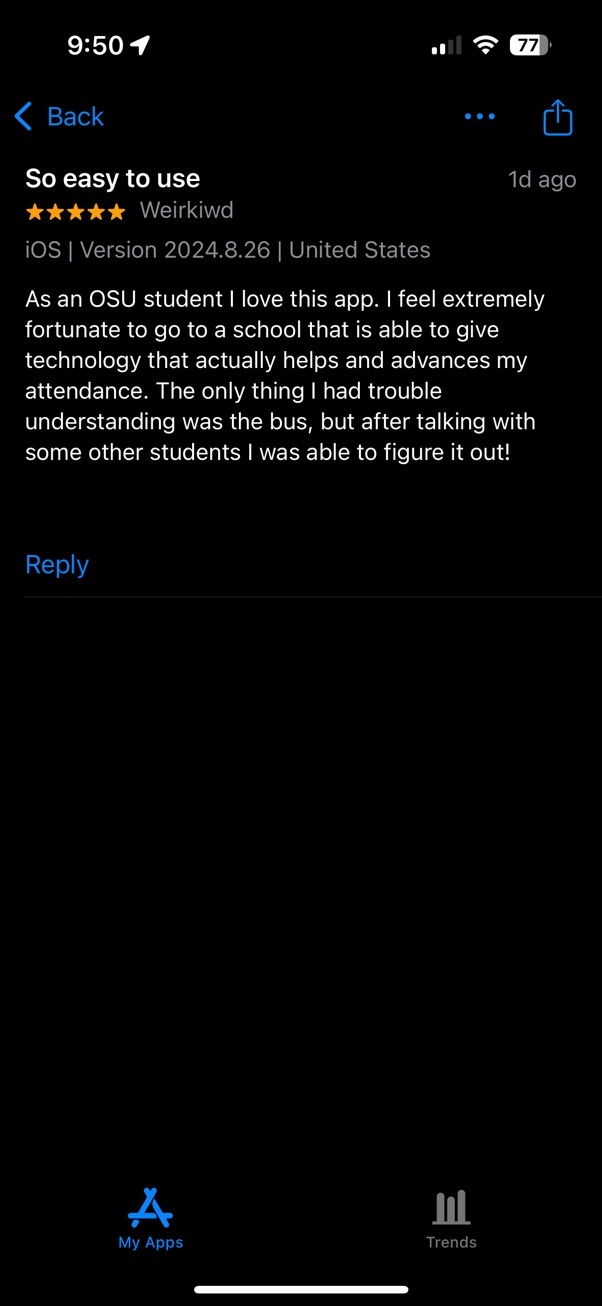
Nailed the UI design, please never change it. I wasn't able to figure out how to reorder favorites, would love to know how to do that!
— Adam R., OSU Student
Any questions? Contact hancock.79@osu.edu